Flame2bits
Known Participant
April 29, 2025
Question

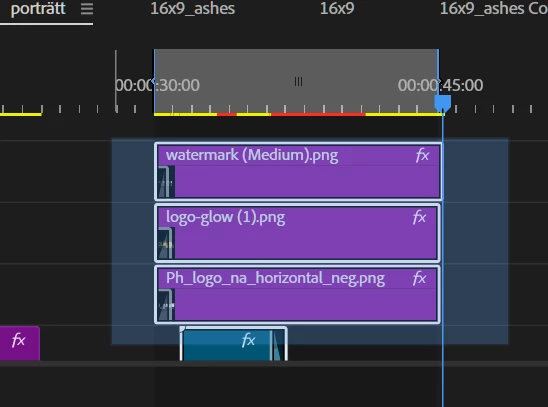
Selecting multiple clips unselects when moving selector/marker

  • April 29, 2025
  • 4 replies
  • 275 views

Prem pro 2025

win 11

regular mouse

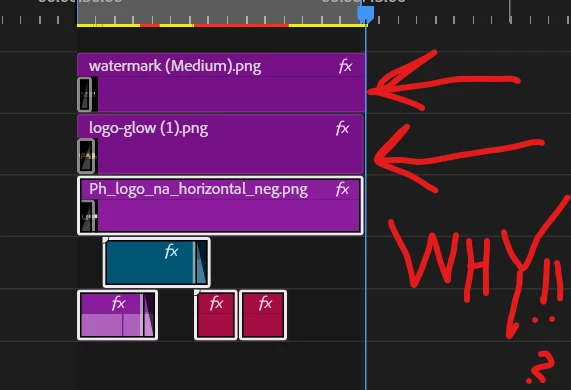
ITS IN THE WRONG ORDER, its 3, 2, 1 with No 1 further down (after meticolously trying to put them in right order)

.
4 replies

Flame2bits
Known Participant
April 29, 2025

Yes, it used to work so I just dragged over and the timeline moved when I
dragged up or down (now only downwards moves) and selected multi clips.

[personal info deleted by mod]

Flame2bits
Known Participant
April 29, 2025

Thank you for your reply. It is a bug then and its screwing with my flow
severely.
Wow.

[personal info deleted by mod]

Community Expert
April 29, 2025

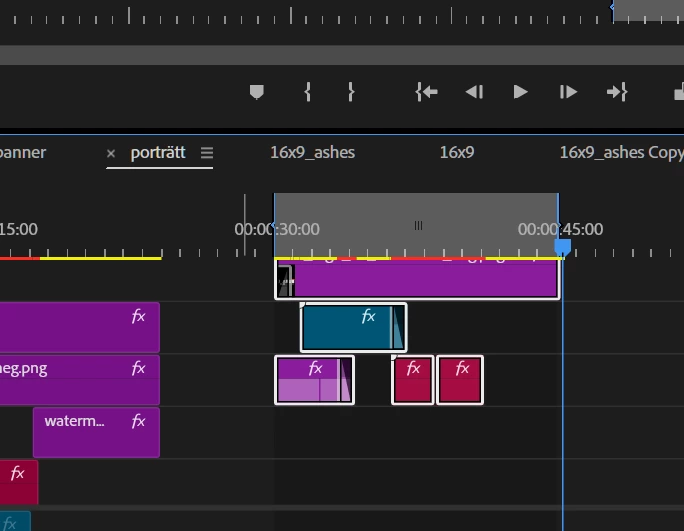
When you click and drag across clips in the Timeline, only the clips visible within the current panel view will be selected vertically. This behavior may be a bug, as it does not occur with audio tracks—audio clips remain selected correctly even when they are out of view.

To make clip selection easier, try one of the following options:

  • Maximize the Timeline panel: Press the ` (Accent Grave) key to temporarily expand the Timeline to full screen. This gives you more vertical space to view and select clips more easily.
  • Minimize all track heights: Press Shift + - to reduce the height of all tracks. This allows more tracks to be visible at once, helping with multi-layer clip selection.
Ann Bens
Community Expert
Community Expert
April 29, 2025

When selecting multiple clips you do not let go of the mouse.

Expand the timeline so you can see all the clips or make the track less tall.