Participant
April 18, 2020
Question

Sequences rendered, but not rendered in different sequence

  • April 18, 2020
  • 2 replies
  • 340 views

I've been working on multiple sequences that have a lot done to them. Most of the sequences are 100 percent ready for rendering.


I've rendered them in their sequences, and when added to a main sequence they aren't rendered. When copied and pasted into the main sequence they're rendered. It doesn't make much sense to me and creates hours of more of rendered to preview the project. 

As an example, I've shown an example with only 2 sequences.


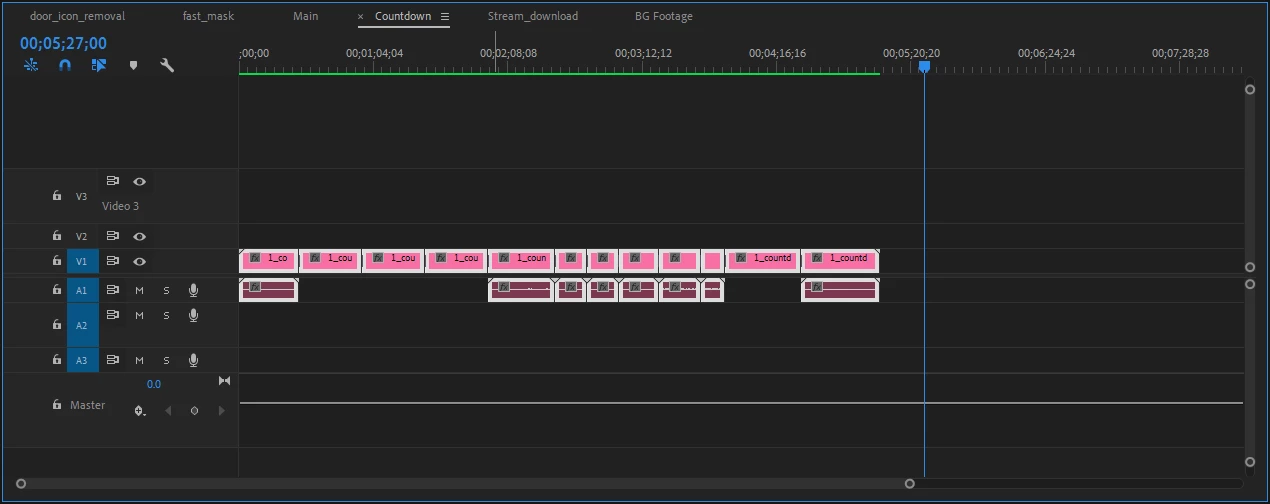
I've completely the first two sequences completely...
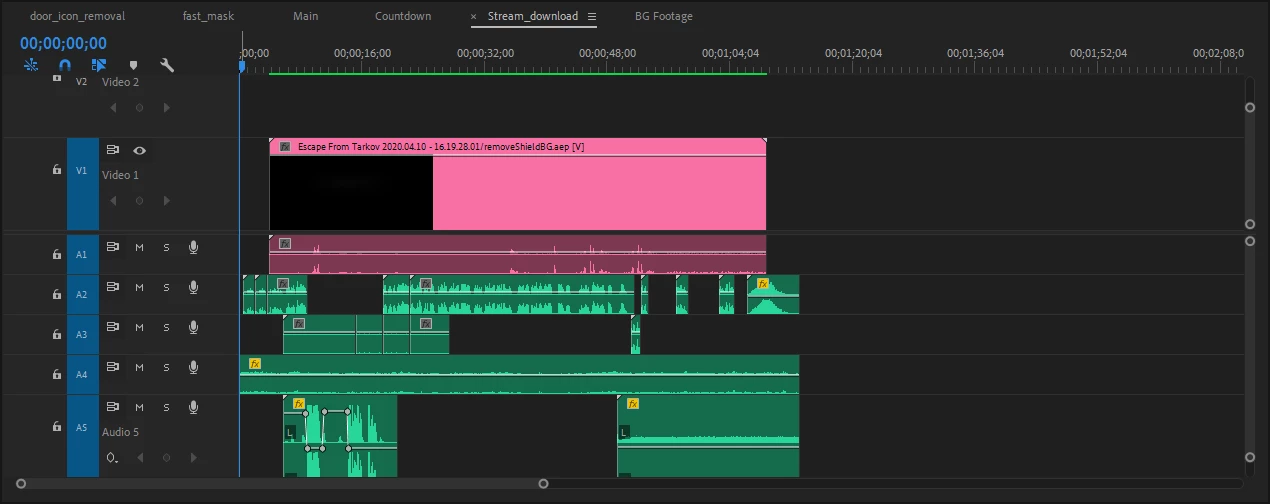
This is the main sequence where half of the sequences are in, but sequences are not rendered (all sequences are the same preset) but rendered in their own sequences respectively. I've even copied on of the sequences to the main, and its rendered in there.
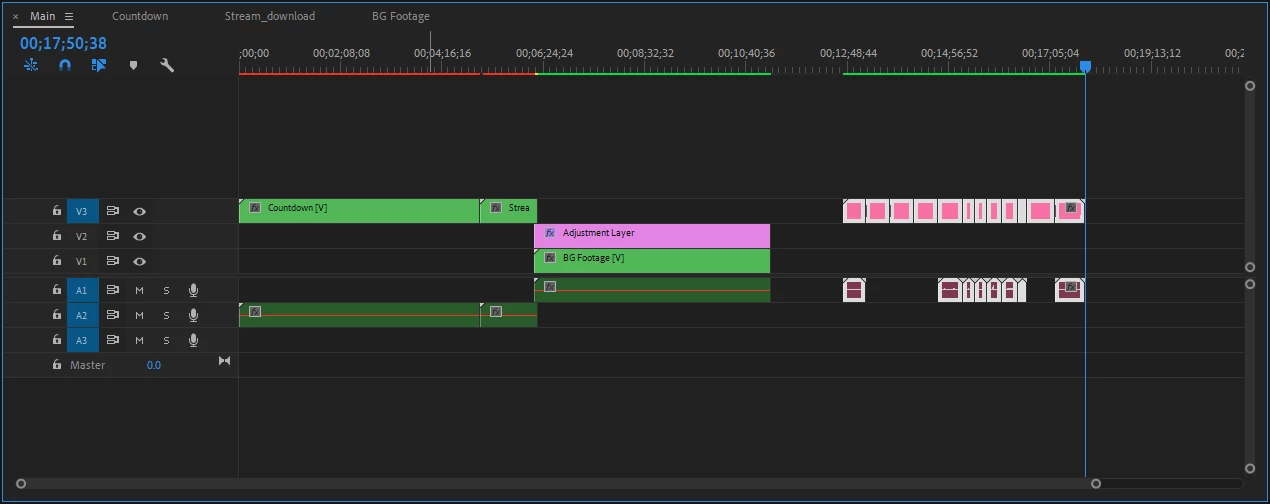
I've experienced this issue for multiple videos now. the top clip is from after effects and takes hours to render, and in order to preview I need to render again then exporting. I am not sure if there's a correct way to do this, possibly work all out of the main sequence and sub sequence them? Only thing I've noticed is my sequence settings gray out Video Previews, so I cannot smart render.

This topic has been closed for replies.

2 replies

Community Expert
April 18, 2020

And if you need to make a correction in the clip from After Effects the best choice without make a render again is to use Dynamic Link. 

Byron.
meezitsAuthor
Participant
April 18, 2020

I've imported them through Dynamic Link when bringing the clips in from after effects. I just want to preview inside premiere so I can make small movements and time with audio, etc. and when unrendered its very difficult to scrub and coordinate sections. 


Not all clips are from after effects, some are footage that are inside the sequence. Almost all of the AE projects are ready. I just need to add audio clips/music/ambient etc. (I'm not familiar with working with audio in after effects, especially when audio carries over to other footage)


On improving my workflow, should I use smart rendering? Its not a problem of computer power. I am assuming I'm doing something wrong or it could be improved so I can move clips around and scrub without waiting for program window to display the correct information.


Community Expert
April 18, 2020

Perhaps the clip from After Effects has another format like other codec for example. To export it there's no need to make a render in timeline, send to AME without this step.

Byron.