

SetInPoint() For ProjectItem and TrackItem objects?? + How to edit Items in the tracks/ timeline?
https://ppro-scripting.docsforadobe.dev/item/projectitem.html?highlight=setin
So I have been trying to read this + reading posts all over the forum from 2016 to now searching for specific needs I have, I figured I shall try this SetInPoint f...eature.
I saw it discussed here (https://community.adobe.com/t5/premiere-pro-discussions/scripting-bug-when-setinpoint-and-setoutpoint/m-p/10890894)
Now I have no idea how this works, it seems we are applying the function to an item that IS NOT IN THE TRACKs, the project items are items that we see in the LIBRARY right?
I checked the "functions" of the trackitem object and I see no SETTER for the inPoint or OutPoint.
What I would like to do is the following:
- Be able to put the SAME clip in the tracks but in 2 different times, with differents ending and beginning points (those are called In and Out points I believe? Till now I am not sure what their role is),
So let's say I have a projectItem called "video1" that has a duration of 15 seconds.
I want to be able to add it to the video track:
- Video track 1
however I want to only put the part [0,7]seconds from that clip.
Then, I would like to add the SAME CLIP again, in :
- some track (or the some tack)
This time I want the part [8,15]seconds of the clip or any variation I wish (for example [3,6].
The OFFICIAL documentation for TRACK items (https://ppro-scripting.docsforadobe.dev/item/trackitem.html#methods) does not show any IN and OUT point SETTERS for the track items.
As for the project items, I am afraid changing their in and out points will affect ALL relative/related trackitems in the tracks maybe?
__
AS for final solution related to QE, which I have been searching for 1 full day (and more) reading posts from multiples years ago to now, to no longer working urls, to tools no longer existing, to youtube videos showing things that do not exist anymore, to chatGPT giving you code that does not work.. well.. it has been PURE PAIN, trying to understand any of it, not to forget obtaining the following cryptic text if you try to dig up too much:
function SomeFunctionAsSetStartingPoint() { [native code] }, and if you open up the debugger up to several levels of inspecting variables it crashes the adobe software. It felt like.. drowning, trying to find answers and being answered with:
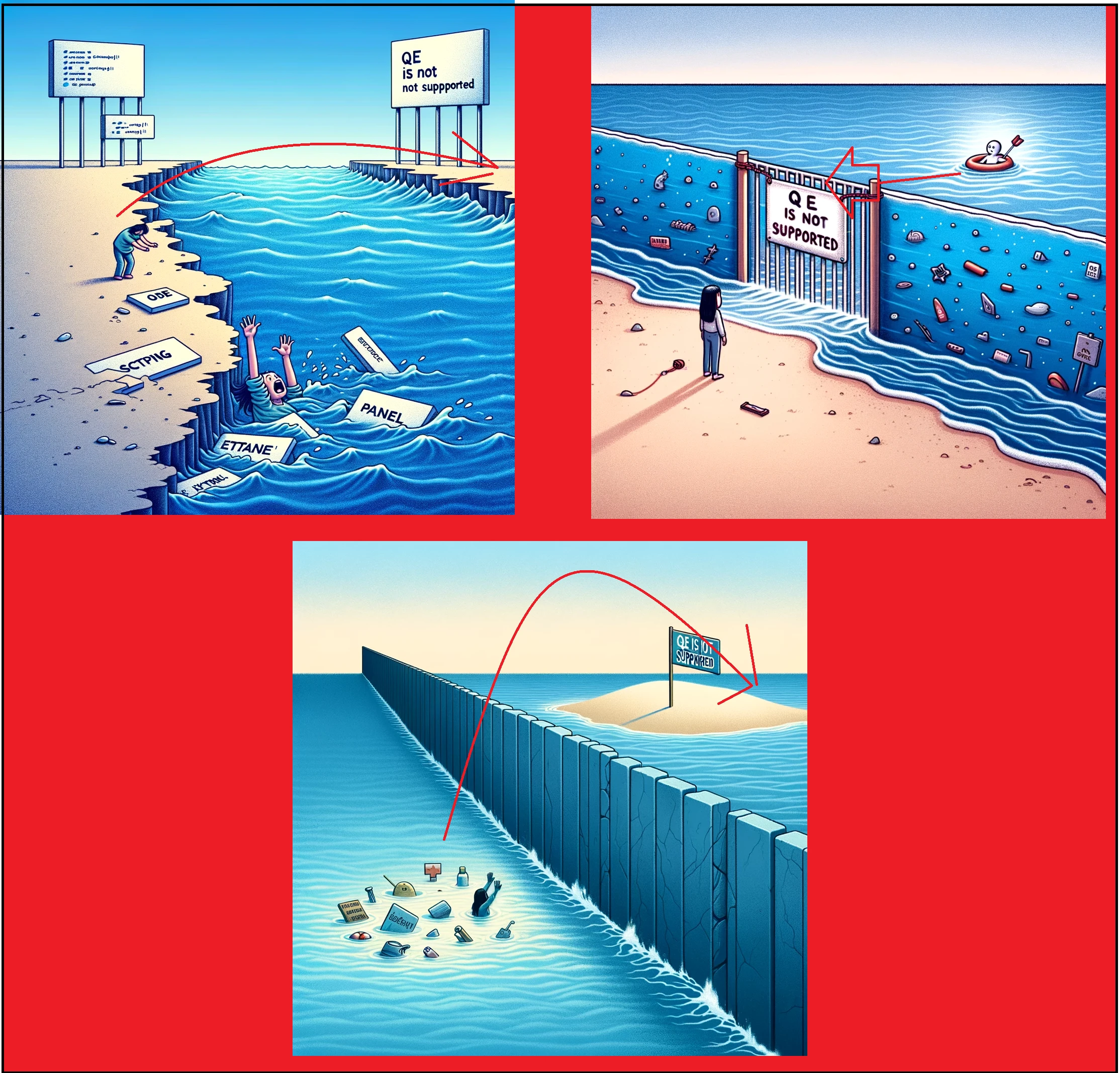
(Just let the users do what they want to do and take their responsibilits, I don't want to go buy an extension to finance who knows who to try to understand somethign about qe, if qe is NOT SUPPORTED THEN THIS EXTENSION SHOULD BE ILLEGAL? https://exchange.adobe.com/apps/cc/108380/extendscript-developer-tools, WHy gate keep all this knowledge behind this extension?)
Anyway moving on, could anyone explain to me how to either:
1) Be able to add the SAME CLIP (project item) to the track twice OR MORE, with DIFFERENT DURATIONS and different starting points of the same clip, (sometimes I want first half of the clip, sometimes I want another part of the same clip, with smaller or bigger durations, and starting from the beginning of that same clip or from a another part of that same clip, etc), ?
2) Or how to CUT an existing clip in the tracks into PIECES and obtain from that differents other "clips/track items" etc?
Weither that is achieved with conventional API or any other method.
Starting to be desperate here. (Cf. drowning in the ocean)


 AdChoices