



Answered
Short cut for moving to end of a comment marker
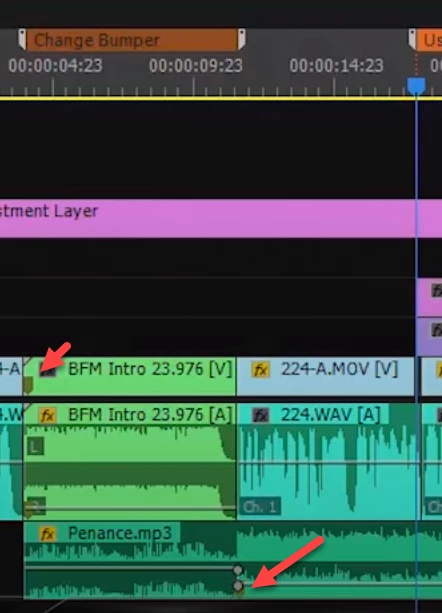
So "shift+M" takes me to the BEGINNING of the next marker (comment marker), but I've seen video tutorials where repeatedly using "Shift+M" can be used to go beginning-end-beginning-end etc.... of the timeline markers.
My question is how?
I can't find any command in the "Keyboard shortcuts" preferences that says "goto end of marker". This seems as a default in some Premiere Pro setups, but my shortcuts always go to the markers beginning and ignores the end. Would be nice to figure out how.
Thanks

 AdChoices