Participant
February 23, 2023
Question

Shortcut "Ctrl + \" in PP for fullscreen window.

  • February 23, 2023
  • 2 replies
  • 607 views

Hi guys, 

I tried to identify shortcut in PP what I use years . It is "Ctrl + \" on Win PC workstation. 
It make to resize window to fullscreen to fit my monitor. 

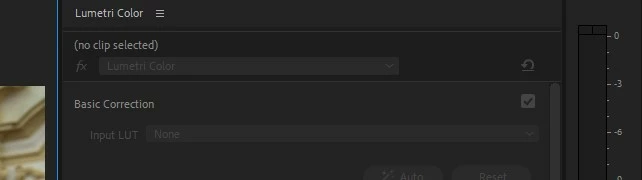
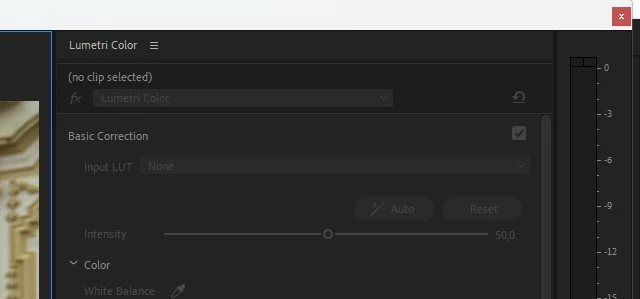
First press make fullscreen window and second press make "super fullscreen" window, it is hide window white frame with red close "X" or Logo with path to project "C:\\....prproj". 

I couldnt identity name of function or find it in shortcuts list. I tried help, preferencies, console, web and support. 
I use this shortcut many years on various version of PP or workstations. 
Could you someone help ? Thanks 
This topic has been closed for replies.

2 replies

Averdahl
Community Expert
Community Expert
February 23, 2023
quote

I tried to identify shortcut in PP what I use years . It is "Ctrl + \" on Win PC workstation. 
It make to resize window to fullscreen to fit my monitor. 

By @Martin Buda


It seems that you are looking for Maximize App Window. This shortcut is unfortunately still hard coded in Premiere Pro and cannot thus not be found and remapped in the Keyboard Shortcuts windows.


The same shortcut can be remapped in After Effects and i hope that it will be the same in Premiere Pro asap since it cannot be used on non-US keyboards.

Participant
March 6, 2023

Hi guy, thanks for inside. 

Ann Bens
Community Expert
Community Expert
February 23, 2023

Its not documented.