



Shure SM7B not picked up in Premiere Pro 2026?
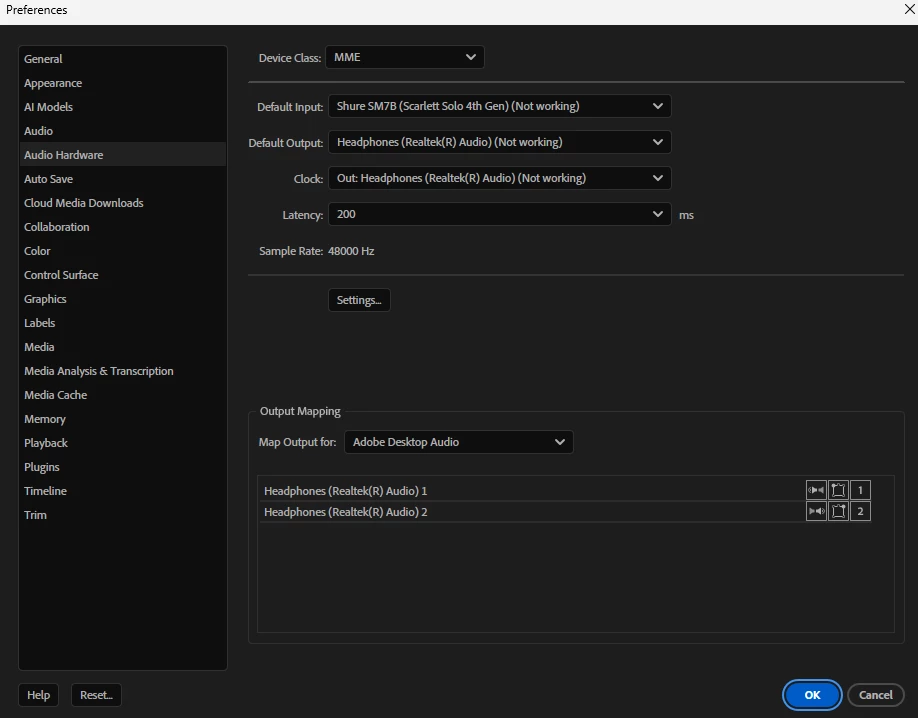
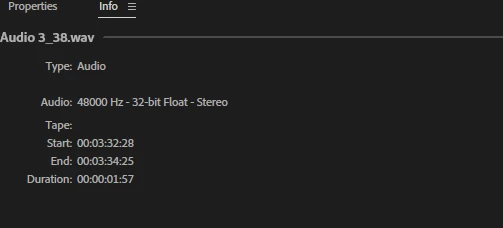
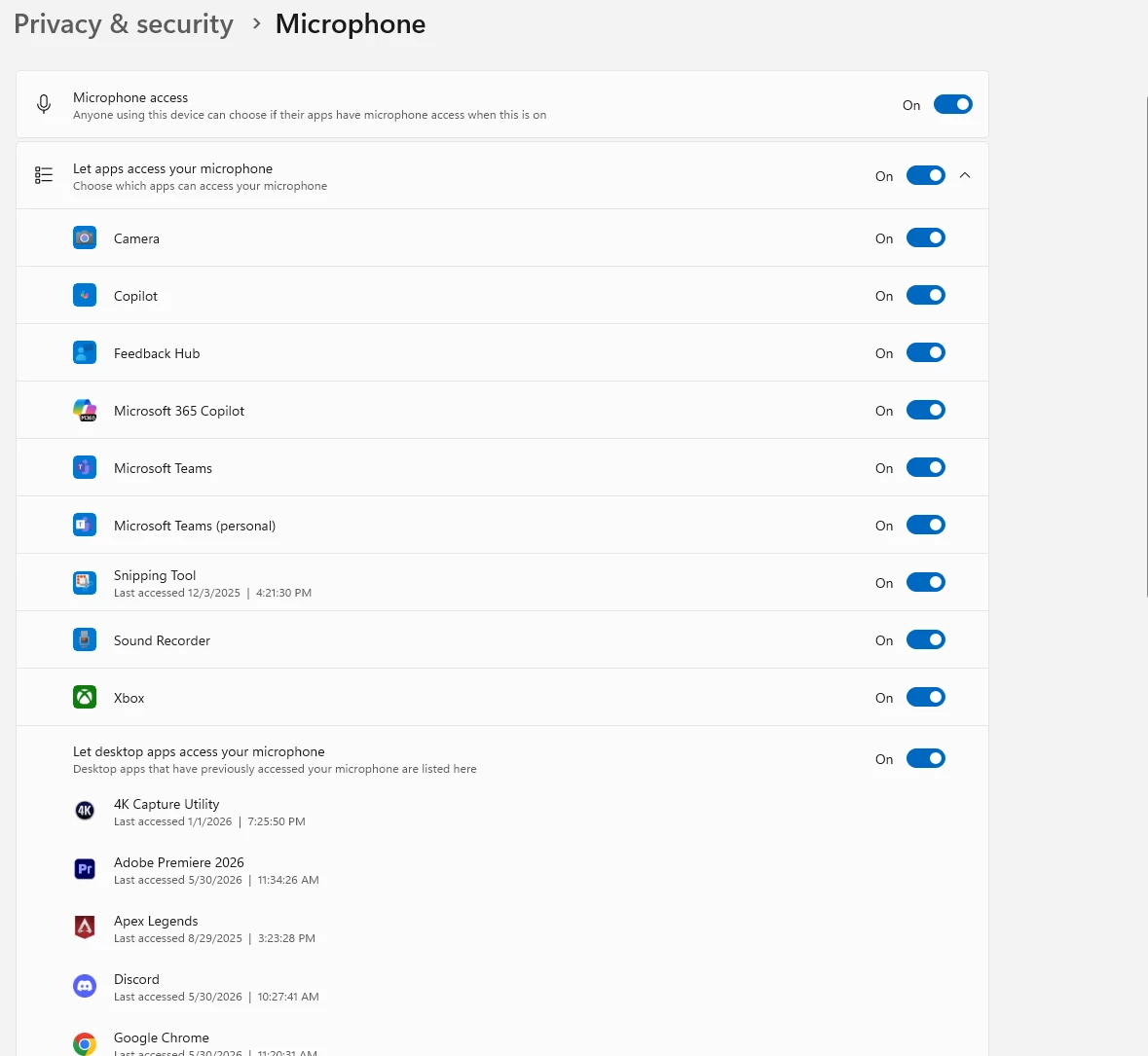
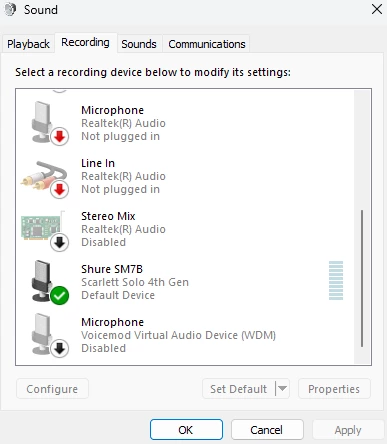
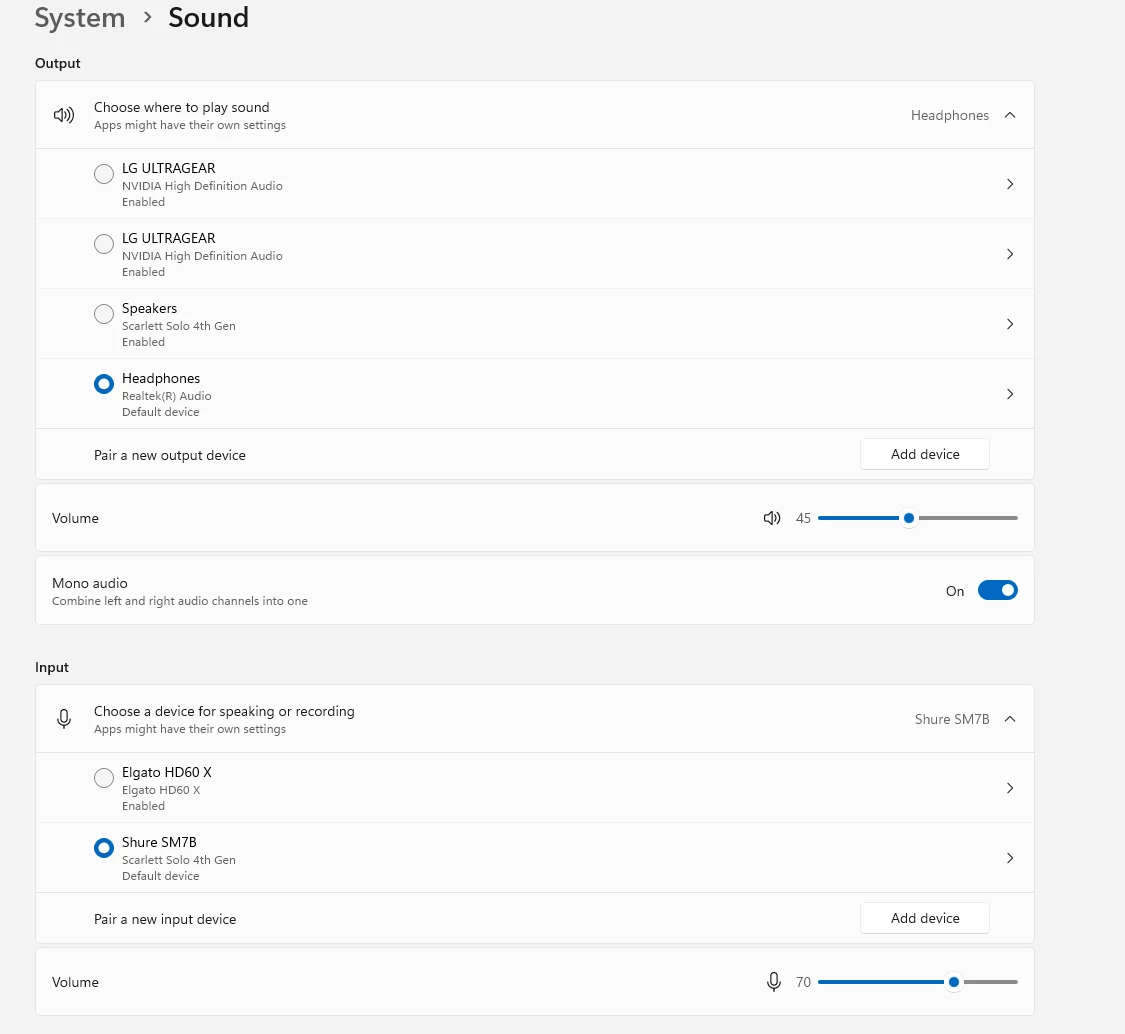
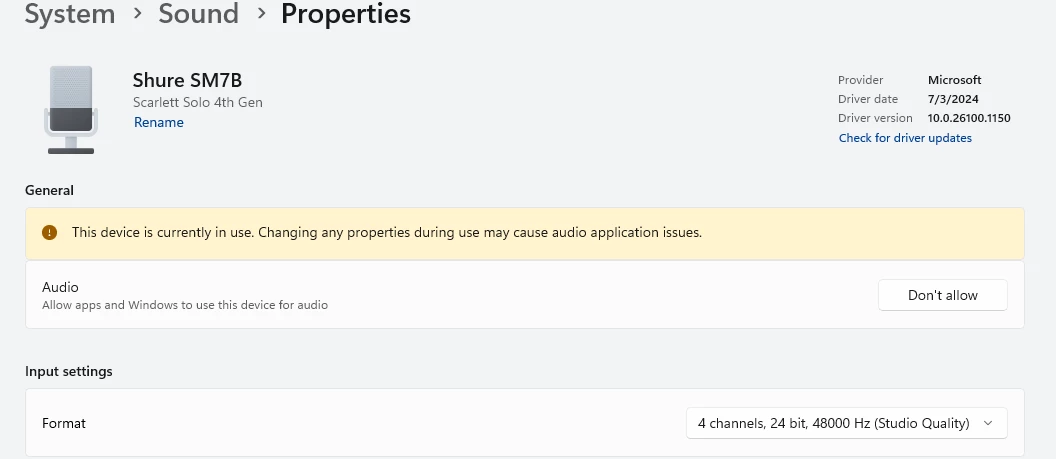
I’ve recently updated Premiere Pro to v 26.2.2, and now my Shure SM7b mic is not being recognized. The mic is connected to a Focusrite Solo via XLR, then to pc with USB. I have tried connecting the audio interface to every USB port on my pc to start, yet the issue remains. Audio interface has phantom power enabled, and audio is picked up in Windows settings, discord, Google Gemini, etc. Confirmed default input/outputs are set correctly. I have attempted rolling back to previous versions of Premiere, re-installing mic drivers, creating new sequences, creating mono audio tracks, changing Audio Hardware input/output from system default to actual device, checking for System updates (Acer pc), restarting computer, disconnecting and reconnecting all cables, testing mic in a separate project, ensuring the mic is set as default in Control Panel, allowed by Privacy & Security in Settings, and the list goes on (see screenshots for applicable settings). Any advice/assistance would be great. Thanks!

 AdChoices