Participant
March 9, 2024
Answered

Silence after each track

  • March 9, 2024
  • 3 replies
  • 396 views


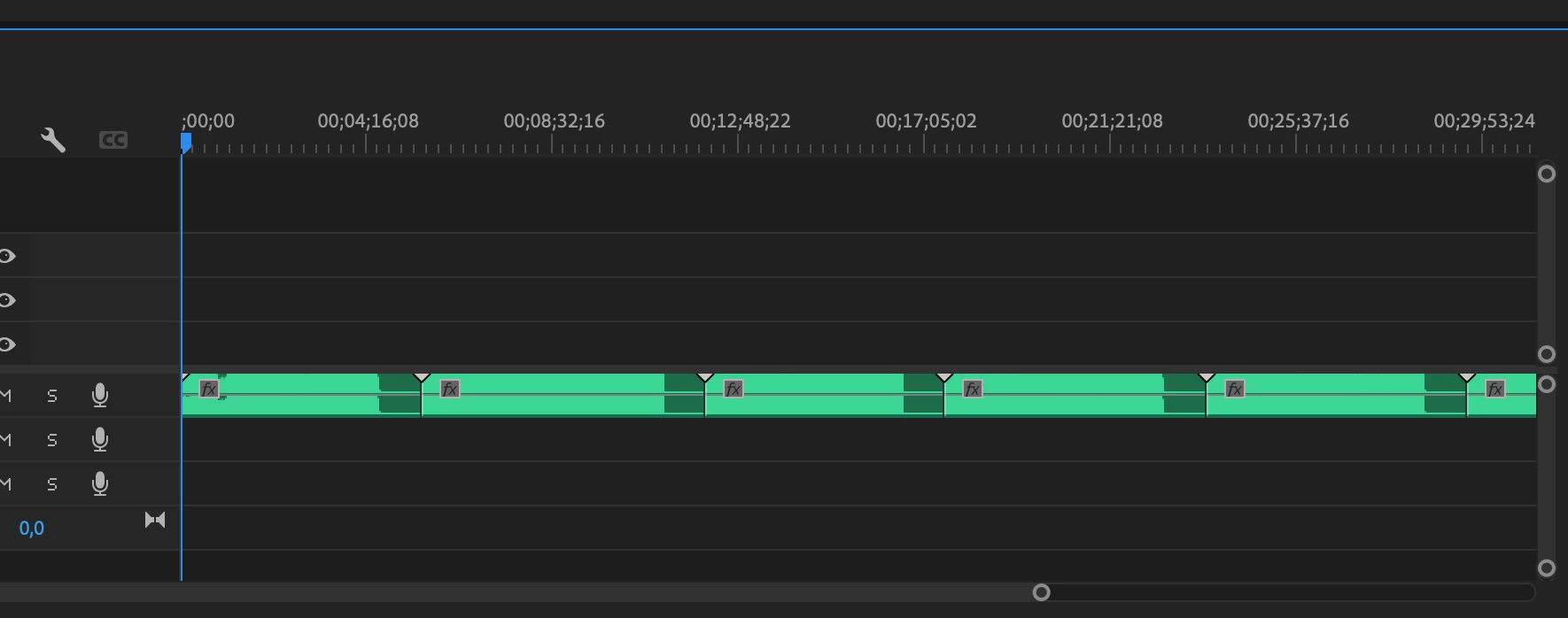
When importing audio tracks to Premiere Pro, each track gets almost 1 minute of silence added at the end. If I play the track in an music player, the silence doesn't exist. It only appears in Premiere Pro. How can I fix this?

Correct answer Jordan5C28

Jan 2025 - Same problem happened to me. My MP3 is 4:50 long. I imported it into Premiere and now it's 5:23 with the difference being silence added to the end of the track. The same thing happened to the other 16 tracks I imported. Yet another odd quirk of Premiere.


I bulk converted my MP3s to WAV and the problem didn't happen with my WAV files.


Command I used to bulk convert MP3 to WAV using ffmpeg

for %f in ("C:\path\to\mp3\folder\*.mp3") do ffmpeg -i "%f" -c:a pcm_s16le -ar 44100 -map_metadata 0 "C:\path\to\output\folder\%~nf.wav"

 

3 replies

Jordan5C28Correct answer
Participant
January 5, 2025

Jan 2025 - Same problem happened to me. My MP3 is 4:50 long. I imported it into Premiere and now it's 5:23 with the difference being silence added to the end of the track. The same thing happened to the other 16 tracks I imported. Yet another odd quirk of Premiere.


I bulk converted my MP3s to WAV and the problem didn't happen with my WAV files.


Command I used to bulk convert MP3 to WAV using ffmpeg

for %f in ("C:\path\to\mp3\folder\*.mp3") do ffmpeg -i "%f" -c:a pcm_s16le -ar 44100 -map_metadata 0 "C:\path\to\output\folder\%~nf.wav"


Kevin J. Monahan Jr.
Community Manager
Community Manager
January 7, 2025

Welcome to the forum, Jordan. Thanks for the cool workaround. Does this happen with all .mp3 files are just this batch? Let the community know, @Jordan5C28.


Cheers,
Kevin


Kevin Monahan - Sr. Community and Engagement Strategist – Adobe Pro Video and Audio
Warren Heaton
Community Expert
Community Expert
March 10, 2024

What is the audio file format?  If it's not already uncompressed WAV or AIF, try converting it to that outside of Premiere Pro and then import it.

Peru Bob
Community Expert
Community Expert
March 10, 2024

What effect is applied?