BlessingJosse
Participant
December 11, 2023
Answered

Slowmotion sequence not working properly on editing timeline

  • December 11, 2023
  • 1 reply
  • 269 views

Hi everyone! 


Just trying to figure out how to work with a slowmotion sequence and I can't find anything on YouTube that helped me solve my issue so I'm asking to the community 😊


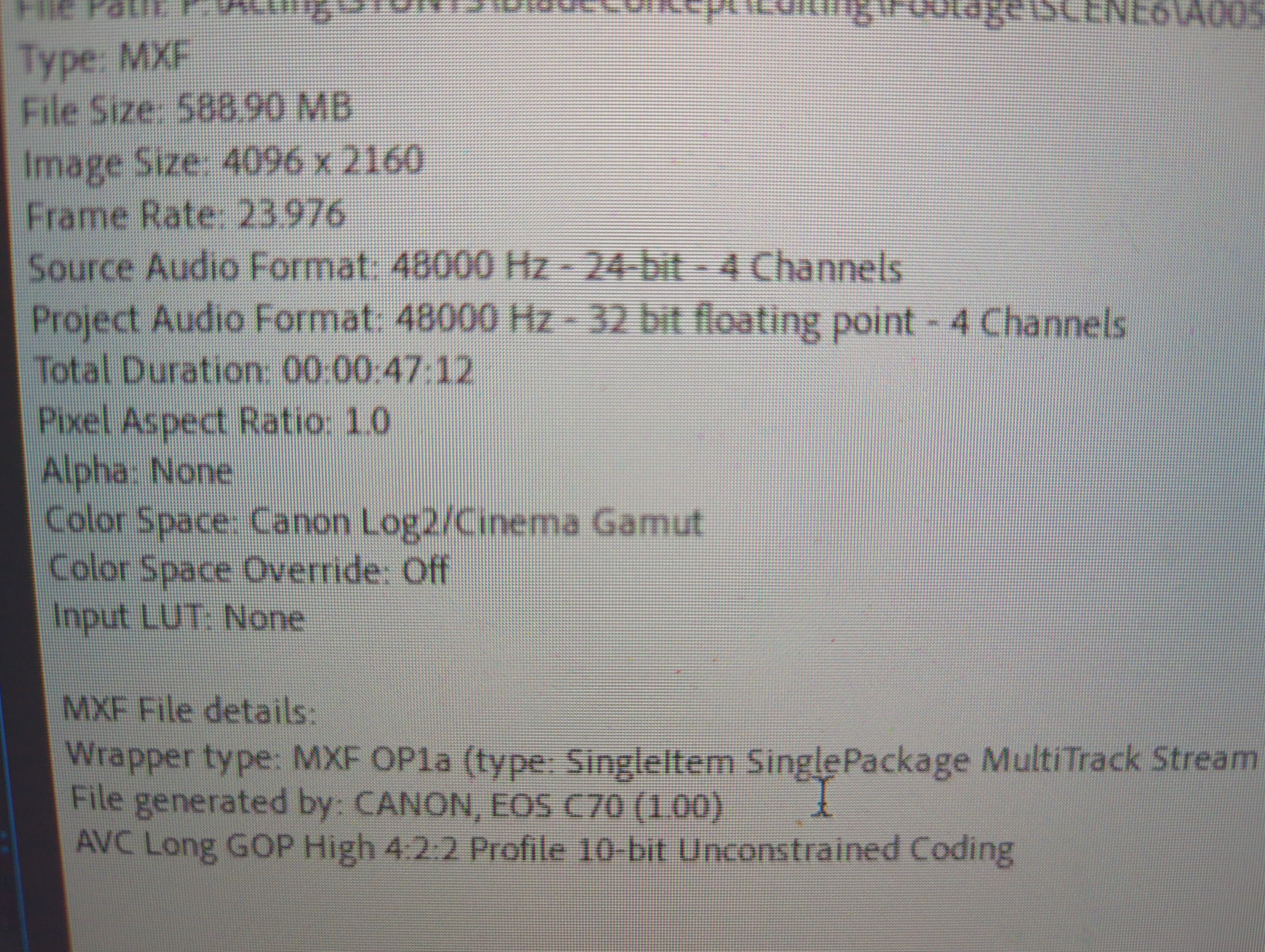
The clip was shot at 120fps/4k on a Sony Canon EOS C70, but on the metadata of the footage it says 23,976. On the media preview tab everything works well, but when I put it on the editing timeline the sequence is laggy. P.S all my clips have proxies. Anyone has a solution to this? Thanks!
This topic has been closed for replies.
Correct answer Mike Dziennik

It's a high-frame rate, high resolution, long - GOP clip. So I wouldnt expect it to play particularly smoothly. How is it when you toggle on the proxies? Have you also tried reduced the playback resolution from the wrench menu?

1 reply

Mike Dziennik
Community Expert
Mike DziennikCommunity ExpertCorrect answer
Community Expert
December 12, 2023

It's a high-frame rate, high resolution, long - GOP clip. So I wouldnt expect it to play particularly smoothly. How is it when you toggle on the proxies? Have you also tried reduced the playback resolution from the wrench menu?

BlessingJosse
Participant
December 13, 2023

Yeah it was mainly a playback speed thing, it was reading a lot smoother although it affected the other clips which weren't at 120fps. The proxies definitely make everything lighter on the timeline.