Participant
Feb 10, 2021 5:06 PM UTC
Answered

Snap to Timeline feature in Premiere Pro?

What exactly does the "Align in Timeline" function (shortcut: S) do in Premiere Pro? The symbol for it looks like a magnet. I'm in the process of learning Pr, so I would like an easy-to-understand explanation that explains everything anyway 🙂 Thank you in advance !!


[text formatted by mod]


FlyingFourFun
FlyingFourFunCorrect answer
Legend
Feb 10, 2021 11:11 PM UTC

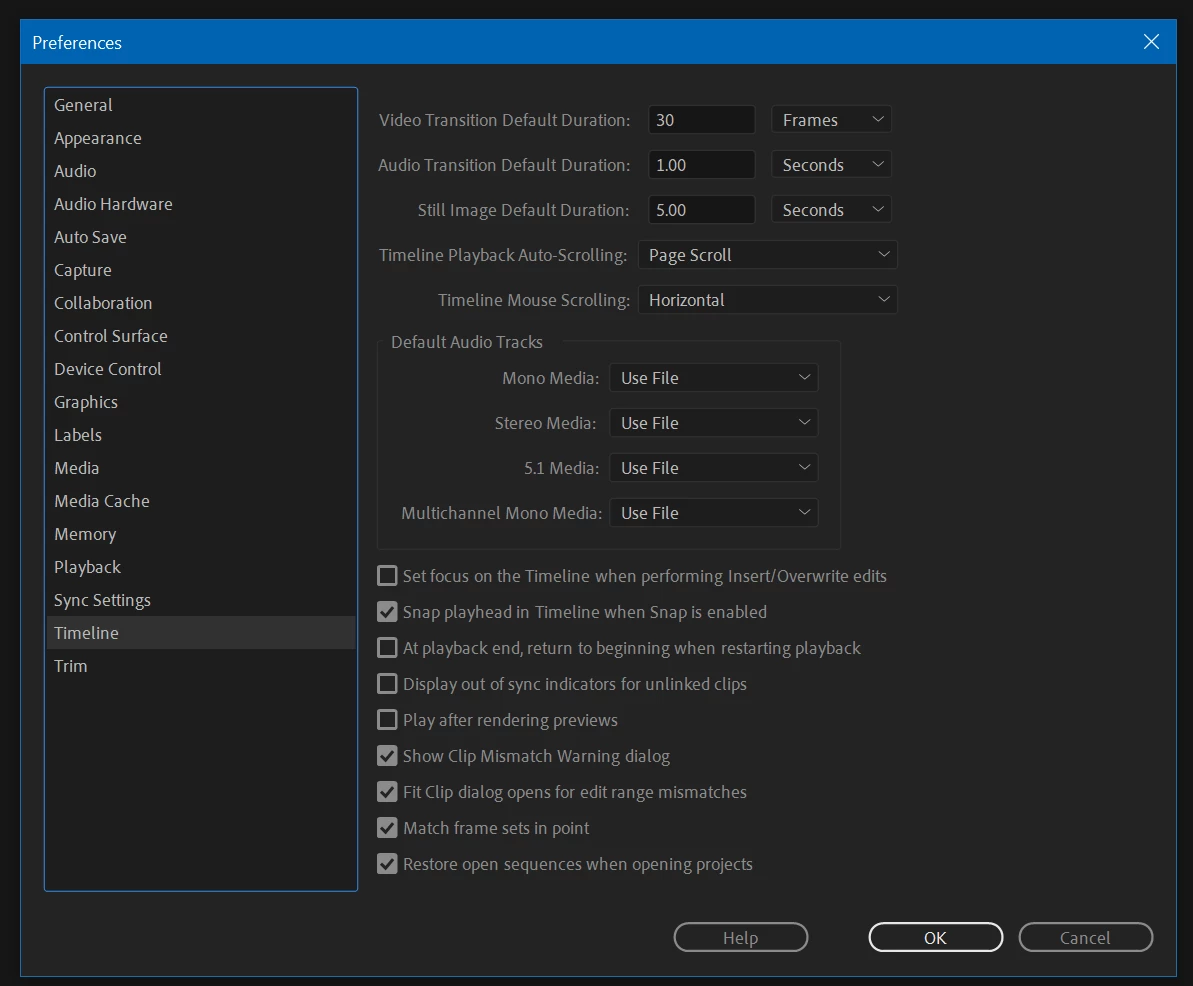
There appears to be one thing you need to do to get to all work;  I think its off by default, but in preferences, I had to turn on "snap playhead in timeline when snap is enabled".  Not if its off or on by default, if its not working as expected, check the preferences for this setting.


5 replies

FlyingFourFun
FlyingFourFunCorrect answer
Legend
Feb 10, 2021 11:11 PM UTC

There appears to be one thing you need to do to get to all work;  I think its off by default, but in preferences, I had to turn on "snap playhead in timeline when snap is enabled".  Not if its off or on by default, if its not working as expected, check the preferences for this setting.


Translate
Participant
Apr 28, 2023 8:59 AM UTC

Just what I needed!

Translate
R Neil Haugen
Legend
Feb 10, 2021 6:20 PM UTC

And if you're moving media on a sequence, when you get close to an edit point it will "snap" to that point.


Neil

Translate
Everyone's mileage always varies ...
Peru Bob
Community Expert
Community Expert
Feb 10, 2021 6:08 PM UTC

Snap will make the current time indicator precisely align itself to an edit point like a cut.

https://www.techwalla.com/articles/how-to-snap-a-clip-in-adobe-premiere-pro

Translate