
CinemaNole
Participant
April 3, 2025
Answered

So weird. Random font characters changing on export

  • April 3, 2025
  • 3 replies
  • 529 views

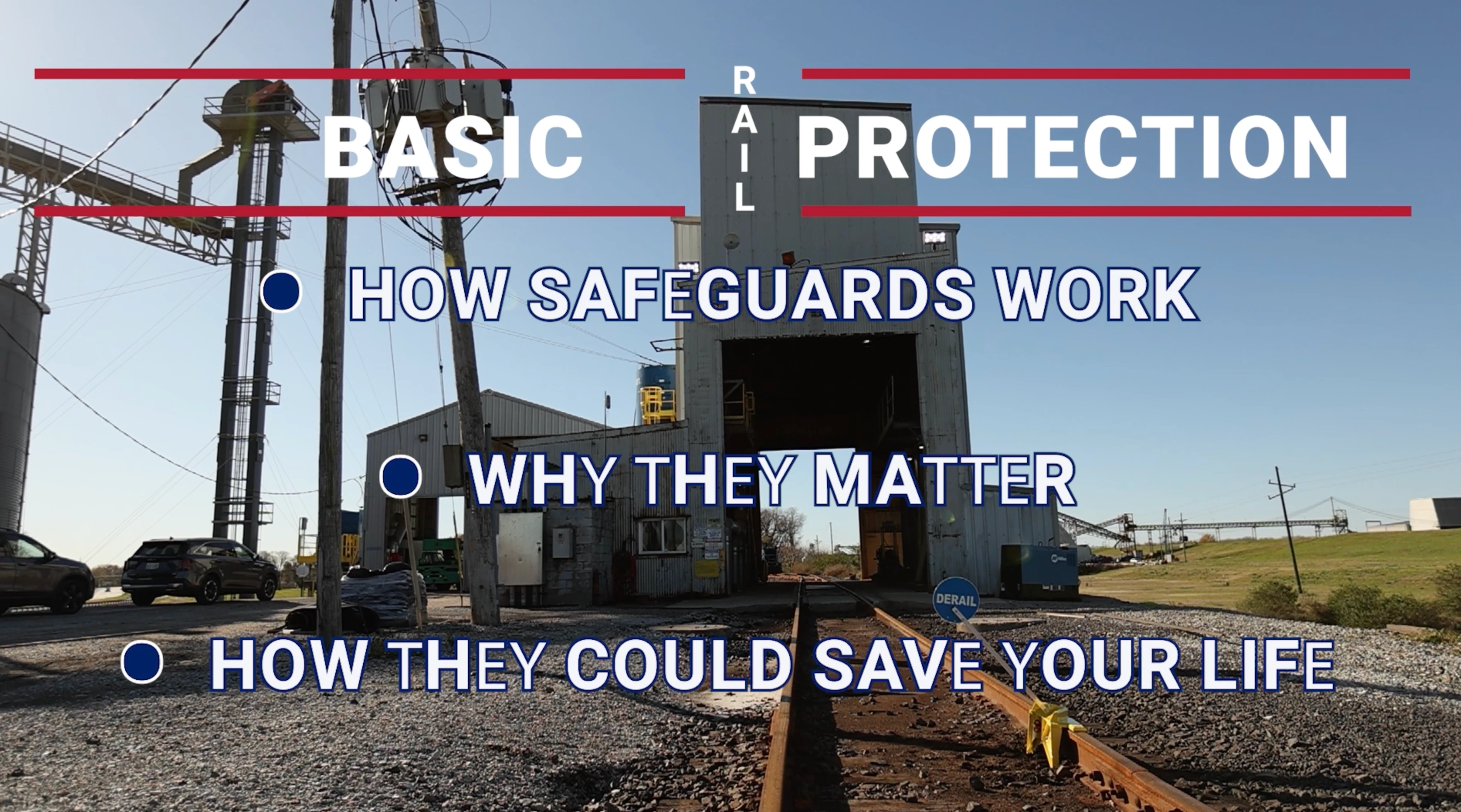
So... I have a very simple graphic page with lines of text. In my sequence, everything looks fine. But, upon export, the exported file appears to have random letters that are of a different thickness. It looks as if some of the letters are let's say "Roboto Medium" instead of "Roboto Bold." Again, it looks perfectly fine in Premiere. Nothing weird on the export settings - Just the pre-baked "High quality 1080 HD" setting.
Correct answer CinemaNole

UPDATE: I re-exported them directly from Premiere and the problem did not repeat. It appears the bug may have occurred originally by sending multiple sequences to Media Encoder.

3 replies

Participant
May 27, 2025

I'm still having the same issue, and I exported directly from Premiere Pro.

kglad
Community Expert
Community Expert
April 3, 2025

in the future, to find the best place to post your message, use the list here, https://community.adobe.com/

p.s. i don't think the adobe website, and forums in particular, are easy to navigate, so don't spend a lot of time searching that forum list. do your best and we'll move the post (like this one has already been moved) if it helps you get responses.


<"moved from cc desktop bugs">
CinemaNole
CinemaNoleAuthorCorrect answer
Participant
April 3, 2025

UPDATE: I re-exported them directly from Premiere and the problem did not repeat. It appears the bug may have occurred originally by sending multiple sequences to Media Encoder.

Ishan Y
Inspiring
April 3, 2025

I'm glad to hear you found a solution. If you made changes to your text after queuing a render in Media Encoder, the changes might not have transferred to the exported file. Please let me know if you see this issue again.