
Solution to "After Effects must be installed to import this file" error
This isn't a question, rather I thought I'd share the solution I found after contacting support, in case other users have similar issues. When using After Effects linked projects in Premiere.
Note this is a solution and may not work in all scenarios. Example error message below:
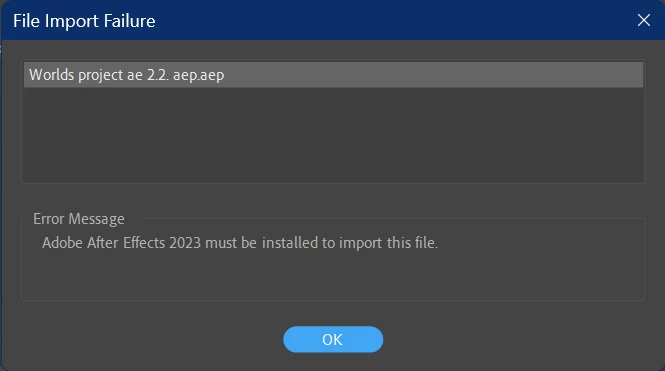
It is likely due to a file corruption in Premiere not After Effects. Luckily since all videos etc. are contained within sequences etc., moving them to a new project file isn't difficult. Copy all files from Project folder, create a new project, and paste there. Then save the file with a relevant name (usually with "2" or "3" etc. to indicate version).
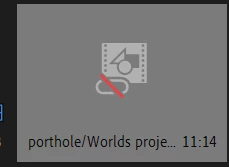
In addition, using the Link Media feature to relink imported AE files won't work. Instead delete the file reference (below) in Premiere and re-import. It is inconvenient but seems to work.
 AdChoices