
Some Effects Controls Missing
Please forgive noob questions (Am an experienced PShop operator, but little exp with PP):
1. It seems like some of my Effects controls are missing from the Effects Bin. I restored Saved Layout, but my Effects still seem limited. This is all I see.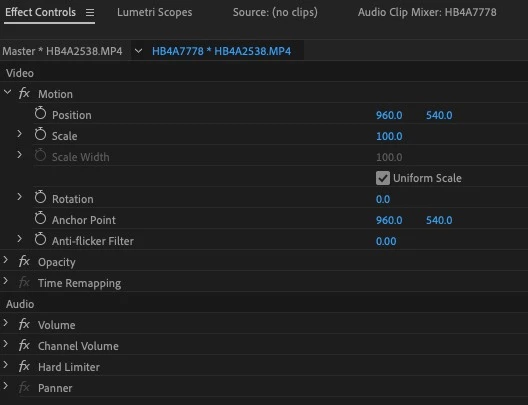
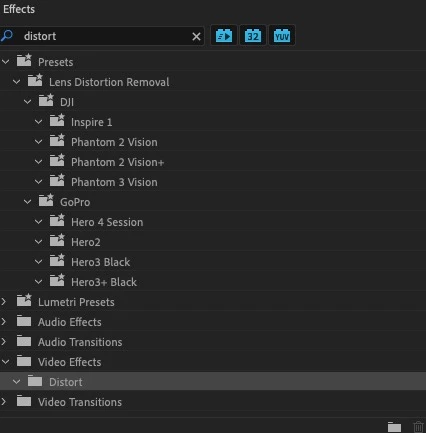
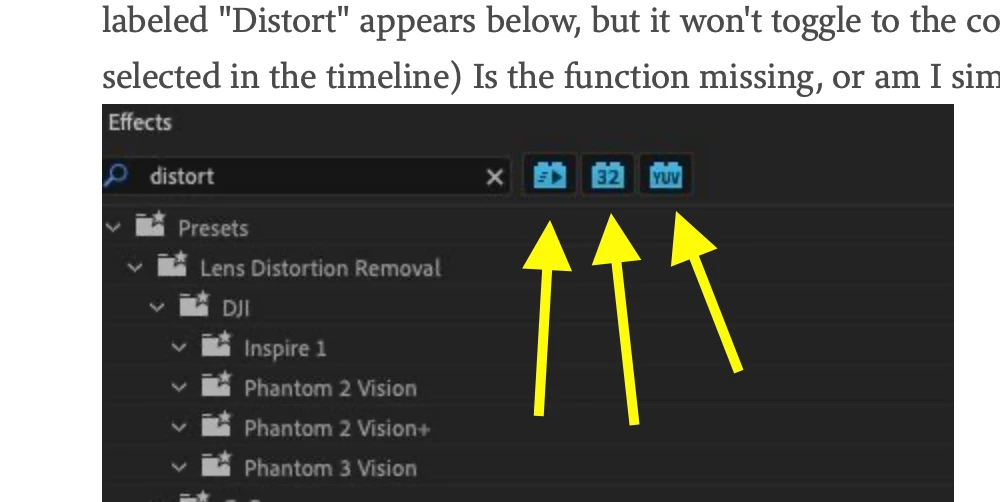
2. While attempting to correct camera movement, I entered "Distort" under Effects at screen right. A folder labeled "Distort" appears below, but it won't toggle to the controls, or folder is empty. (I do have the clip selected in the timeline) Is the function missing, or am I simply not applying it correctly?
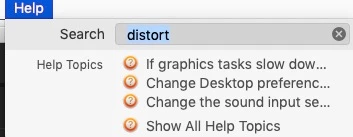
3. I select "Help" from the pulldown at top of screen, then enter "Distort", but nothing appears. I often notice theat Help pulldown does not seem to function properly in certain Adobe apps. Does the Help module need to be downloaded/installed?
Thanks for your expert input.
 AdChoices