
Participant
May 15, 2021
Question

Sound Manually Sync UnSyncs after moving

  • May 15, 2021
  • 3 replies
  • 367 views

My problem is that when I sync the audio 


How I Sync:

First I synchronize with right click >  the Syncronize

Then with Audio time units on, I zoom into the sound wave and do the sync manually for a better match. see Pic
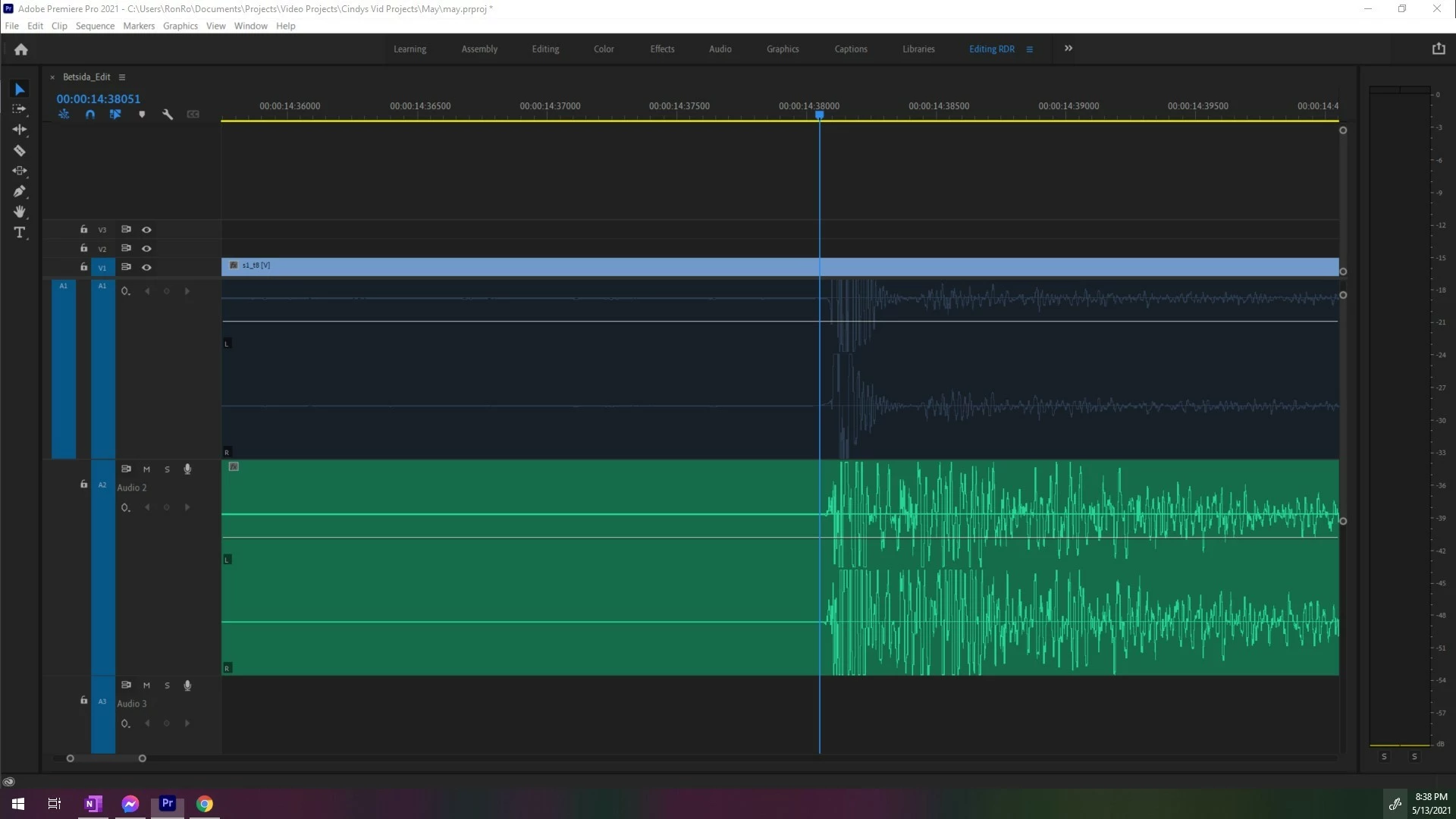
 

After that, 

 when I have unlinked, then disable the bad sound, then link them all together again....

I begin to edit and move clips around.

the problem is that the sync moves.

Why is this happening?...

is barely visible but I'm assuming that this should not happen,

Also, when I enable the sound ( I use clap to sync) I hear  two claps, 

which makes it obvious out of sync.

then when I try to undo, it never syncs correctly again. (See pic)

This always happens when everything is sync correctly and after moving everything. 

I also Tried clipping the tips off so that the better audio matches the video lengths, but it still moves out of sync. Just like the pic I show here...
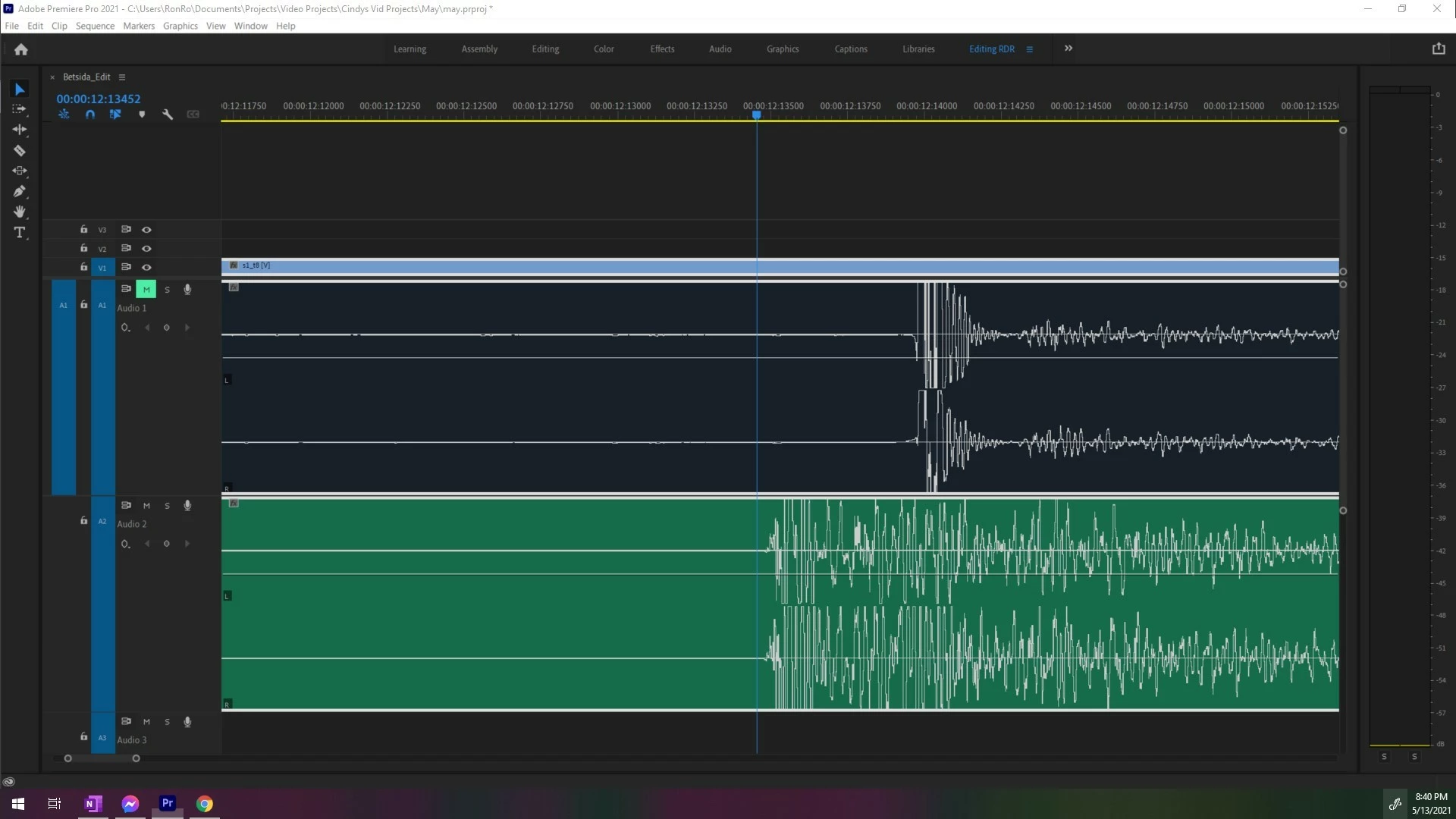
 

3 replies

Community Expert
April 25, 2025

When you move both the audio and video clips that were manually aligned using Audio Time Units, Premiere Pro will snap the audio to the nearest video frame, not its original precise position. This happens because the program defaults to frame-based alignment when a video is included in the clip selection.


To maintain the exact sync between your audio and video, it's best to sync them within a nested sequence or a multi-camera source sequence. This way, their timing relationship stays intact even when moved together.

R Neil Haugen
Legend
April 24, 2025

I'm puzzled at doing this manually ... have you tried the multicam process, which is the expected way to sync separate to camera sound in Premiere?

Everyone's mileage always varies ...
Participant
April 24, 2025

Did you find a fix for this? I am having the same issue and have been in 2x screensharing sessions with Adobe and we can't figure it out.