


Question
Source Monitor - Audio and Video have separate In and Out points
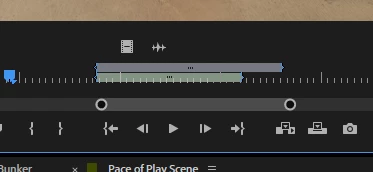
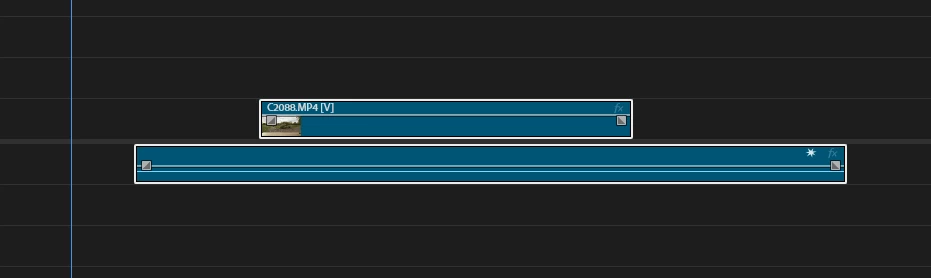
I just updated to Premiere 26.0.1 and have noticed in the Source Monitor after I’ve selected In and Out points that if I adjust those points while in the audio of the clip it then creates separate In and Out points for the clip. Now when I drop that clip into my timeline it does not have the same points for Video and Audio.
Can anyone tell me why? Or at least how to disable that feature?
 AdChoices