


Question
Source Monitor missing Timeline etc
After a short time, the Source Monitor crops the timeline and tools from the bottom of the Monitor. I switch to different workspaces and the problem does not go away. Have to reboot to fix the problem.
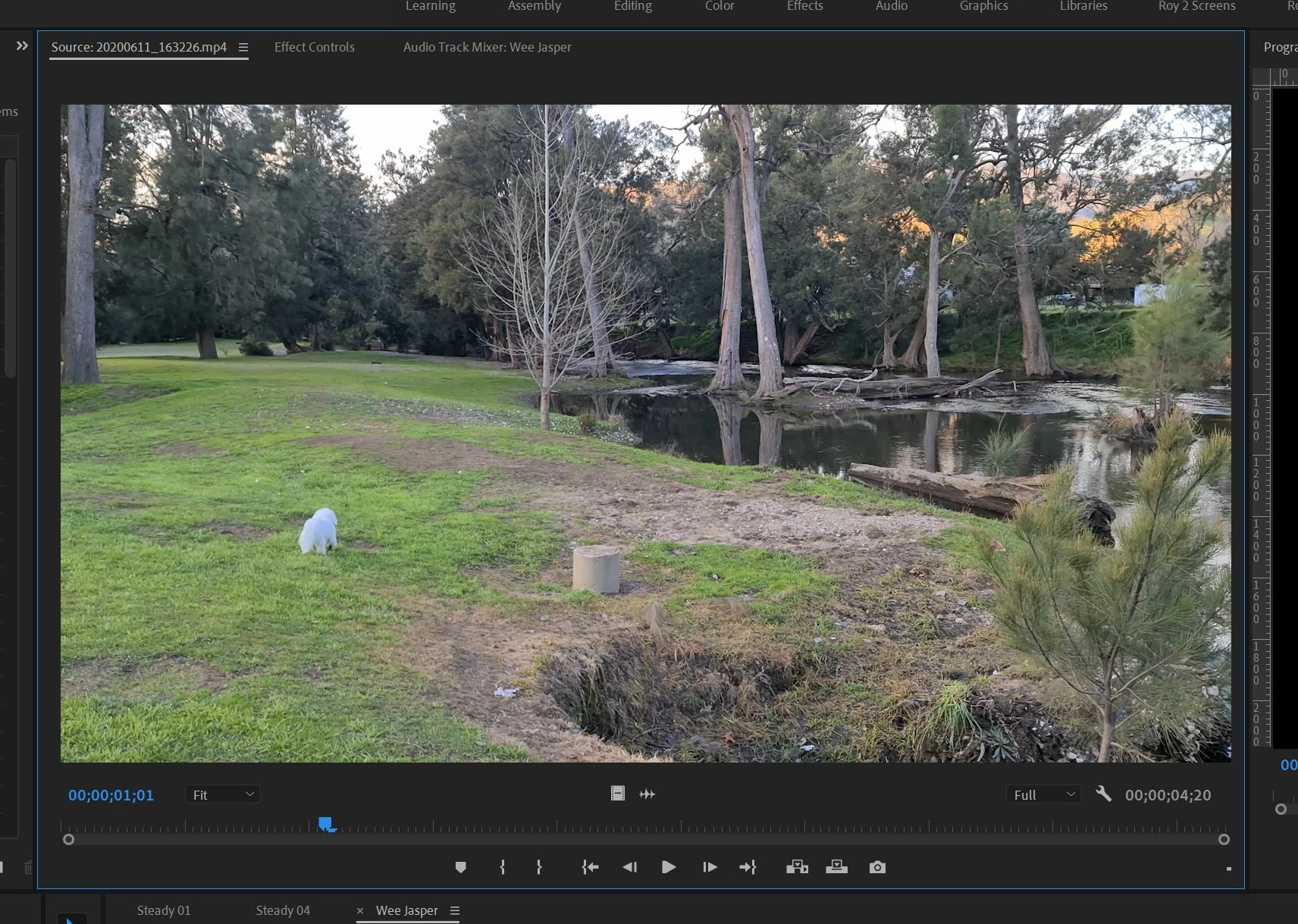
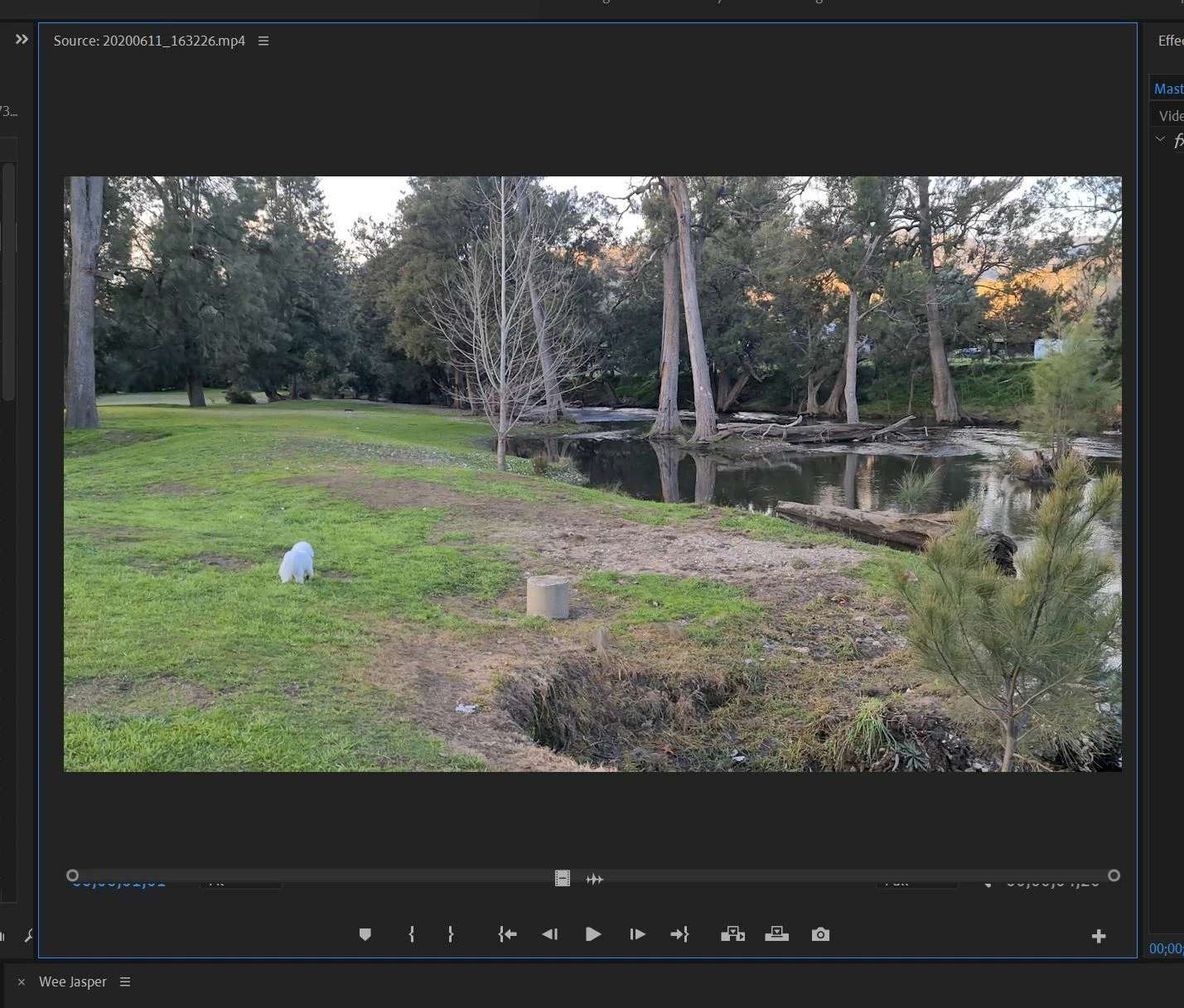

After a short time, the Source Monitor crops the timeline and tools from the bottom of the Monitor. I switch to different workspaces and the problem does not go away. Have to reboot to fix the problem.
Already have an account? Login
Enter your E-mail address. We'll send you an e-mail with instructions to reset your password.
 AdChoices