Inspiring
February 22, 2026
Question

Source panel colour is slightly lighter than the program colour

  • February 22, 2026
  • 1 reply
  • 19 views

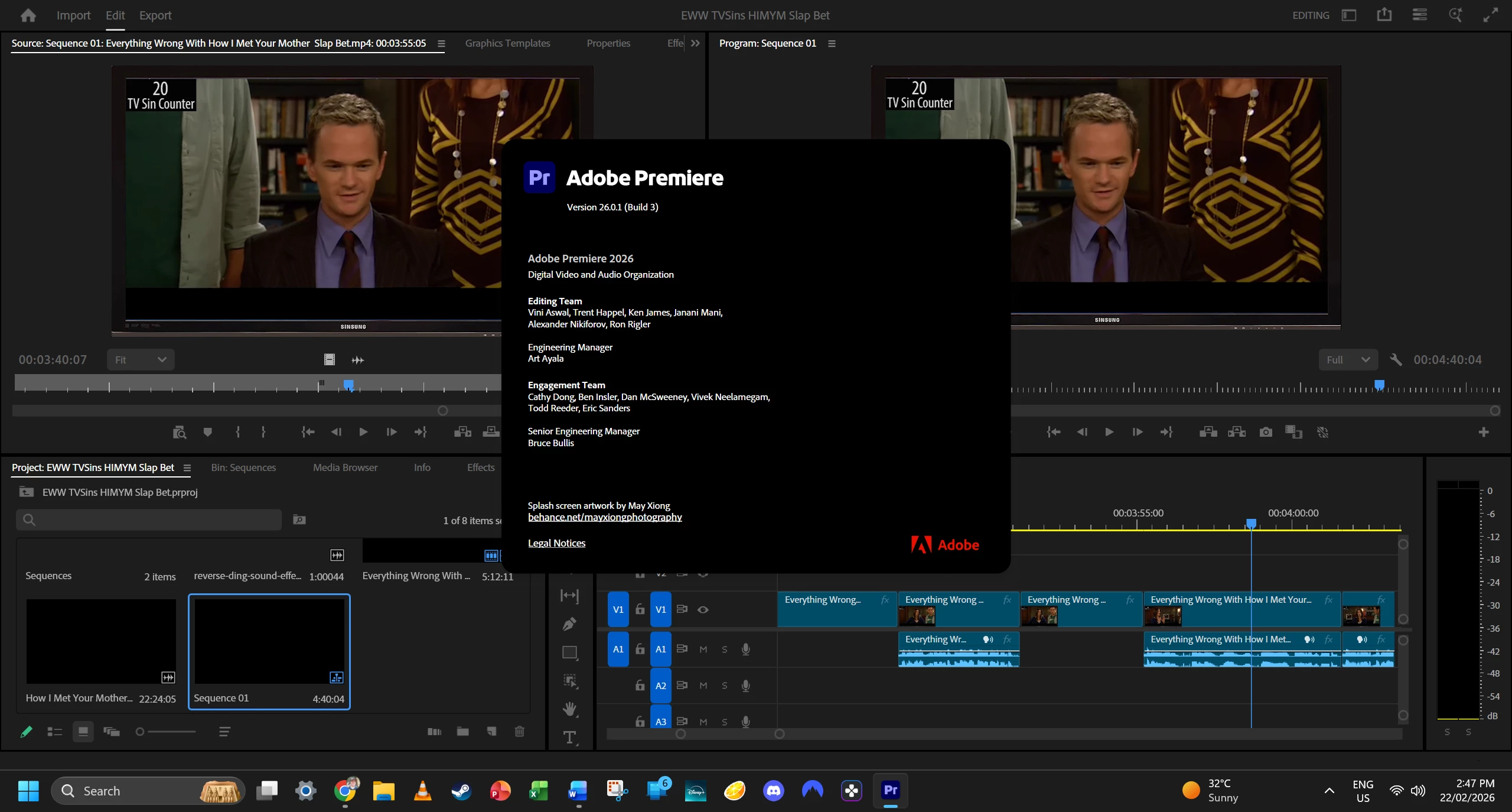
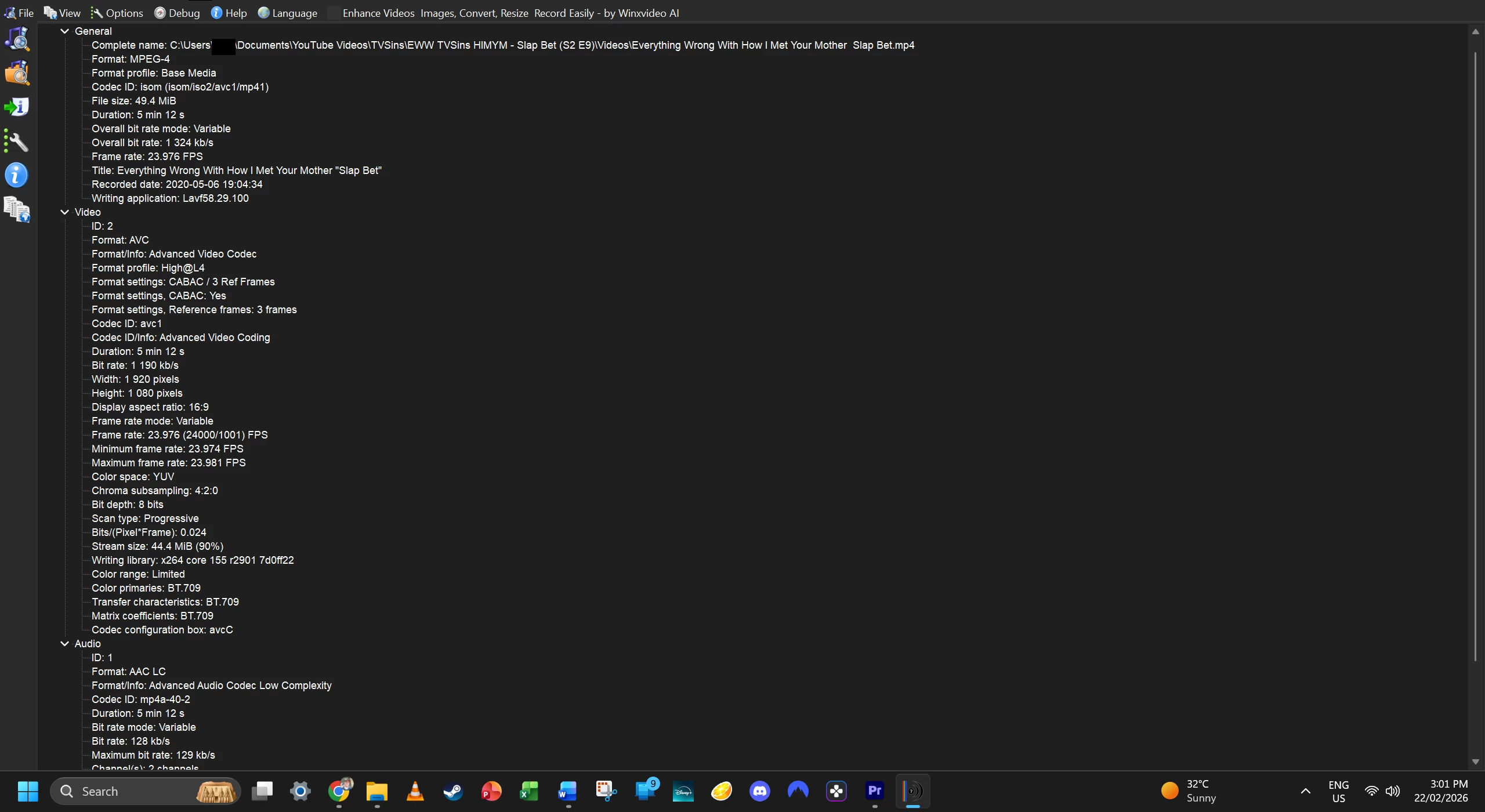
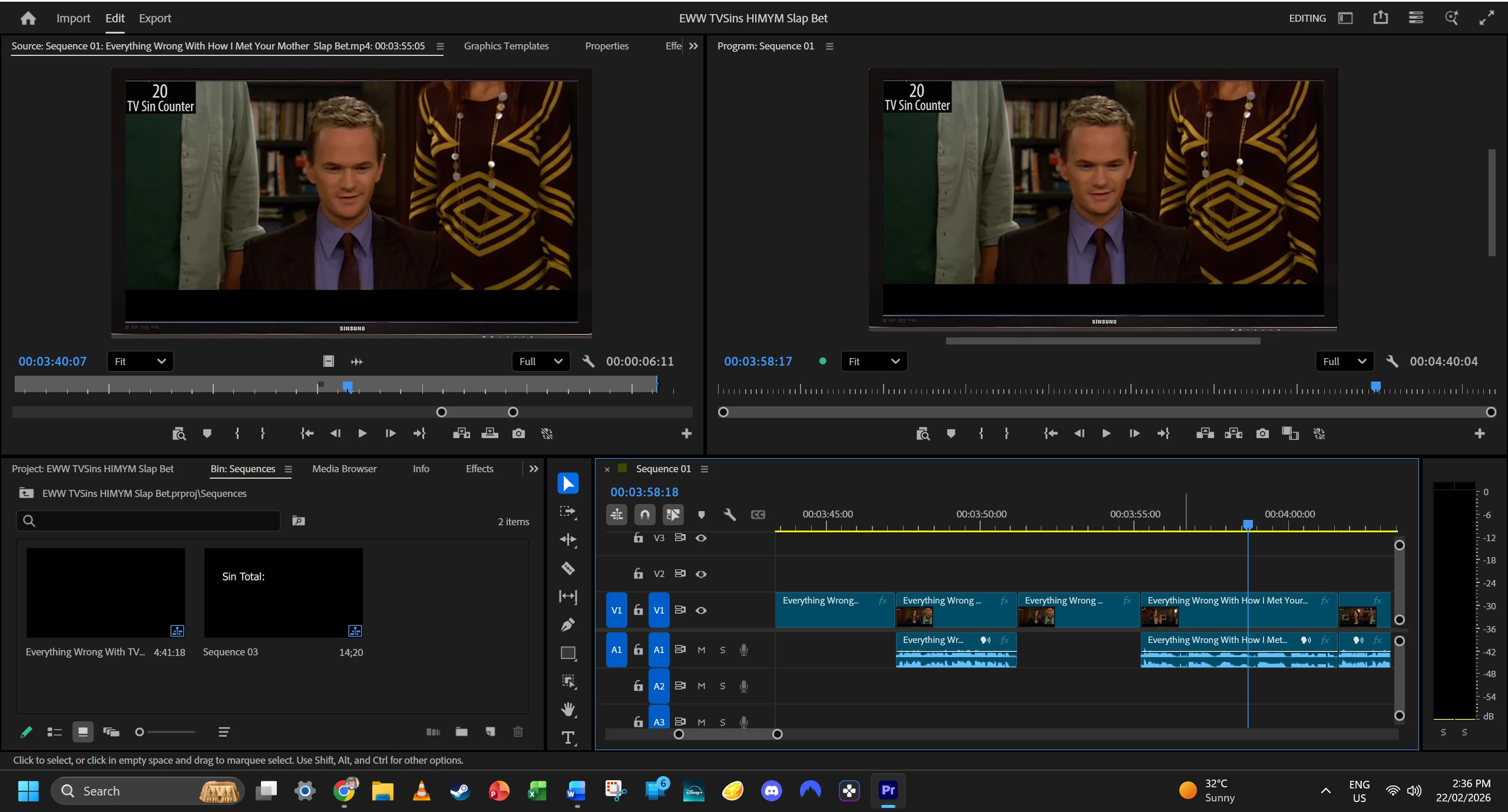
I recently noticed my Source and Program monitors colours don’t match in my projects, source is slightly lighter than program. It doesn’t just happen with this clip, but all that I’ve tried so far. High Quality Playback is turned on for both monitors.

Any help would be great :)


    1 reply

    R Neil Haugen
    Legend
    February 22, 2026

    They are not intended to be the same. The Source monitor is by intention showing the clip in the bin without any changes done on any timeline.

    Everyone's mileage always varies ...
    Inspiring
    February 23, 2026

    I understand the Source monitor shows the raw clip, but I haven’t applied any colour changes or edits on the timeline or clips myself, only simple cuts with the Razor tool at this stage.

    Is it normal for the Program monitor to still appear slightly different due to sequence or colour management settings instead? Otherwise, I'm not exactly sure what you mean, sorry.

    R Neil Haugen
    Legend
    February 23, 2026

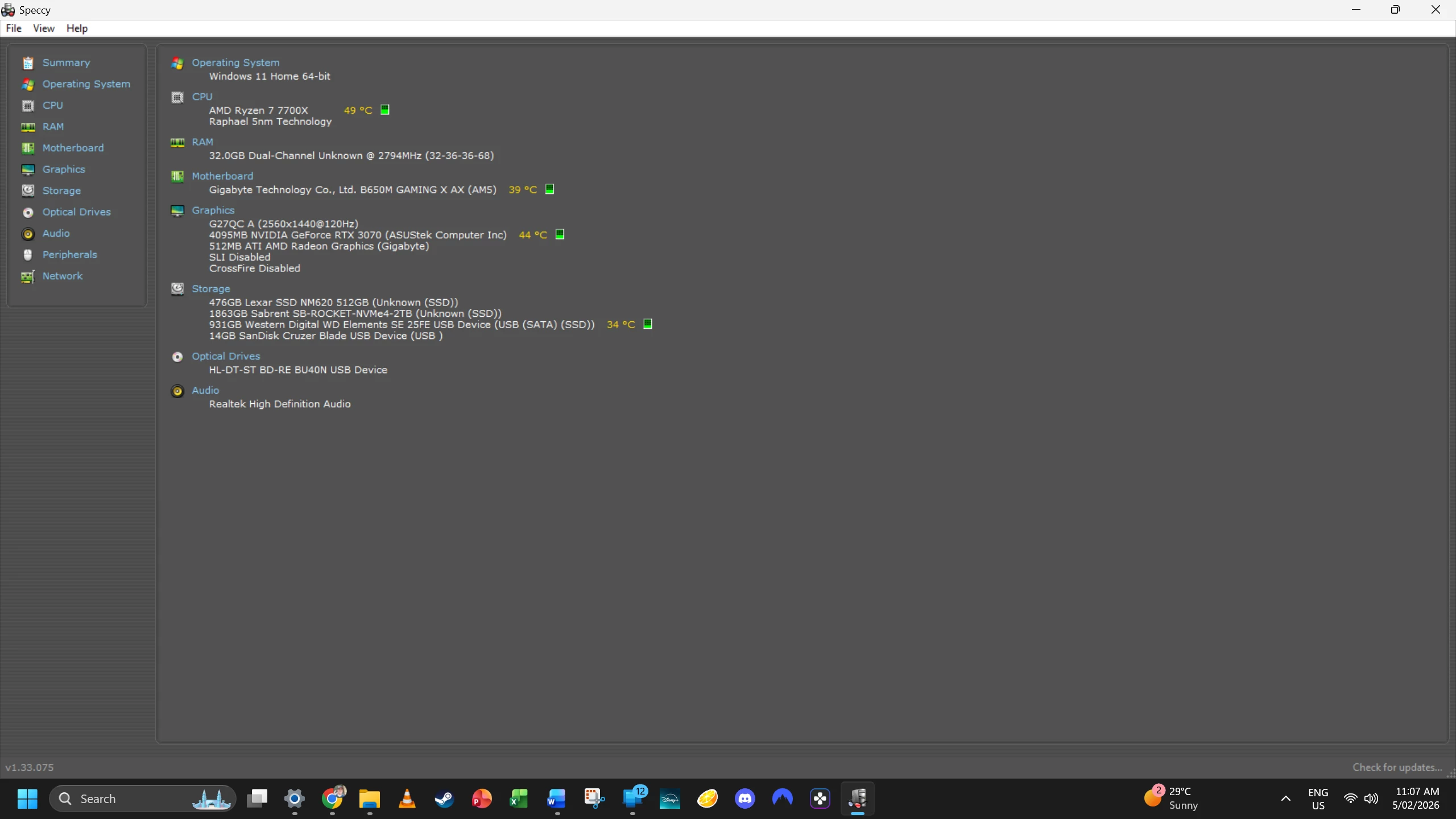
    Yes, if there are color managment options, especially a sequence setting, there will be differences between the Source and Program monitor.

    Plus there are ‘quality’ contols on the Program monitor in order to help playback on lower-capable systems. So things like 1/2 or 1/4 res during playback or pause, and whether it’s a high-Q image in playback or pause can change the view.

    Everyone's mileage always varies ...