
Source patching not working
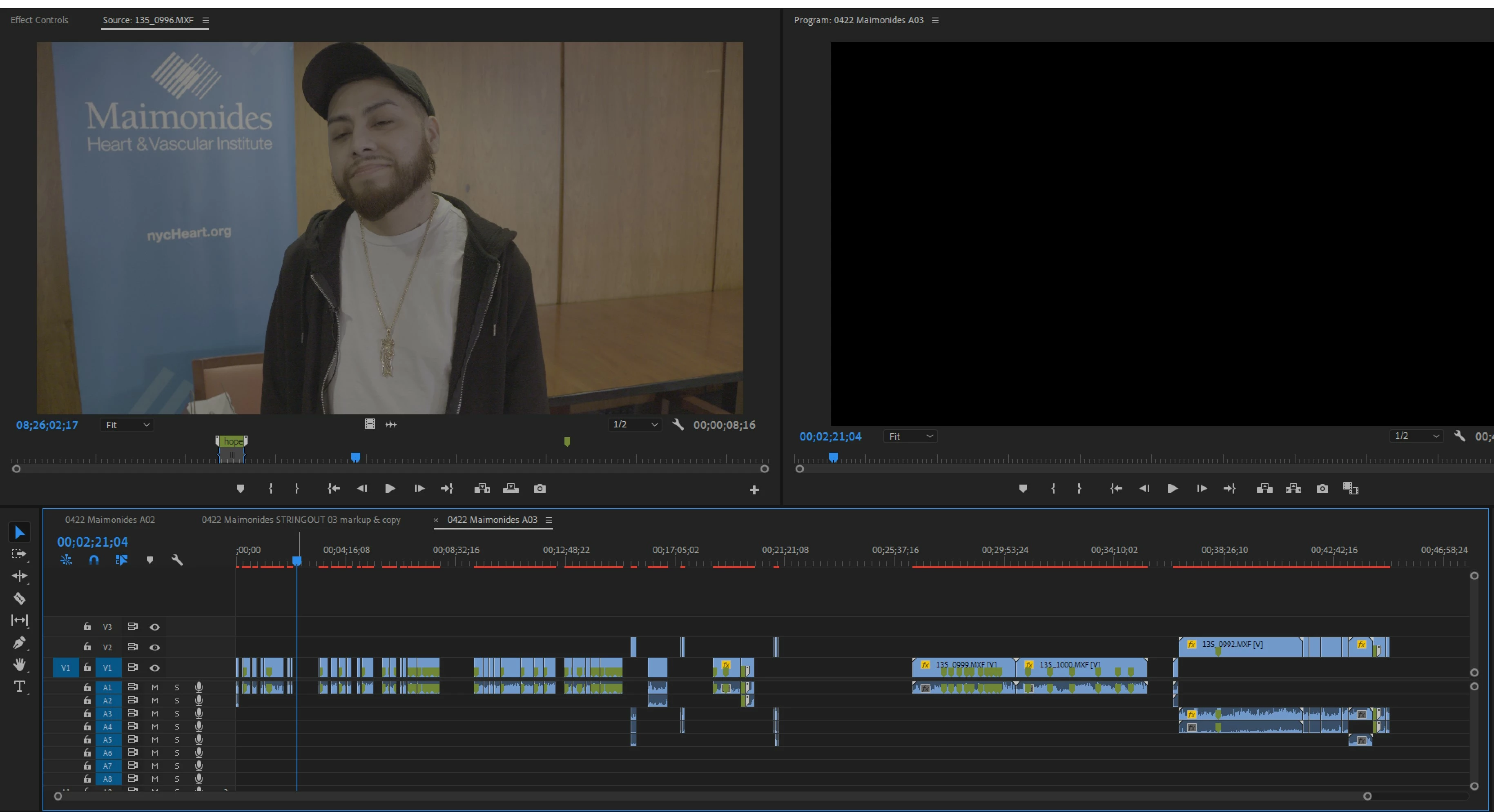
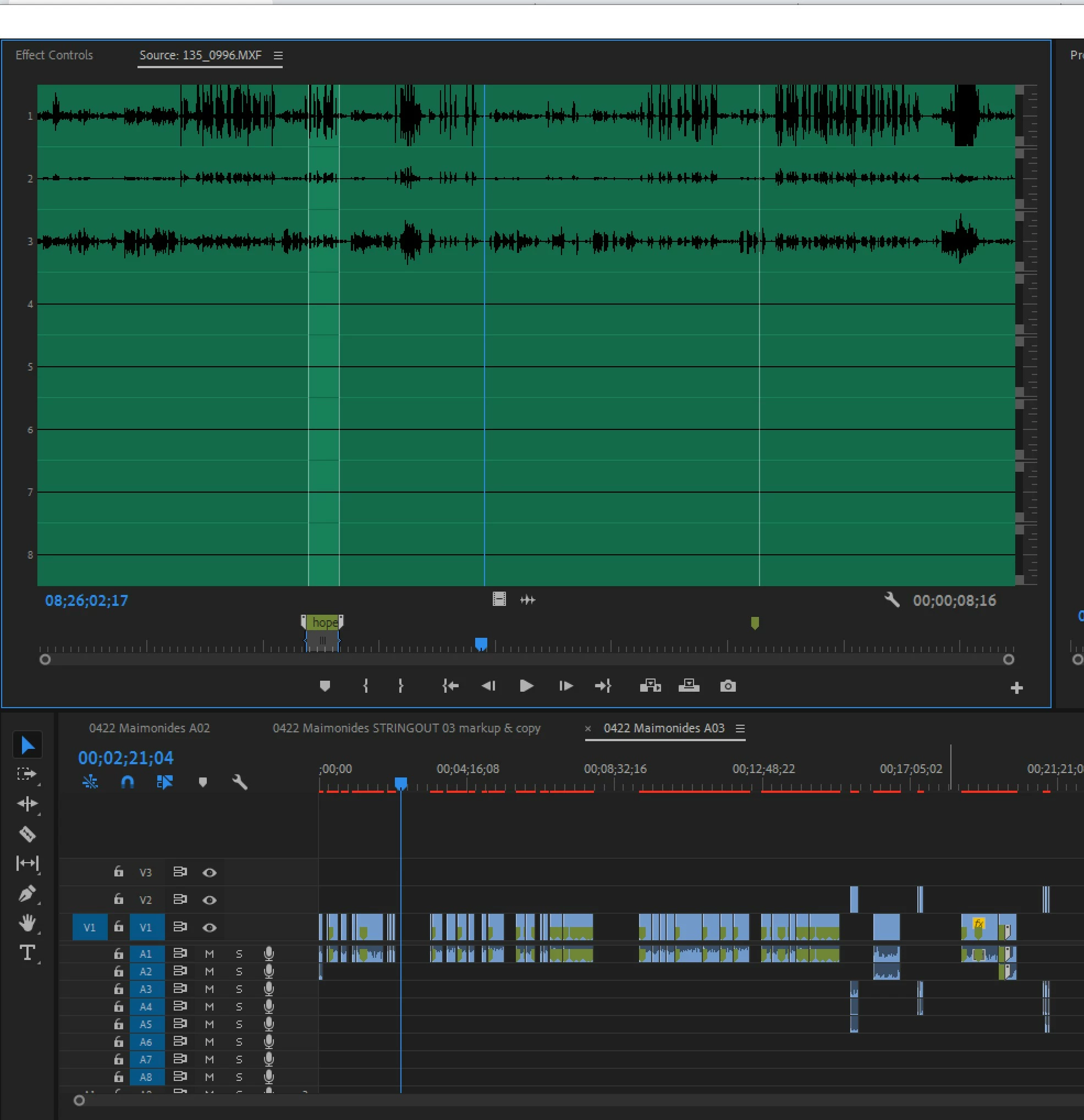
Premiere Pro is not letting me select any tracks for source patching audio. With Source selected, only video track comes up in Source patch bay.
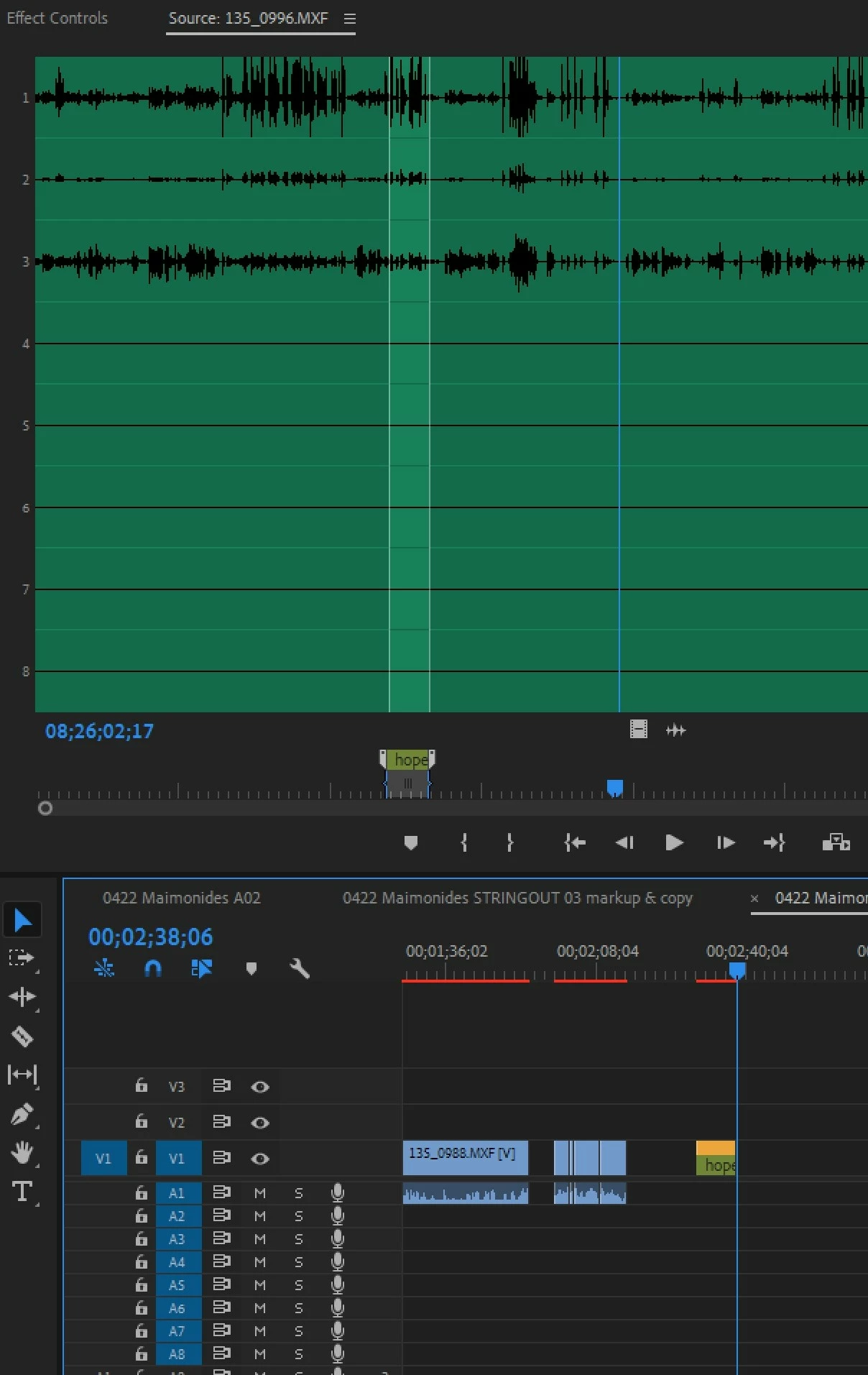
When I click on the Source patch buttons nothing happens. A few times, when I would insert the clip, a track would be *automatically added* to the existing tracks and the audio clip would appear there. If I alt-selected the track and tried to move it up to the next track, it wouldn't budge. The source patch button for the new track with the audio would be selected, but I wouldn't be able to select another track in the source patch bay. But that stopped happening. Now when I insert the track, the audio simply doesn't appear.
The behavior is as if the tracks were locked, but they aren't. I can lock and unlock the tracks with the lock button. The clips have 8 tracks of video. I closed the project, reset the preferences, cleared the media cache. I created a new sequence and copied the clips into it. Bug persists.
Needless to say, this crippling. Can't do anything until this problem is fixed; on a deadline.
 AdChoices