
Question
split screen when exporting
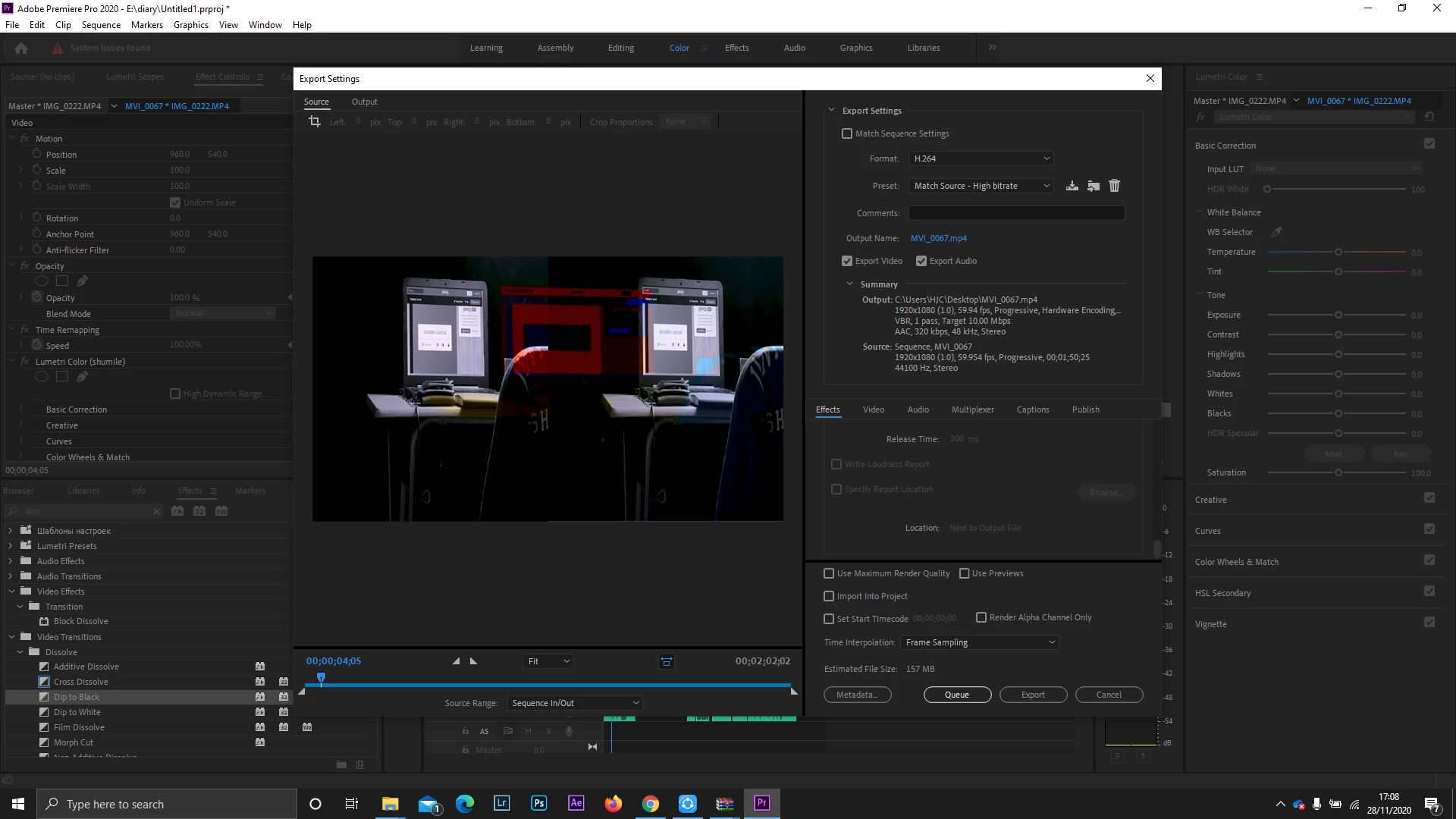
I am currently editing my video and when I had finished I tried to export and I now see a split screen and it seems like the colours have segregated and I don't know what to do.
I am currently editing my video and when I had finished I tried to export and I now see a split screen and it seems like the colours have segregated and I don't know what to do.
Already have an account? Login
Enter your E-mail address. We'll send you an e-mail with instructions to reset your password.
 AdChoices