
SRT Timecodes ignored by Premiere Pro - creates massive sections of text...
Hi,
I'm importing SRT files created by the YouTube algorithm back into premiere to put ontop of my timelines. I upupload a sample export of the locked edit to YouTube, get the SRT and them import that to sit ontop of the same edit. This is so I can burn in the subtitles into the export, without having to transcribe them myself.
It used to work fine with the old versions of PP before captions change to these data blocks. Now I regularly encounter the following:
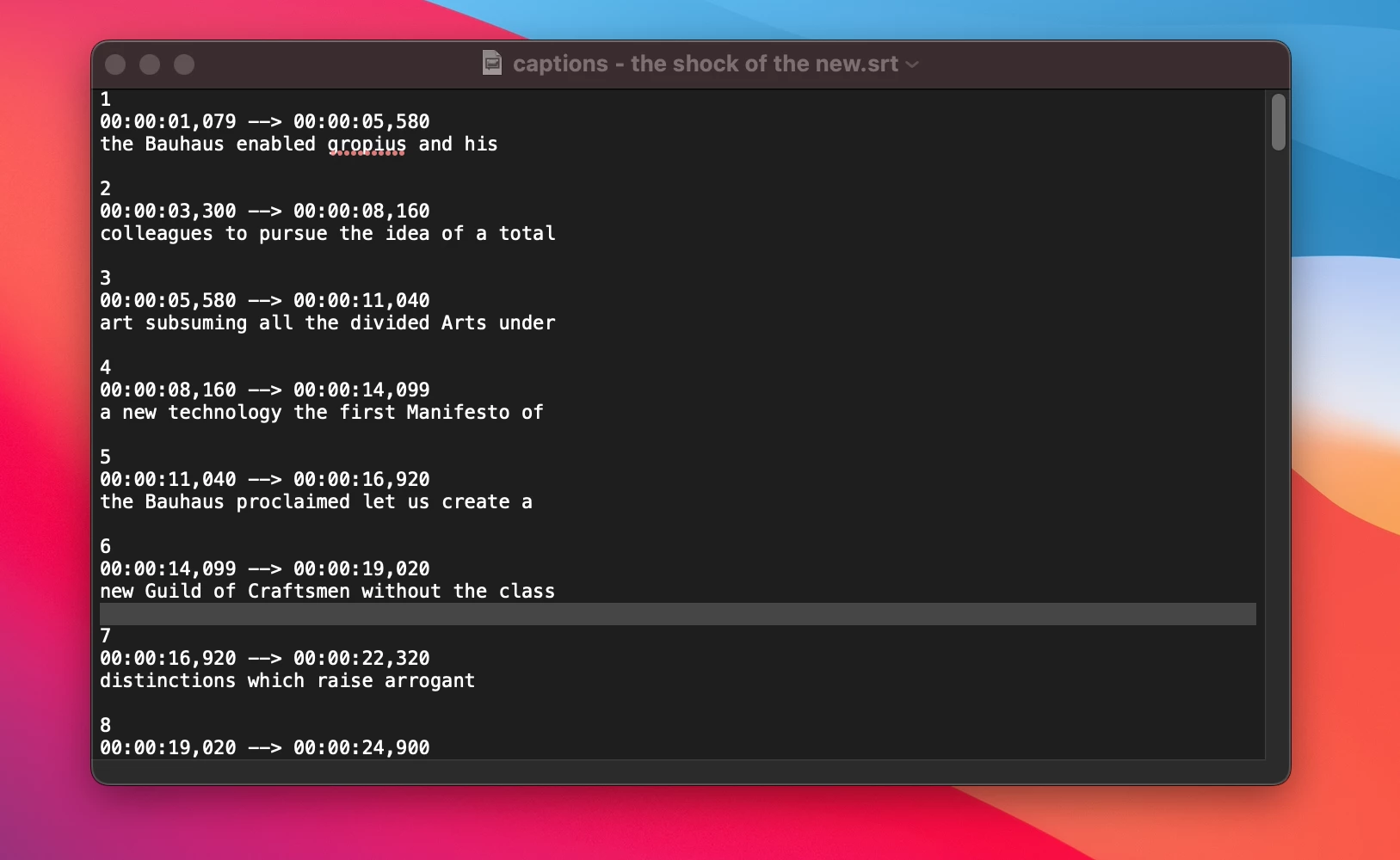
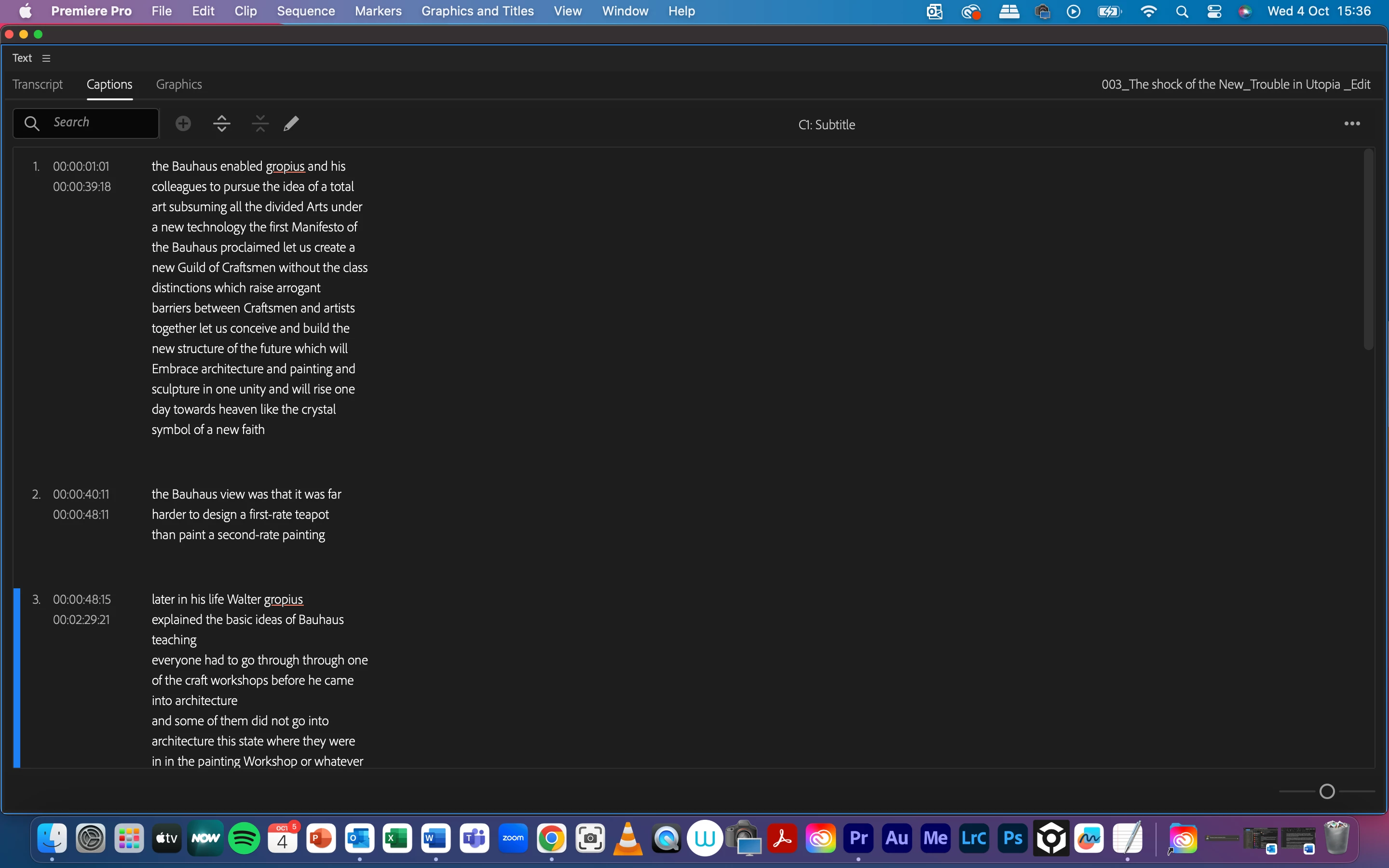
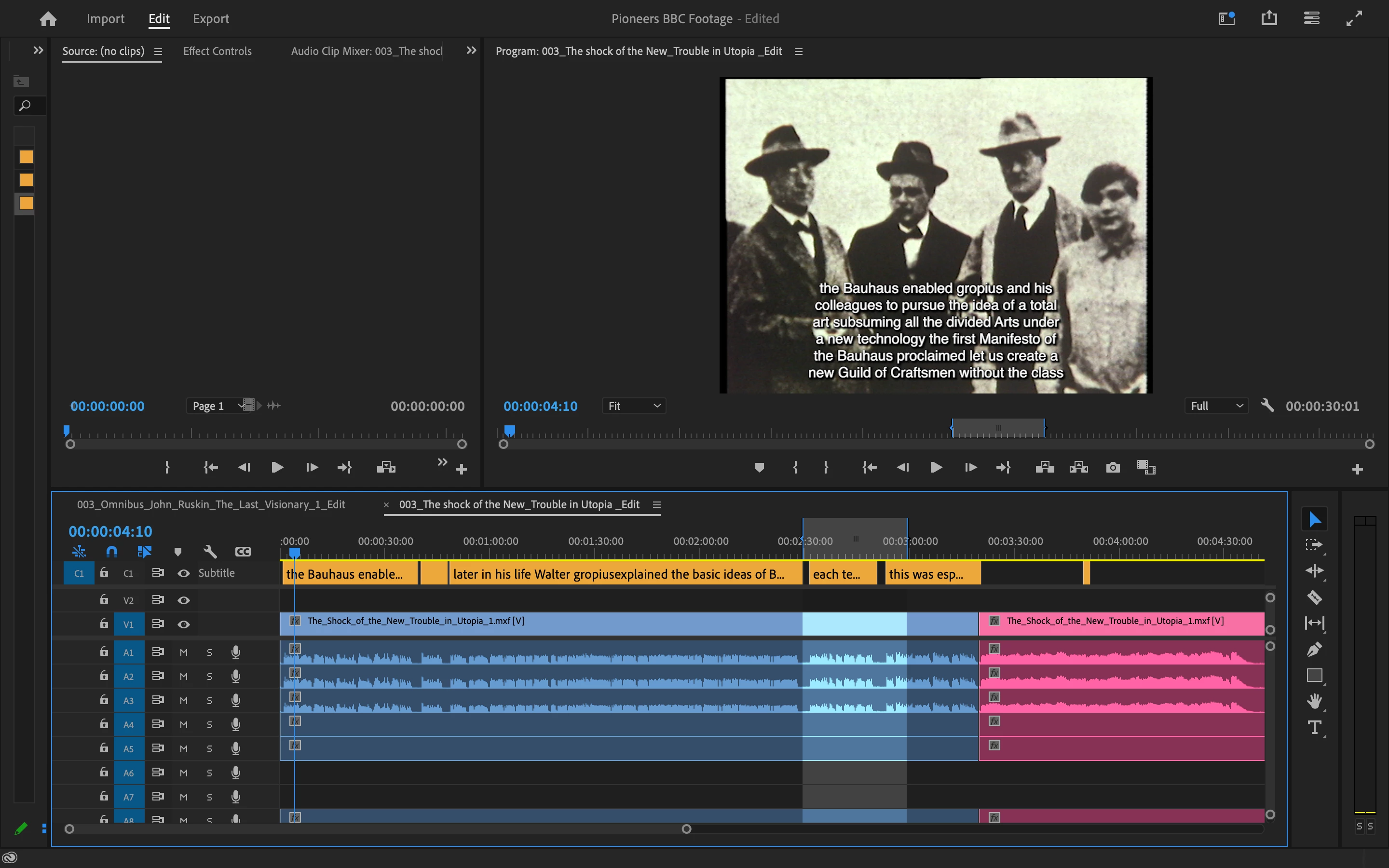
Premiere makes these huge chunks of subtitle, essentially creating massive timecodes that roughly follow the text but put an essay on screen for a huge section of time. The first image shows the srt for this timeline. As you can see it's sectioned up into appropriatly digestible chunks. For some reason Premeire doens't see these and instead makes massive clumps of text. The first one being 37 seconds long!
I've tried importing the srt direct from YouTube unedited, and tried making some sligh amends to it,s aving in text edit and then importing. Same thing.
Has anyone seen this and what is going on?
Thanks
Windows 10pro and Mac OS (ventura) (getting on both platforms)
Premiere Pro 2023 23.06.0
 AdChoices