Strange dual problem with Desaturated Colors + Blurry Images/Video -- are they related?
I have an ongoing issue here with Blurry Images and Videos clips that is still not resolved: https://community.adobe.com/t5/premiere-pro/blurry-images-video-in-export-and-playback-this-was-not-happening-before/m-p/11924400#M337445 . The blurriness occurs in *both* the Preview Playback AND in the Export (when put it at "match to sequence settings"). This issue suddenly started occurring about 2-3 months ago--it was not happening before then, and I have noticed it happening to projects that I left untouched--now that I revisit them, they are suddenly blurry for scaled-up image and video files....and I changed nothing in the project during that time!
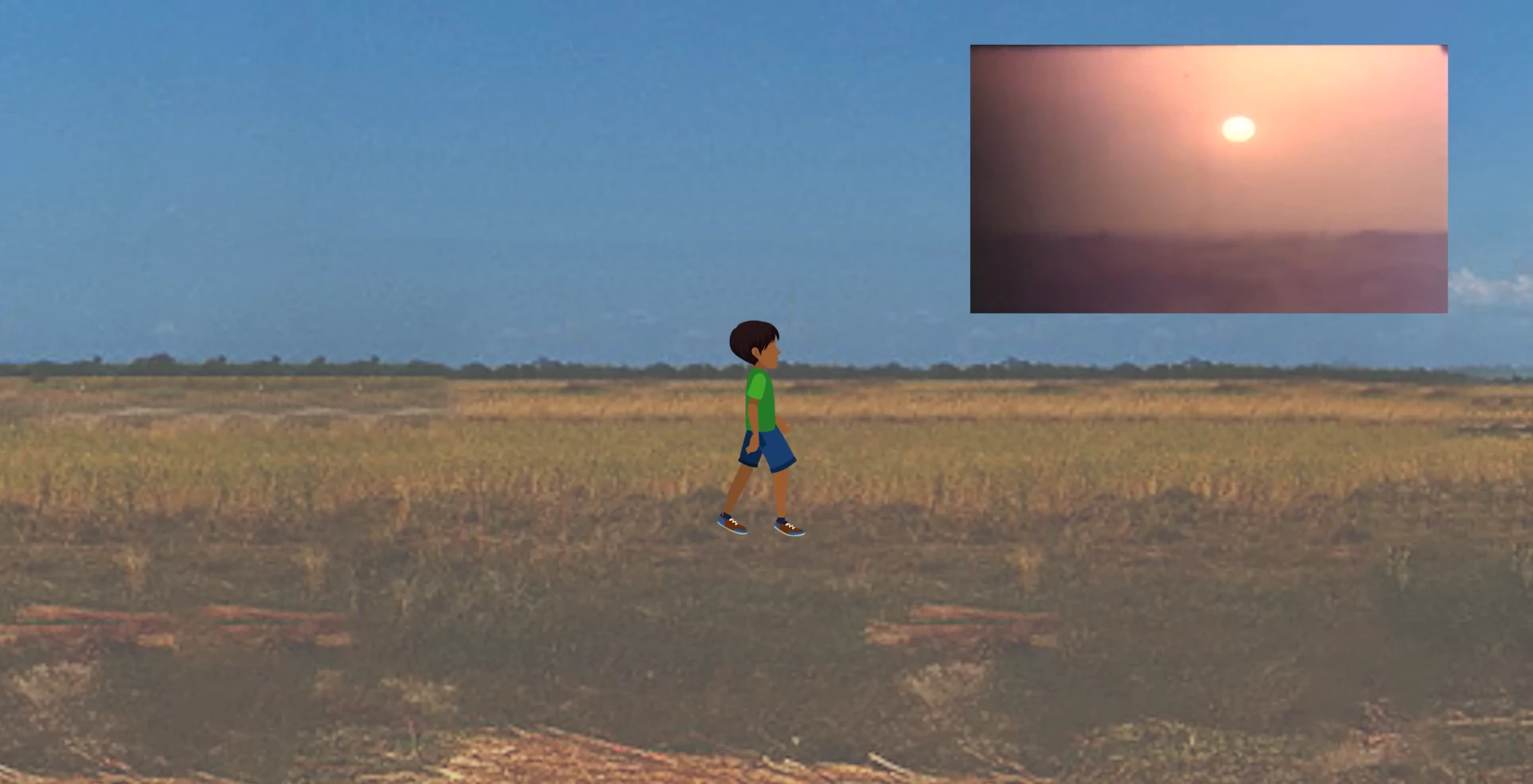
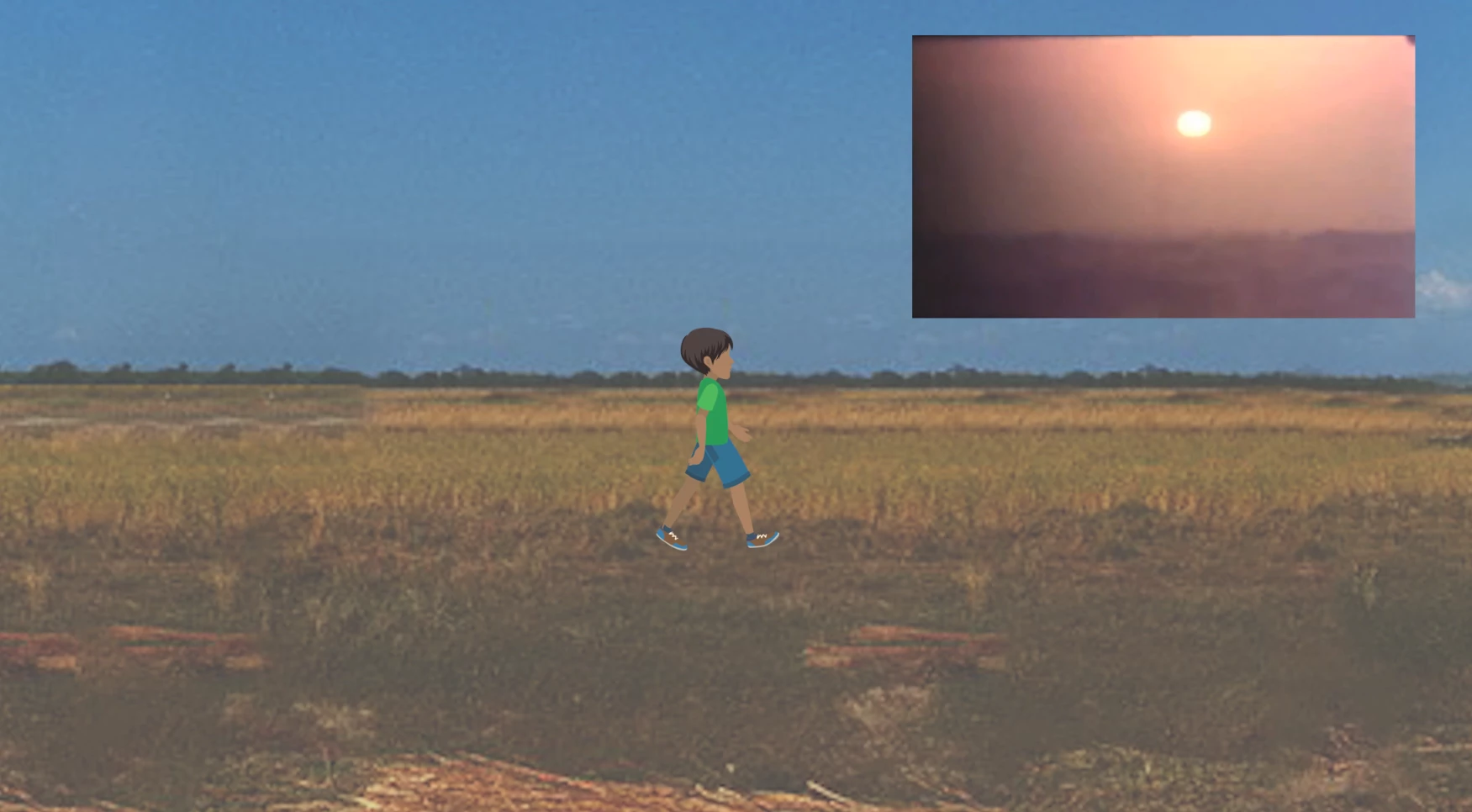
Now I have ANOTHER issue that seems to have also, suddenly, been happening--I have desaturated colors on an After Effects animation that I imported into a Premiere Pro timeline. The After Effects animation works off an Illustrator file, whose colors appear more saturated than when I import it into After Effects--and since I use the After Effects file in Premiere Pro, it appears desaturated in Premiere too. In fact, the colors in general throughout the project appear slightly different. NONE OF THIS WAS HAPPENING A FEW MONTHS AGO in this project file that has been UNCHANGED SINCE THEN! Here is my evidence--I exported the file back then (months ago when there was no problem) and it appeared fine (on the left). Now, I export the file again (I just changed some text at the end credits, that was all--no other changes to the project at all in the last few months!!) and it appears desaturated (on the right). What is going on? Something is awry with by Adobe programs and I have no idea what it is.
 AdChoices