Strange Pixelated Glitch In Preview
Hi all,
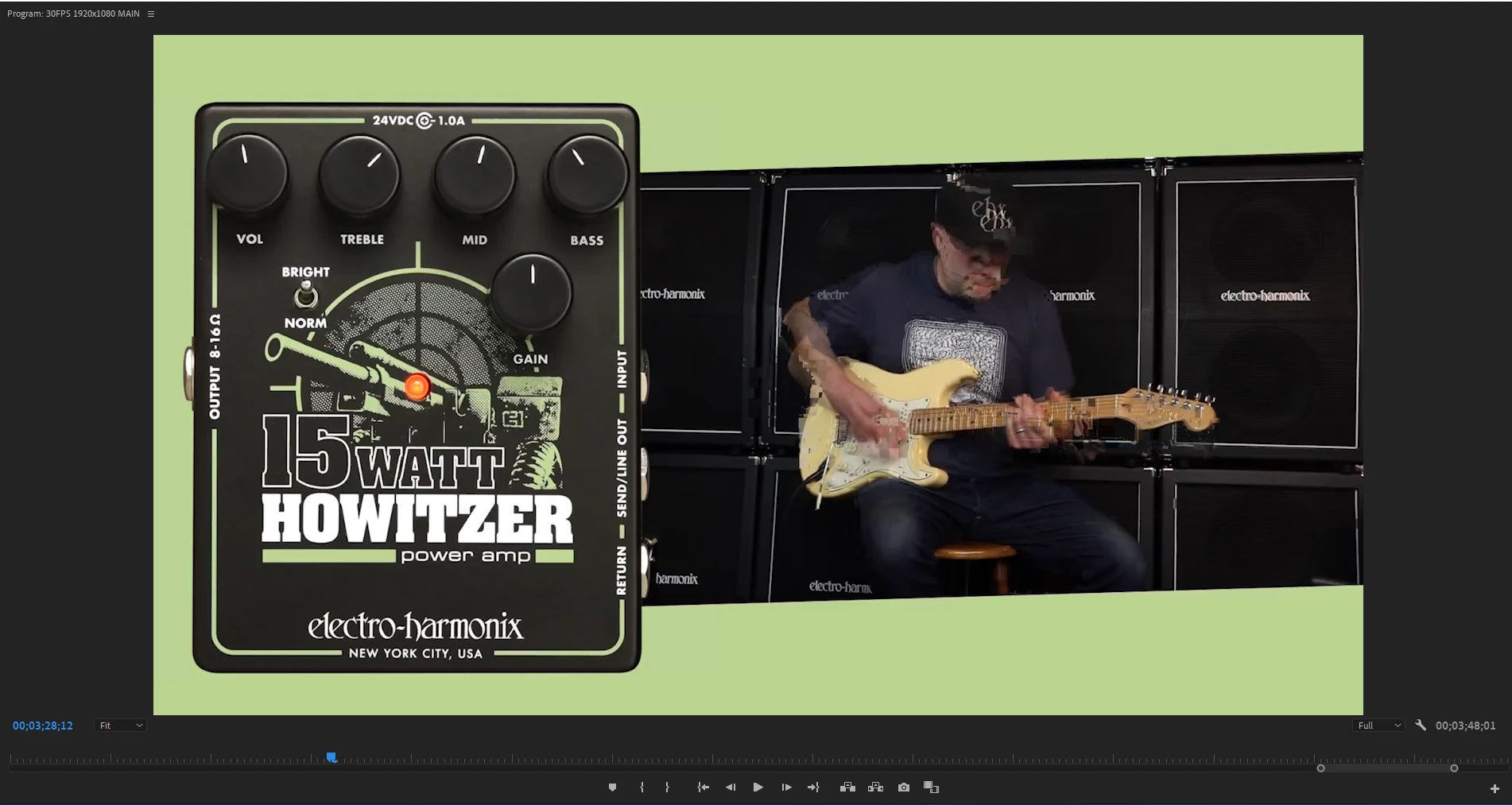
Very strange glitch I've just started getting. I'll import a file to Premiere (file is absolutely fine, no corruption or glitches) and initially when working on the video and editing it's all fine. Then out of nowhere they'll randomly be glitched pixelated frames that crop up more and more. They aren't related to any FX that are added and when I cut around these glitches, they just start appearing elsewhere. In some cases they've appeared on export, in more recent cases they haven't.
So far I've tried clearing preferences, clearing the cache, changing the render engine to software only, re importing the clips, making copies of the clip and re-importing, reinstalling software and no avail. Attached is a screen shot of an example glitch.
This is on Premiere 2021 on a Windows 10 computer running an Intel Core i7 with a Intel UHD Graphics 630
 AdChoices