

Participant
Jun 29, 2023 6:07 PM UTC
Question

Strange vertical lines

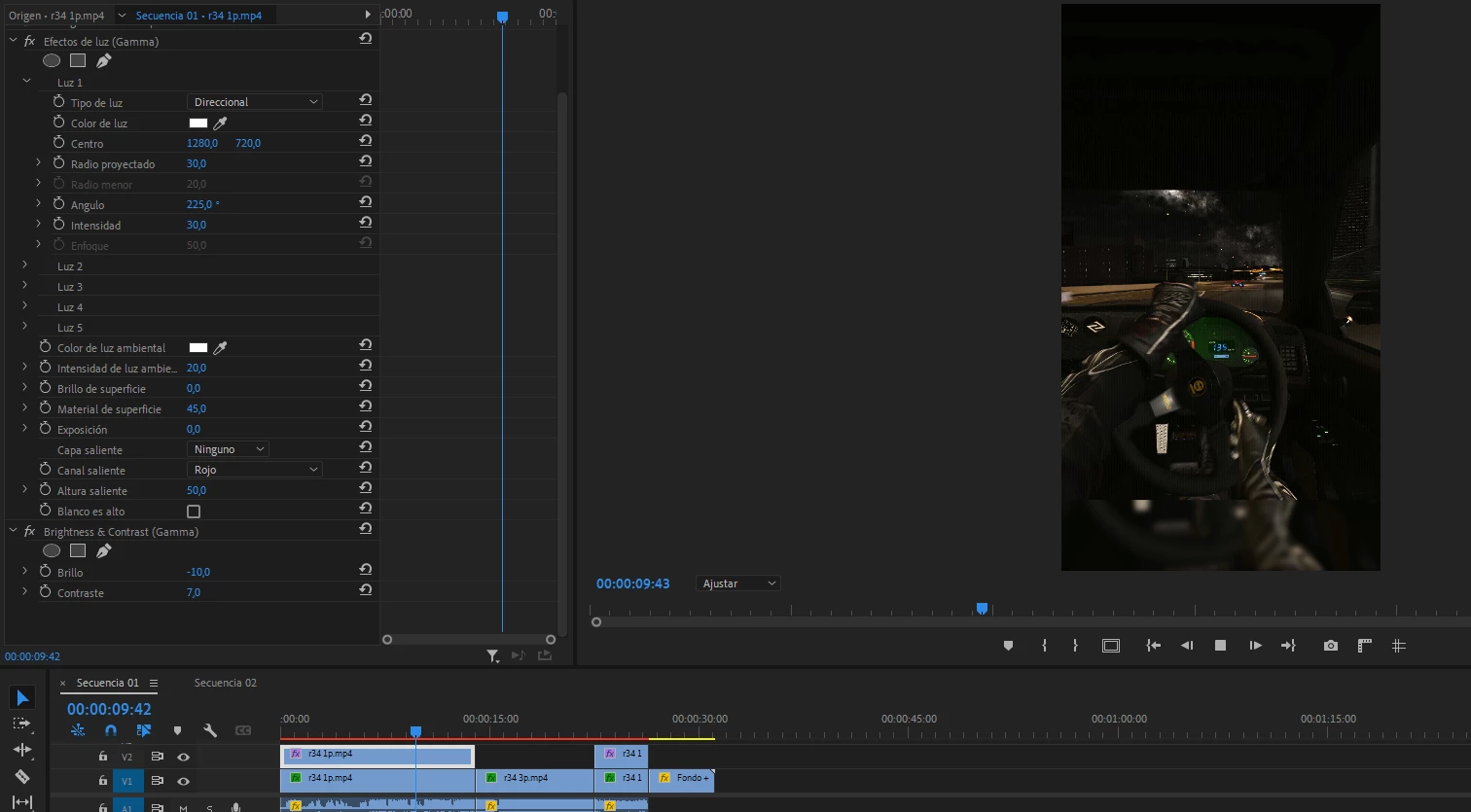
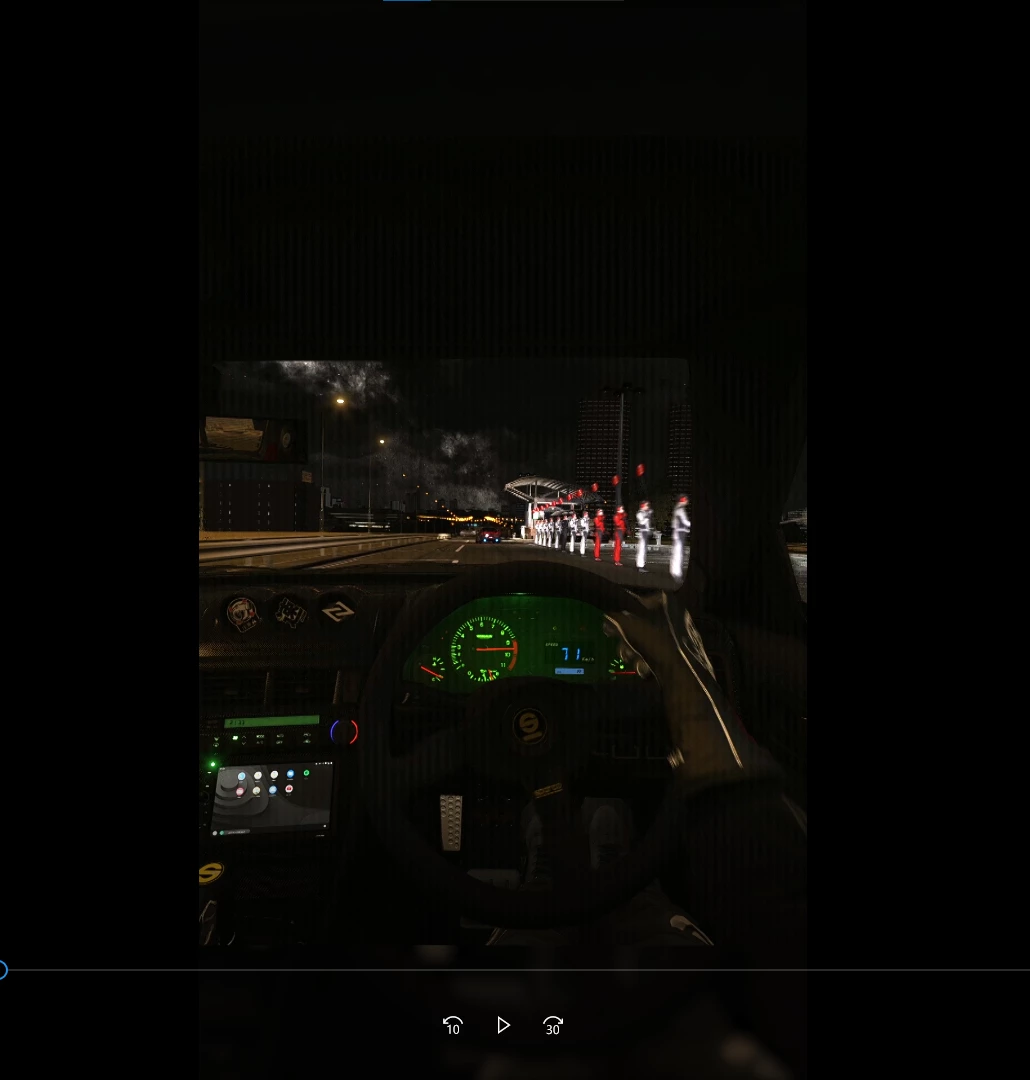
Vertical lines appear while playing the video in premiere and when I export the video the lines increase. But when it is paused you don't see those lines. The recording is fine.
  

29 replies

Participant
May 27, 2024 3:03 AM UTC

Try putting 3D LUT Interpolation in Tetrahedral in the Project Settings 

Translate
Participant
Feb 4, 2024 5:19 PM UTC

Did you ever find a solution to this? I am getting exactly the same bug. It is infuriating.

Translate
Participant
Jun 29, 2023 11:26 PM UTC

I have found that if I turn on high quality playback, the lines disappear in the preview. But when I export, the lines still appear.


Translate
Community Expert
Jun 29, 2023 6:19 PM UTC

I would try highlighting the footage in the project panel and doing a right click/modify/interpret footage and change the fields and pull downs and seem if it helps. If it has fields you may need to change it to no fields or progressive. Or vice versa. I hope that this helps.

Translate
Participating Frequently
Jun 27, 2024 7:24 PM UTC

Interlaced footage scans vertically (top-down) so the lines appear horizontal, issue here is vertical lines, but great guess as the lines do look like interlaced footage, just side to side instead of top to bottom.

Translate
Participant
Jun 29, 2023 6:12 PM UTC

I've removed the gamma effect, and now they are squares jajaja.


Translate
