Participant
October 29, 2021
Question

Subtitle Postion

  • October 29, 2021
  • 1 reply
  • 176 views

Hello, I have a current video that I am working on. I have created subtitles from text to speech, exported them as Srt, and then put them back into premiere pro so that I can create motion to my text. My issue is all of the text is awkwardly placed in the middle of the screen. Is there any way I can have a preset to attach the subtitles to the bottom of screen (as shown in picture), instead of manually transforming every individual piece of text? Thank you!
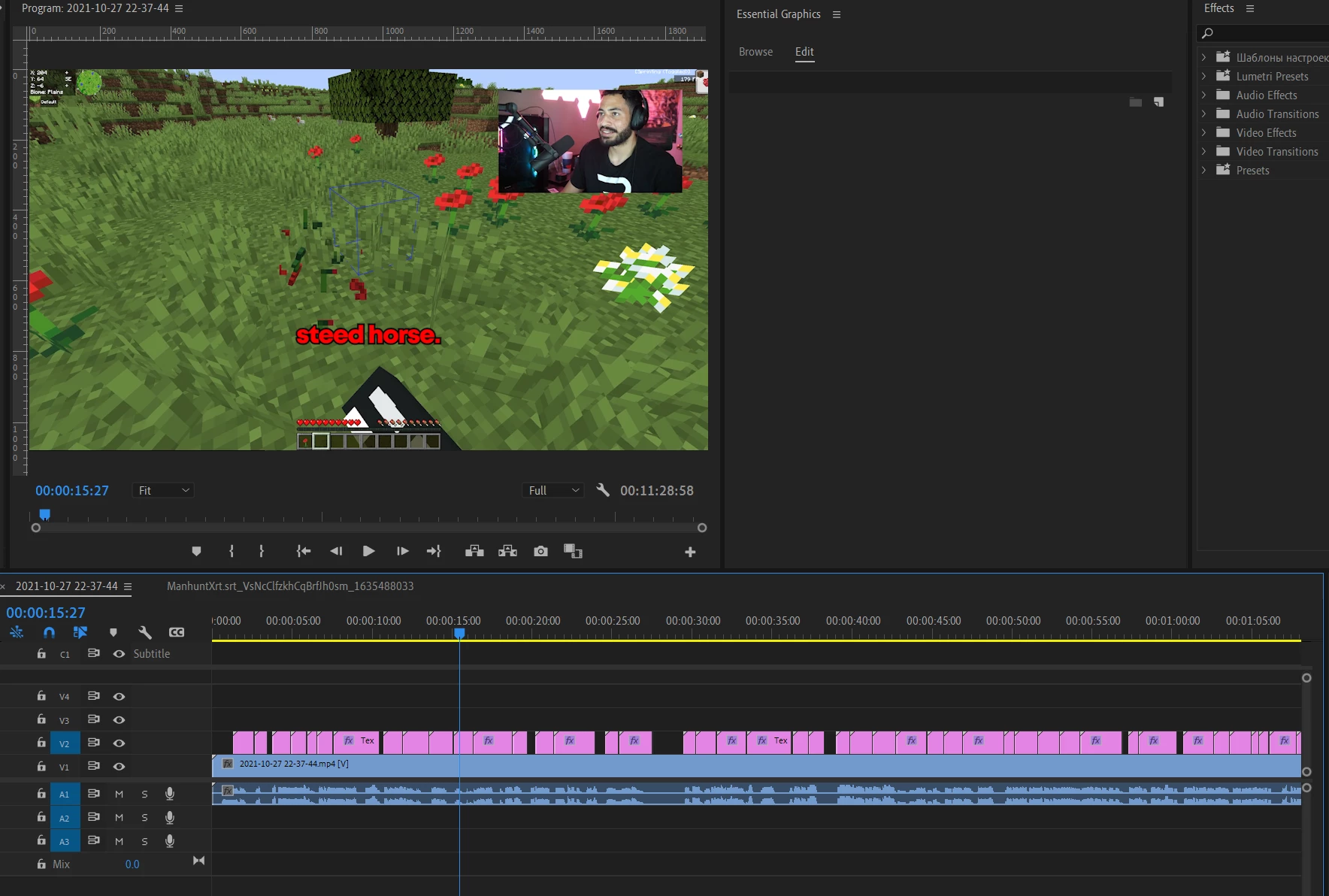
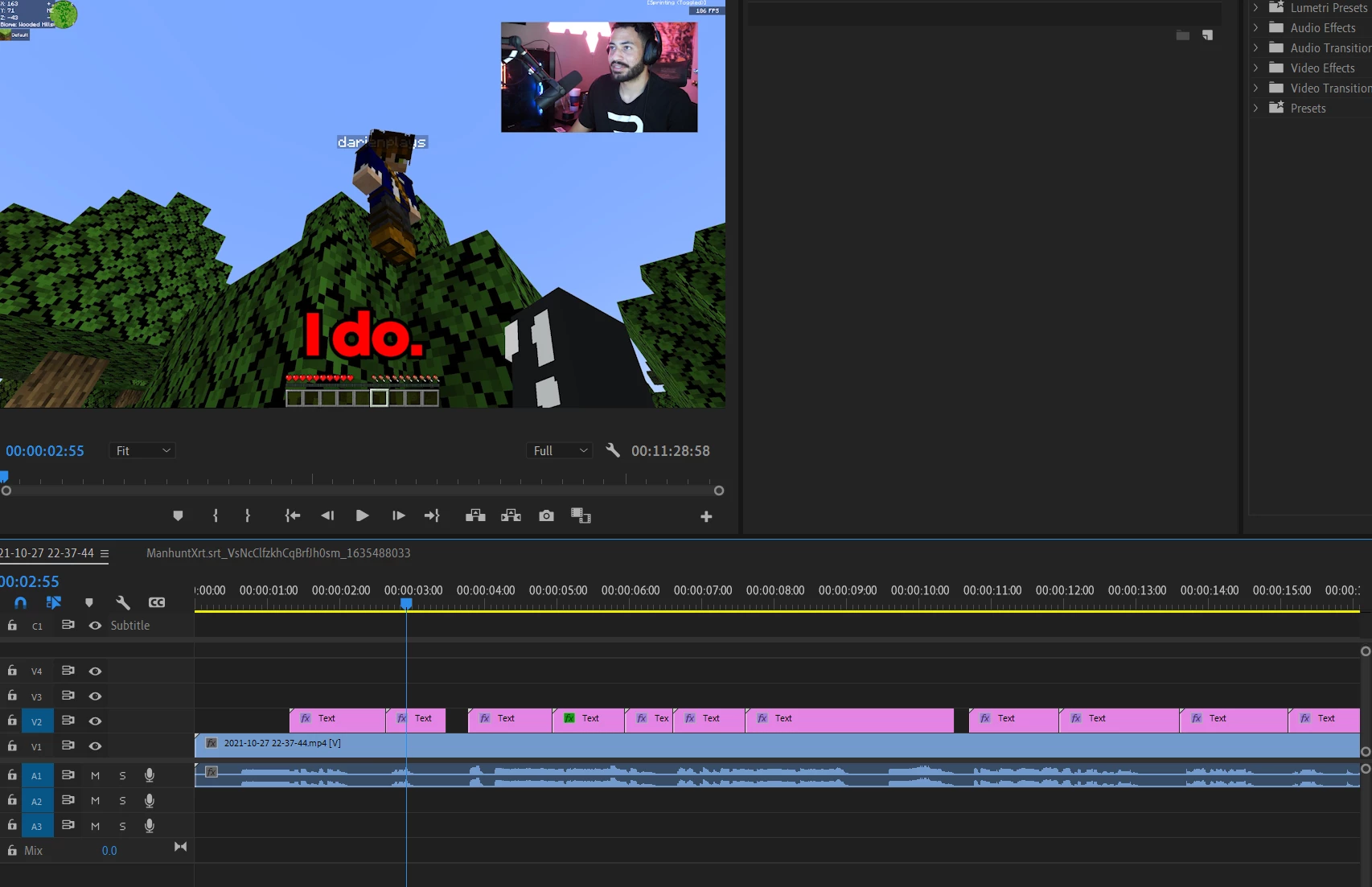
 

This topic has been closed for replies.

1 reply

Stan Jones
Community Expert
Community Expert
October 29, 2021

I wasn't sure what to say to your other thread, and was waiting for someone else to answer. These are no longer "caption track" items anymore. The method you used to add them created regular grahics text. And I don't know the options there as well.


Can you use a template (mogrt) to position them all? Could you do this with the tool you used to import them? Can you copy/paste the position information? 


Someone else may pop in and provide some guidance.


Stan


RaineyXAuthor
Participant
October 29, 2021

Thanks for the answer! Ya, i'm really hoping there is a way to motion all of the graphic text into the same place without having to individually drag them all.