


SUDDENLY, the sound disappeared from project panel
After writing this ENTIRE letter for 25 minutes, it DISAPPEARS !!!!
“Subscribing” did not help.
Also, adobe has done a good job of making writing to forum very difficult.
Too much search and click.
Doing NOTHING, the sound disappears from my project panel.
Maybe i was resizing the panel, who knows, but not pressing all sorts of buttons.
I’ve looked at every button i can find, and see nothing I might have done.
Restart PPro does not help.
Sound for EVERYTHING else if fine, like the source panel or everything else on this computer.
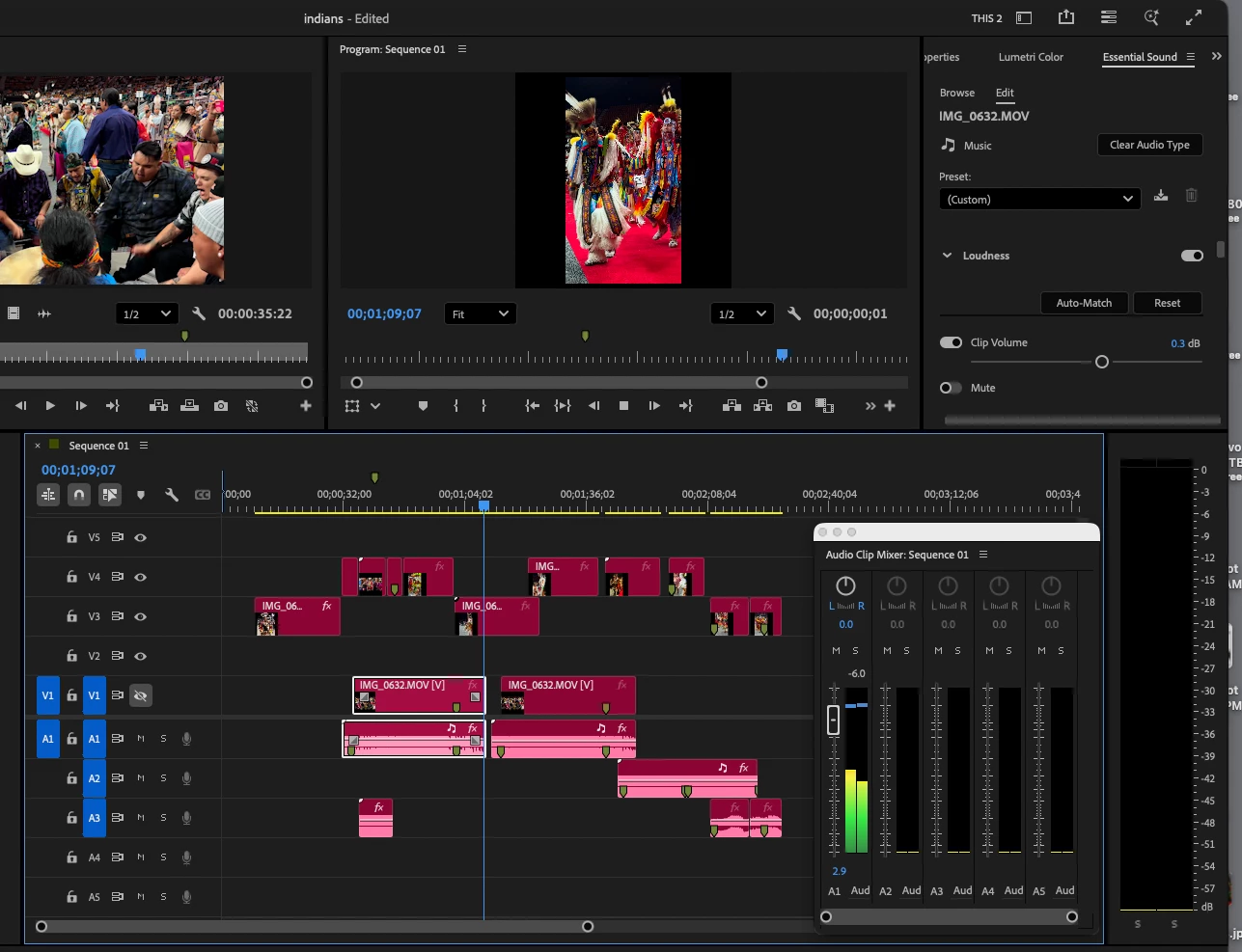
You can see that “audio clip mixer” recognizes the sound, but that lower right monitor does not.
Is that supposed to show project sound? There must be a simple fix?
I noticed a custom preset in the “essential sound” panel. I NEVER use presets so why does it say “custom”? Each clip shows custom, but when I “select all” clips it says “default”? No sound changes have been applied yet.
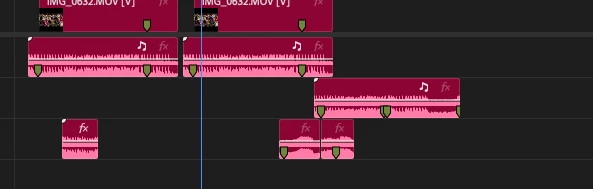
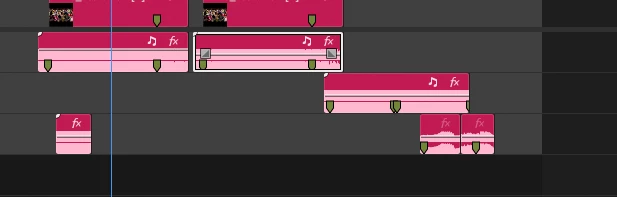
Ok look below. I added a screen shot that shows a sound track anomaly:
good track:
bad track:
thanks anyone !!
Steve z
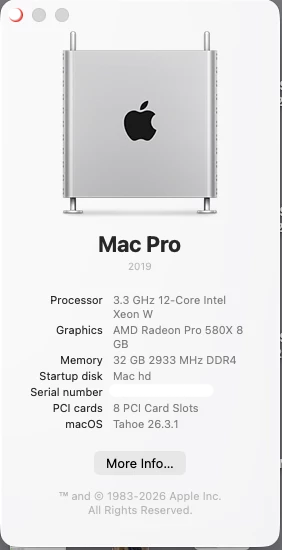
PPro 26.0.2 build 2
 AdChoices