
Njara
Participant
October 7, 2023
Answered

Suivi automatique du flou gaussien

  • October 7, 2023
  • 2 replies
  • 415 views

Bonjour,

Impossible sur Macbook Pro M1 de 2021 de faire fonctionner la fonction tracking auto d'un masque de l'effet flou gaussien ... Ca fonctionnait très bien avant.

Une fois le tracking lancé, la barre de progression se freeze dès le début :
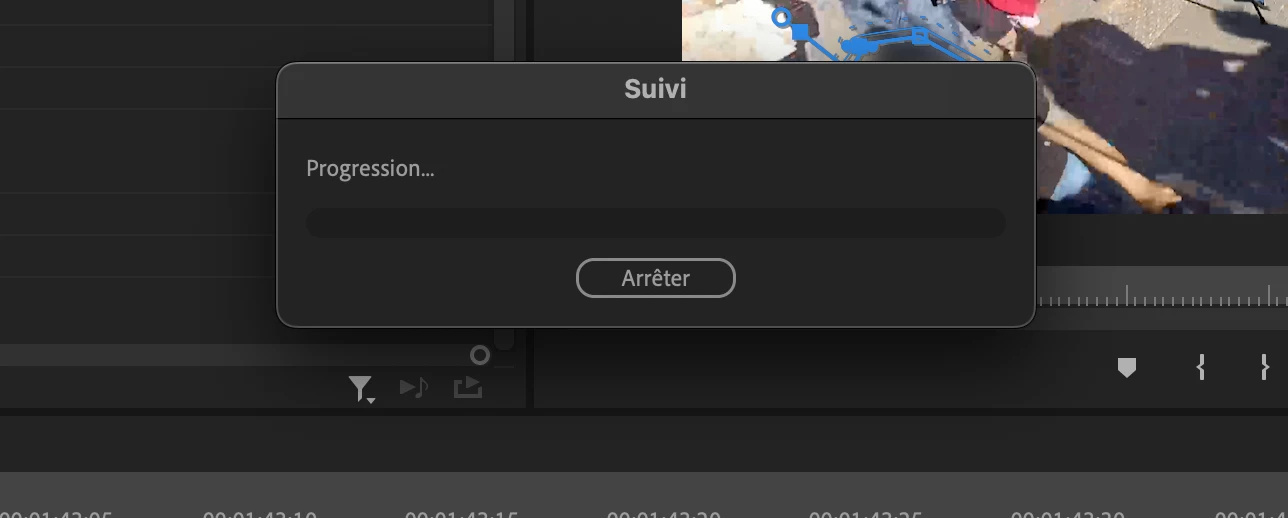
Avez-vous le même problème ?

Merci pour vos retours !

Correct answer Kevin J. Monahan Jr.

Hi,

It's still there. Go to wrench menu under the effect itself and choose "Preview." Please check out the new masking tools in Premiere Pro Beta. Really great new workflow emerging there. I hope that works for you. 


Thanks,

Kevin


2 replies

Participant
October 12, 2025

ADOBE PREMIÈRE PRO 25.5
MAC BOOK M3
Je place comme d'habitude un masque ( flou gaussien) sur une zone dans mon image, et lorsque j'appuie sur la flèche blanche "suivi du masque sélectionné vers l'avant",  le suivi du masque d'effet ne s'affiche plus en lecture dans la fenêtre programme. 
 
L' effet est pris en compte, mais on ne peux plus le visualiser durant l'éxecution, ni donc vérifier au fur et à mesure si il faut agir dessus.

Kevin J. Monahan Jr.
Community Manager
Kevin J. Monahan Jr.Community ManagerCorrect answer
Community Manager
October 17, 2025

Hi,

It's still there. Go to wrench menu under the effect itself and choose "Preview." Please check out the new masking tools in Premiere Pro Beta. Really great new workflow emerging there. I hope that works for you. 


Thanks,

Kevin


Kevin Monahan - Sr. Community and Engagement Strategist – Adobe Pro Video and Audio
Kartika Rawat
Community Manager
Community Manager
October 9, 2023

Hi Njara!

Sorry about the issue. Which version of Premiere Pro are you using? Have you already tried resetting preferences? https://adobe.ly/48Oj77Z

Let us know.


Thanks,

KR