Participant
October 15, 2022
Answered

surround and stereo on same timeline (assembling a program with different short videos)

  • October 15, 2022
  • 3 replies
  • 1260 views

Hello 

I often need to assemble 1h programs for cinemas using different videos as a source. 

One major question is how to use 5.1 and stereo on the same sequence and then export it properly. So far I have only been able to export in 5.1 and then the stereo clip is in the left and right of the speakers in the front and back. Is this the normal workflow? I cannot seem to ass additional streams to the export.


Also often need to combine several different frame rates for videos that have subtitles. I would be grateful if someone has a workflow for this as well.


thanks so much

J

This topic has been closed for replies.
Correct answer Warren Heaton


***How to use 5.1 and stereo on the same sequence and then export it properly? 

You have to work in two Sequences:

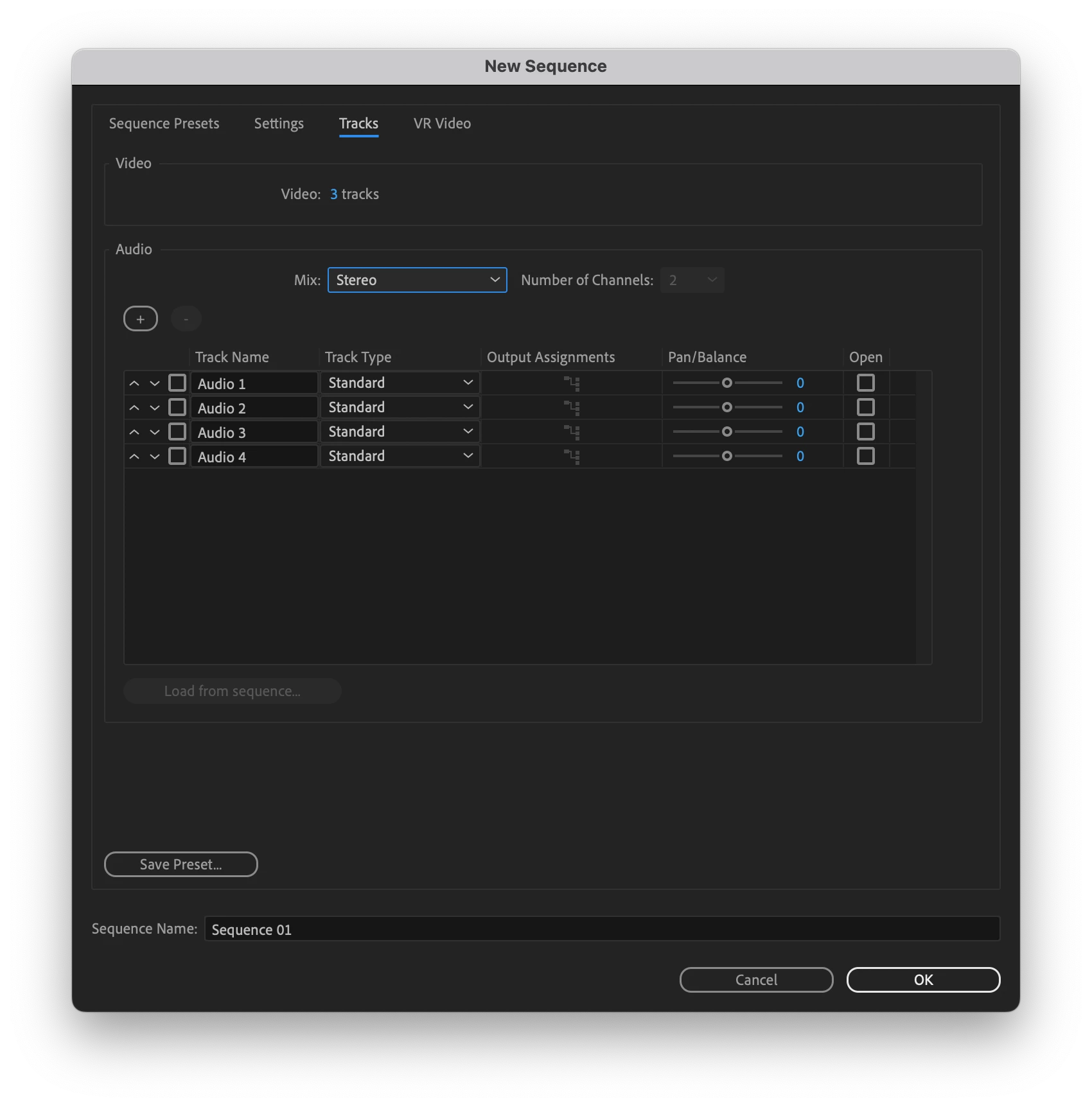
  • One with the Mix set to Stereo.
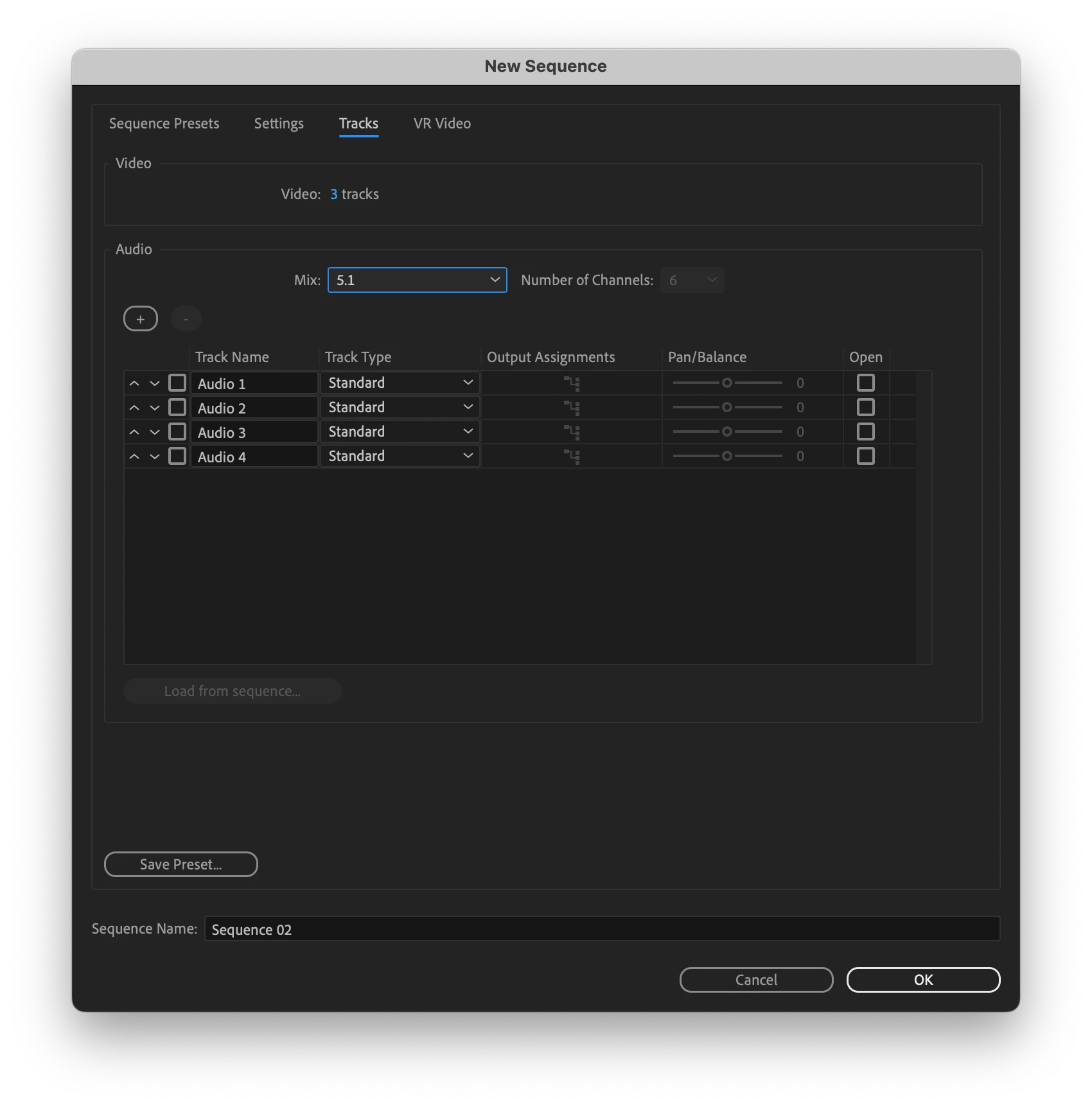
  • One with the Mix set to 5.1.

The Track Mix option is set at the time that the Sequence is created.  If you're currently working in a Seqeunce with a 5.1 Mix then copy and paste all of the Source Footage into a new Sequence set to Stereo Mix.  Edit for Stereo as needed and then export.


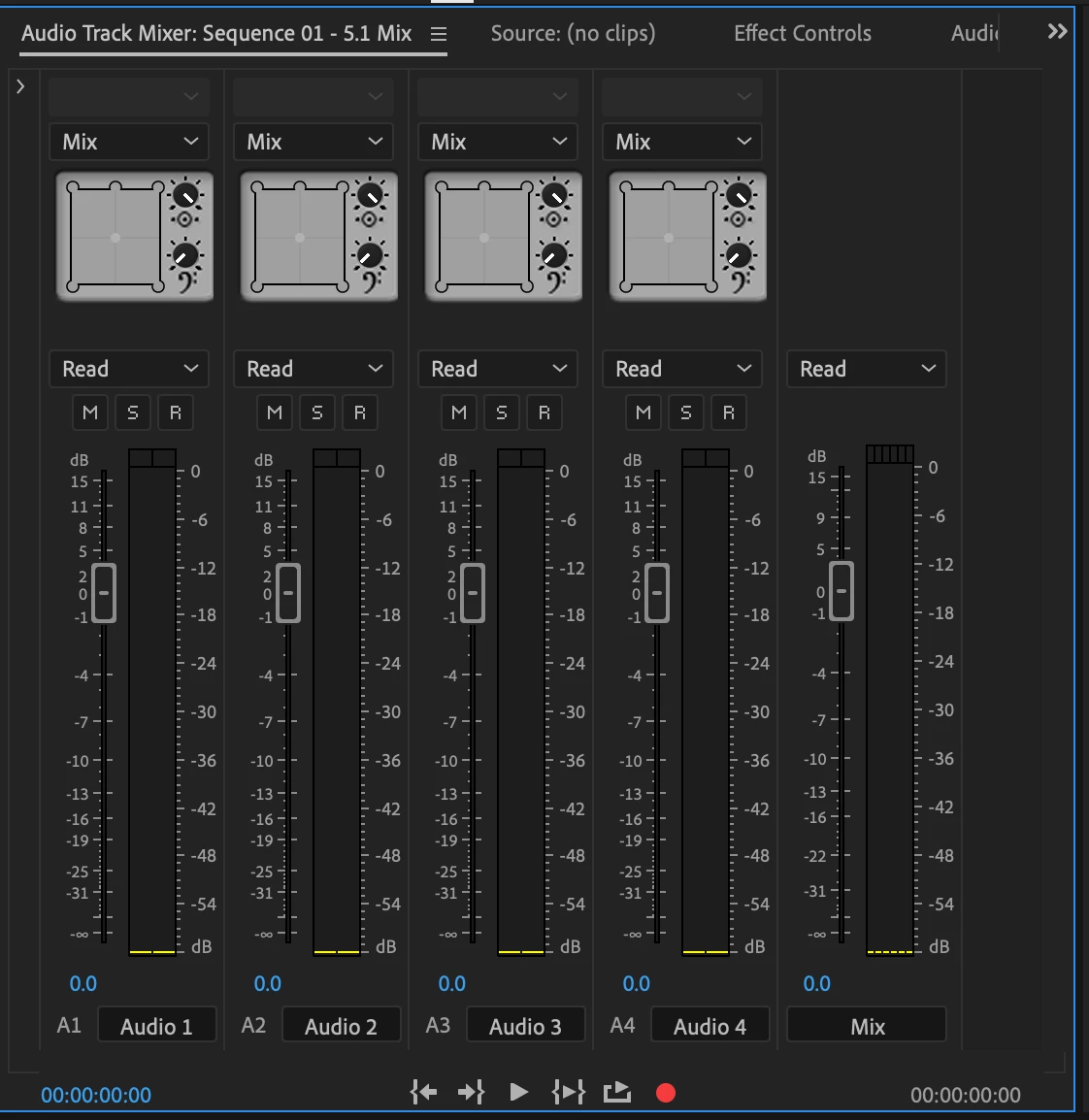
When working with a 5.1 Mix, Output Assignments are set in the Audio Track Mixer panel.


If you happen to already have Linear PCM Stereo Stems and Linear PCM 5.1 Stems, those can be placed into a Multichannel Mix Seqeunce to export a main file that contains the picture and sound mix options in one file - but it doesn't sound like this is what you're trying to achieve.


***Also often need to combine several different frame rates for videos that have subtitles. I would be grateful if someone has a workflow for this as well.

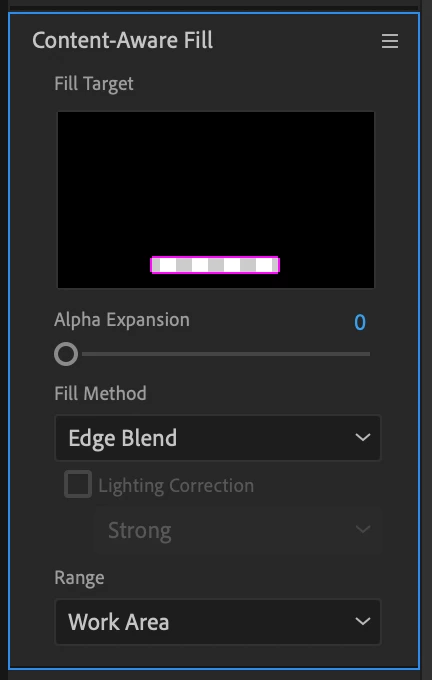
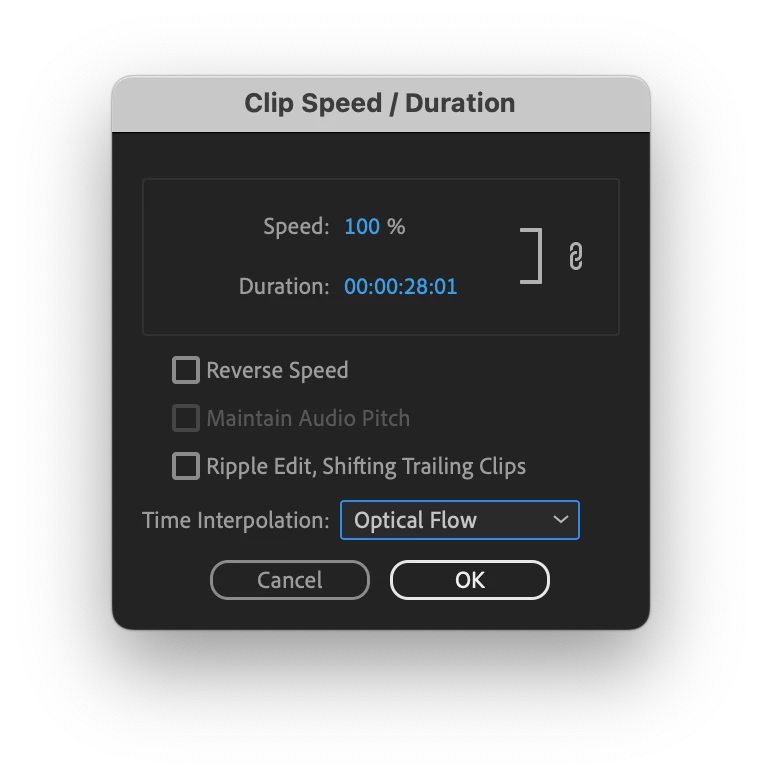
It sounds like you're working with delivery files with Open Captions (the captions are always in view and cannot be turned off).  Ideally you would have access to each Sequence that created those files such that you're working with textless source footage whose frame rate, frame size, and frame aspect ratio can be cleanly remastered, upconverted/downconverted, or reformatted as needed.  If not the Sequences, Full Resolution exports without text (often called "textless").  Assuming that that's not the case, your quickest approach would be to use Content-aware Video Fill to remove the subtitles (the fill will be blurry) in After Effects and make sure you have Time Intetrpolation set to "Optical Flow" in Premiere Pro for any clip that has a frame rate that does not match the Sequence frame rate.


-Warren


3 replies

Legend
March 14, 2023

Depends on what your deliverable is.

e.g. if you are provided with 8 channel sources (5.1 & 2.0) and need to deliver the same then modifying the clips to be 8 channel adaptive and using a multichannel sequence would be the easiest way.

If you have to do anything more than simple edits then it gets more complicated....

Legend
March 14, 2023

Sorry just saw your later reply. You need to figure out the track assignments of the source - certainly looks mixed up by the waveforms. You can still use 6ch adaptive tracks and route the source tracks correctly for your deliverable (typically either L,R,C,Lfe,Ls,Rs OR L,C,R,Lfe,Ls,Rs).

The 2.0 (stereo) clips you could route to just L and R outputs, OR you'll need to upmix them if you want them to be 5.1. There's various plug-ins, but I've never used them in PP. 

NB You kind of need to work back from the deliverable. My deliverables have always been discrete tracks in an MXF OP1a file - they get played to air pretty soon after we deliver. Indeed we can play to air directly from the NLE.

Legend
March 14, 2023

https://drive.google.com/file/d/1-NMxFTpWGzNtjw8swqwBF9mMSUWRNGP-/view?usp=sharing


Is an example using adaptive files - there's a stereo file and 2 instances of an 8 channel file, one set to be LRC (so track for track) and the other set to be LCR (so A3 and A2 are swapped). 

(NB there used to be a bug on A16 of adaptive tracks - not sure if they fixed it.)

Warren Heaton
Community Expert
Warren HeatonCommunity ExpertCorrect answer
Community Expert
October 15, 2022


***How to use 5.1 and stereo on the same sequence and then export it properly? 

You have to work in two Sequences:

  • One with the Mix set to Stereo.
  • One with the Mix set to 5.1.

The Track Mix option is set at the time that the Sequence is created.  If you're currently working in a Seqeunce with a 5.1 Mix then copy and paste all of the Source Footage into a new Sequence set to Stereo Mix.  Edit for Stereo as needed and then export.


When working with a 5.1 Mix, Output Assignments are set in the Audio Track Mixer panel.


If you happen to already have Linear PCM Stereo Stems and Linear PCM 5.1 Stems, those can be placed into a Multichannel Mix Seqeunce to export a main file that contains the picture and sound mix options in one file - but it doesn't sound like this is what you're trying to achieve.


***Also often need to combine several different frame rates for videos that have subtitles. I would be grateful if someone has a workflow for this as well.

It sounds like you're working with delivery files with Open Captions (the captions are always in view and cannot be turned off).  Ideally you would have access to each Sequence that created those files such that you're working with textless source footage whose frame rate, frame size, and frame aspect ratio can be cleanly remastered, upconverted/downconverted, or reformatted as needed.  If not the Sequences, Full Resolution exports without text (often called "textless").  Assuming that that's not the case, your quickest approach would be to use Content-aware Video Fill to remove the subtitles (the fill will be blurry) in After Effects and make sure you have Time Intetrpolation set to "Optical Flow" in Premiere Pro for any clip that has a frame rate that does not match the Sequence frame rate.


-Warren


Participant
October 25, 2022

Thanks Neil and Warren. 
I like your workflow Warren.

I know about sound in general, but I am way over my head in this instance.
I have never provided surround before, nor used it in premiere, the client is giving me different videos to assemble as a program of her shorts (all in one prores then dcp)
I basically have to assemble videos like this. (see image) Each 5.1 is different for starters.
Lets say a cinema wants a programme of 5 videos. 3 with ¨suround¨and 2 in stereo.
I will output it all in surround.  There is only one that seems to have all the tracks that play. Any ideas? 

I am trying to be as clear as possible, but not sure I am really asking my question properly 🙂 My apologies.

R Neil Haugen
Legend
October 15, 2022

You'll have to build the right custom sequence settings for the audio files, including using a bus or two to route tracks correctly.


@Warren Heaton10841144 or @Jarle Leirpoll are good at that.


Neil

Everyone's mileage always varies ...