
Answered
Swirling into each other. need help.
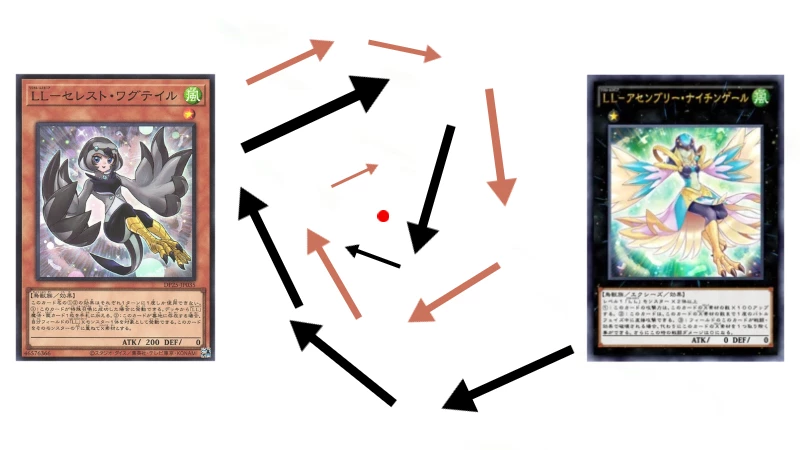
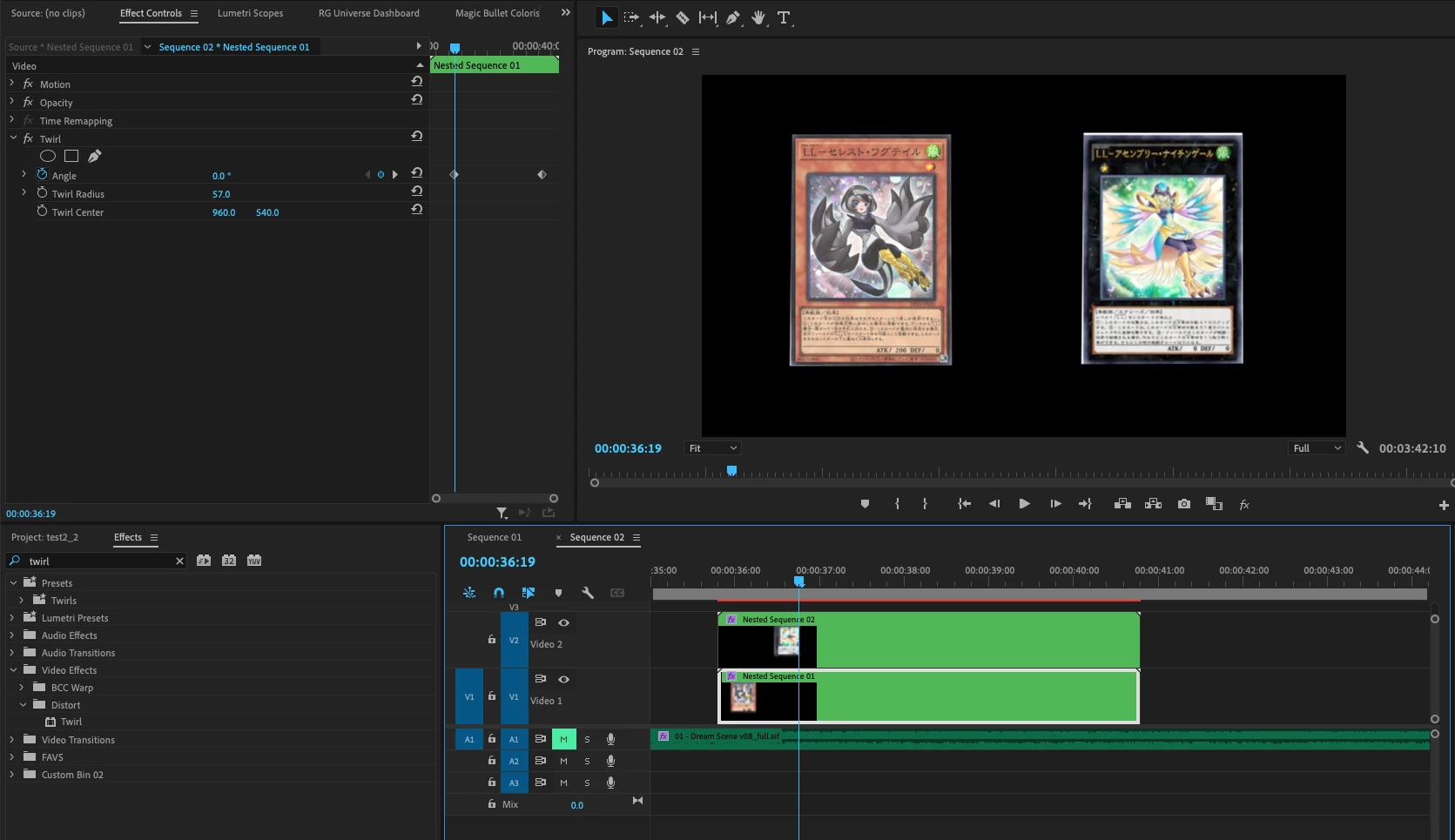
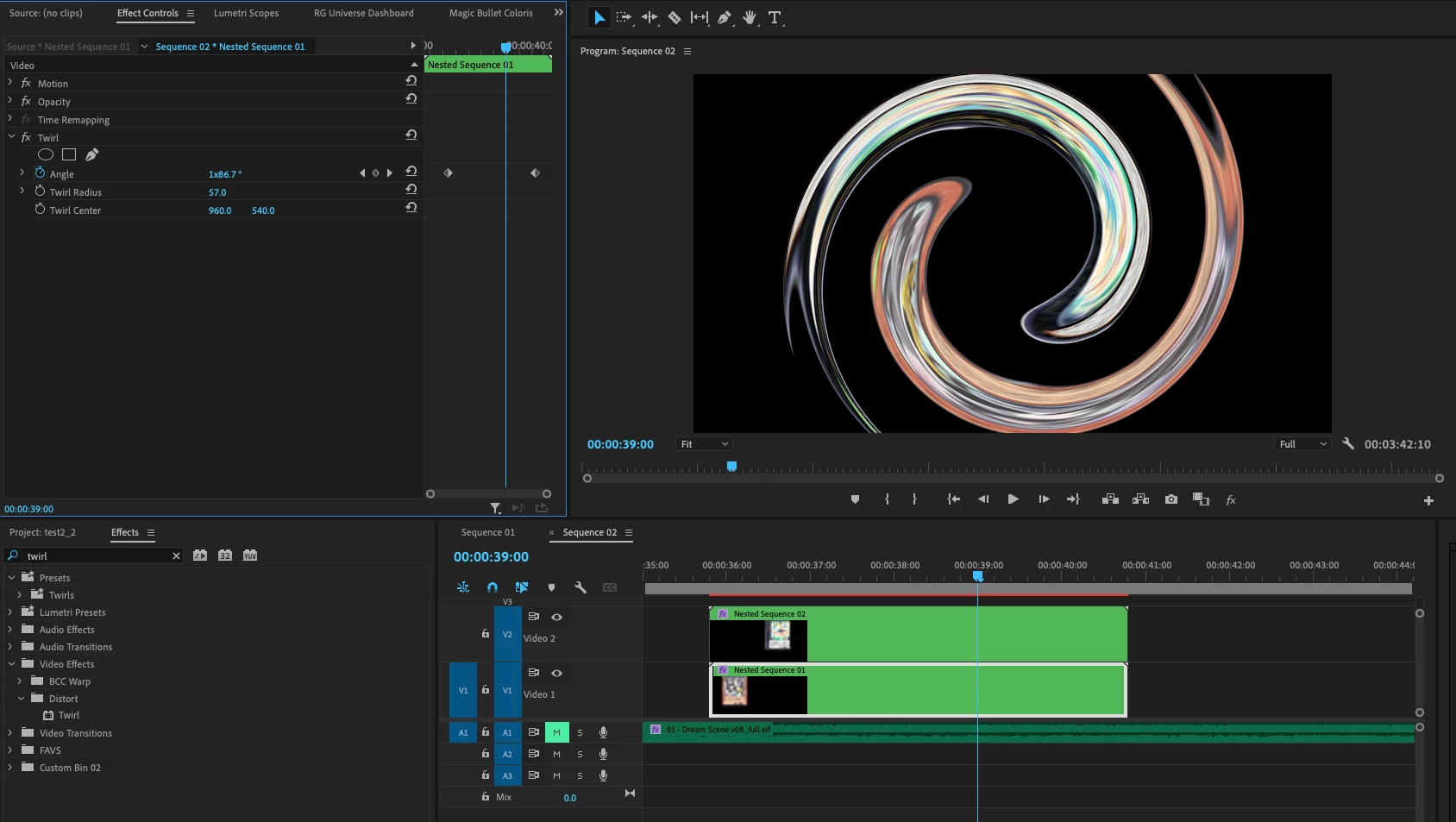
So I wanna do something like in this link https://youtu.be/CHfXt5RPcIo?t=90 where the two monsters swirl together. I was told to use twarl but it just distorts the pictures. It doesn't bring them together. I wanna do something like in the picture here if the video didn't help show what i was talking about. So I want them to swirl into each other and disappare into the red dot. Thanks to anyone who reads this. I don't have after effects if that matters.


 AdChoices