
Answered
Switch timeline to 60FPS in Premiere Pro CC
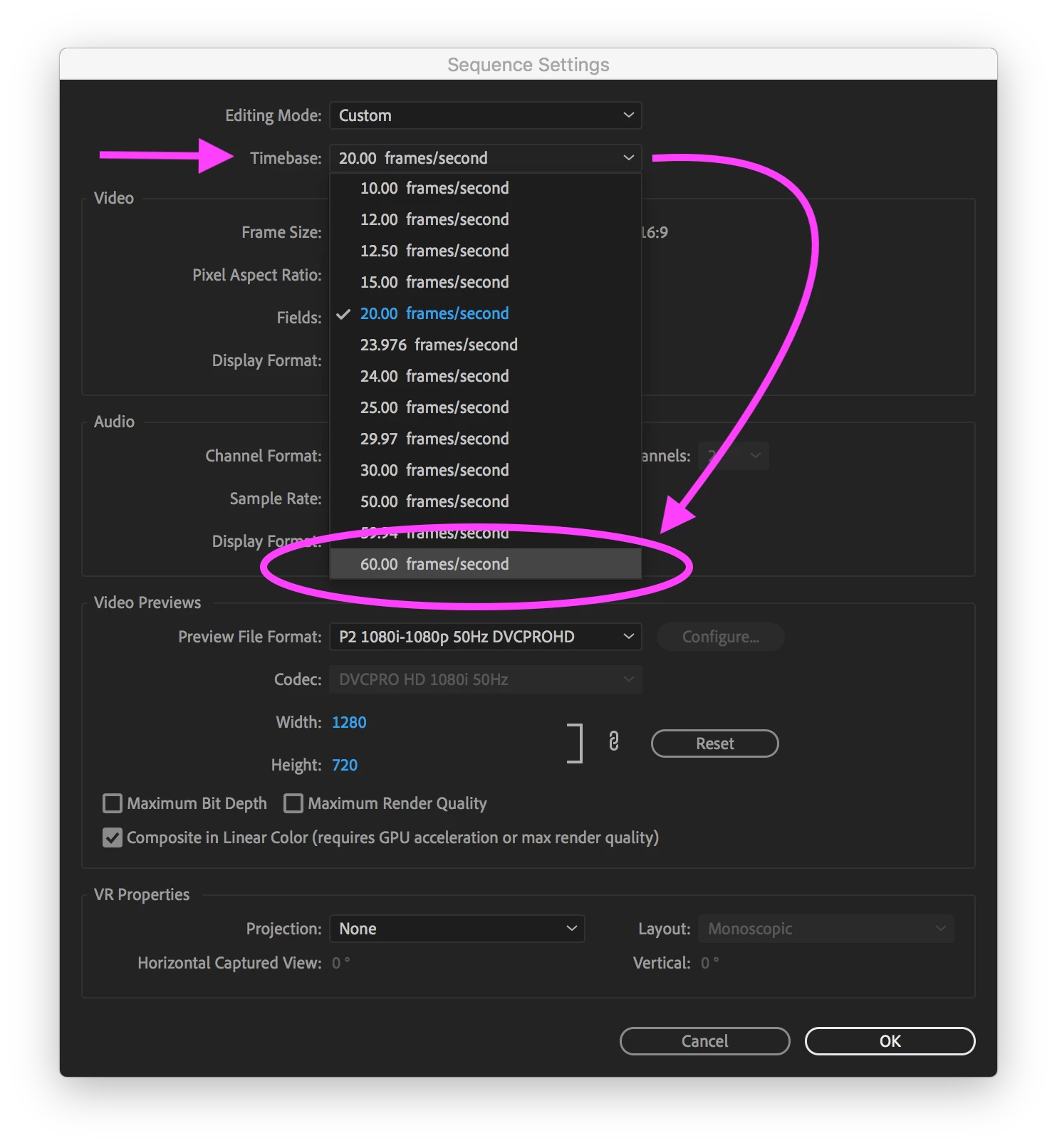
I have the same question as this thread: How do I set my timeline to 60FPS only the solution posted there does not work for me.
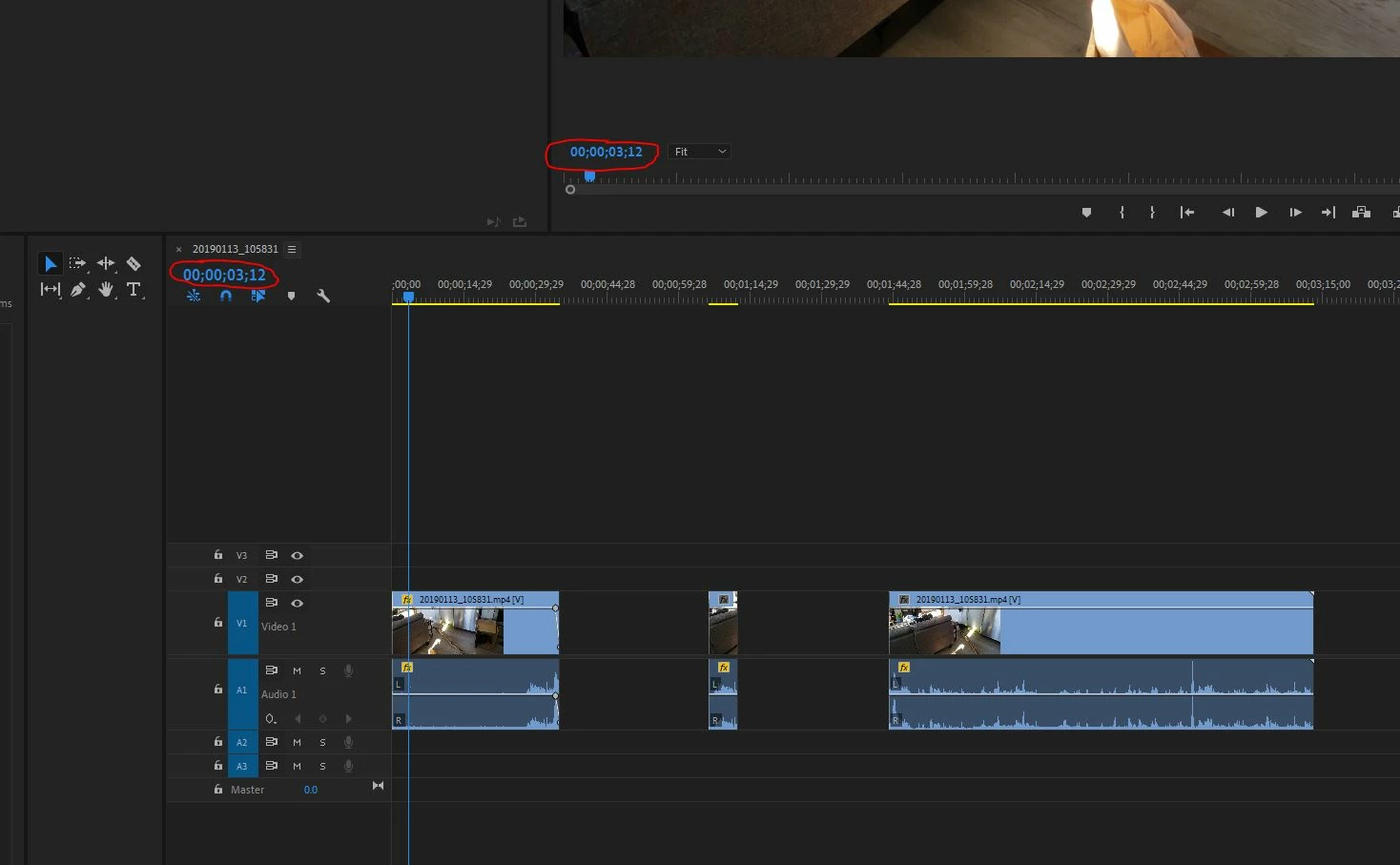
I am trying to get the circled number to display the actual frame number. It displays 30fps, and if I scrub using the arrow keys I have to press twice for that number to change. So it is recognizing all 60 frames in my footage.
The footage I'm editing is from a Samsung Galaxy S9+, which apparently records in variable framerate. I recorded with HEVC turned off, so it is H.264.
 AdChoices