



Answered
switch to program monitor when i cut in a clip from source monitor
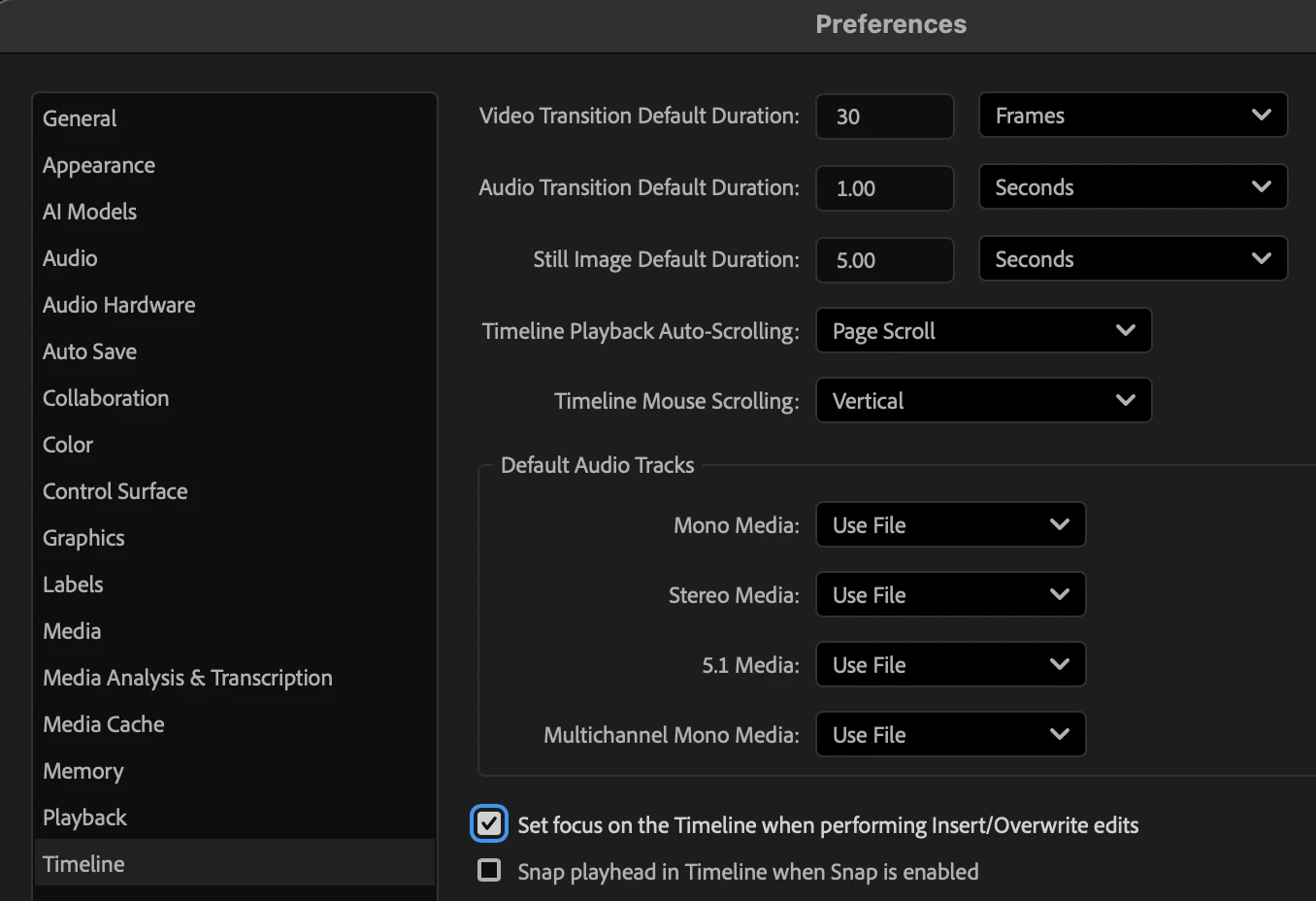
On my laptop, it used to be that, when I cut in a clip from the source monitor, it would switch to the program monitor. Now, when I cut in a clip from the source monitor, it stays on the source monitor, so I have to keep switching over to the program monitor manually. Is there a setting where I can restore the default behavior?
 AdChoices