
Known Participant
August 25, 2023
Question

Synchronize Audio and Keep Track 1 in Place

  • August 25, 2023
  • 2 replies
  • 290 views

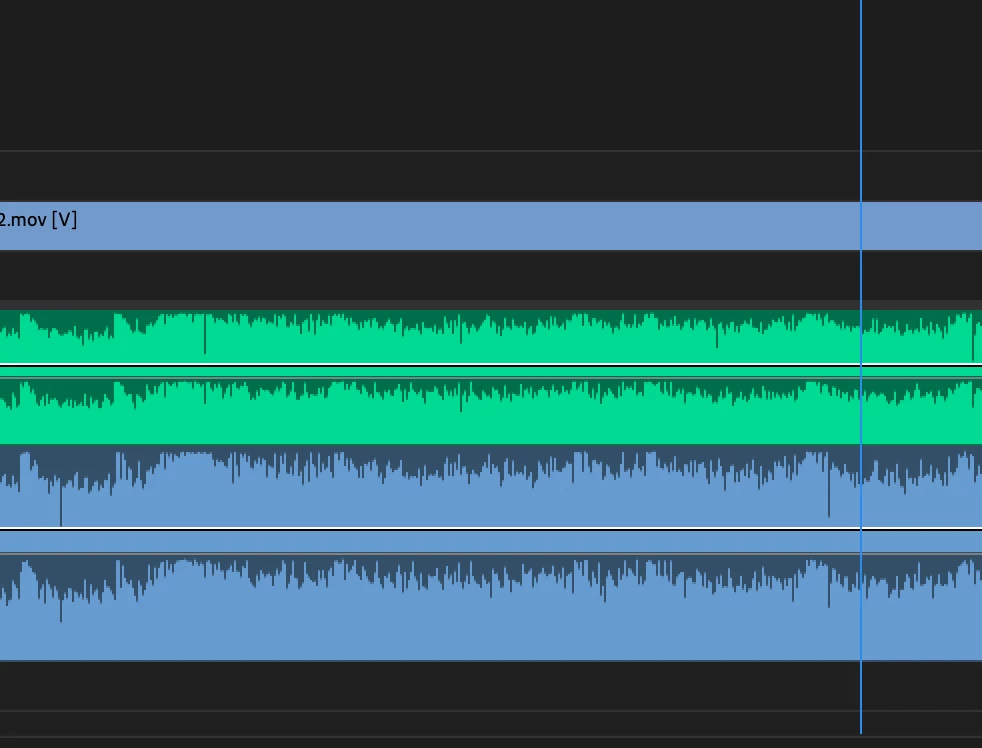
I have an audio track on track 1. I have a video & audio track on 2.


I keep trying to sync track to to track 1, but track 1 is the track that keeps getting moved in the synchronization. I have selected both track 1 and track 2 in. the Audio drop-down menu, but it keeps moving track 1 no matter what I select.


Track 1 needs to stay put, and the clips I bring in to V2 & A2 are the ones that need to move.


Suggestions?
 

2 replies

SitHapyy
Participant
February 28, 2025

I am having this same issue! HOW can this be accomplished?

Kevin-Monahan
Community Manager
Community Manager
September 8, 2023

Hi @Dirthmitore,

I got your message. I hope you're doing well. Sorry, you have not gotten a response from the community yet. Have you solved the issue, or are you still having problems? Have you tried 23.6 yet? If not, try it and let us know if it works better. I hope the community can assist you.


Thanks,
Kevin

Kevin Monahan - Sr. Community and Engagement Strategist – Adobe Pro Video and Audio