



Text-based editing doesn't work with two audio tracks: why?
If I have an interview with somebody who has recorded their own audio, the conversation between me and them is on 2 different audio tracks. But when I try text-based editing using 2 (or more) audio tracks, it doesn’t work. Because the transcript in the Program Monitor can only follow one of the transcribed audio tracks. This means I can’t read the conversation.
In the picture you can see the conversation skips from 01:58 to 03:25, so it’s missing the transcript from the second audio clip.
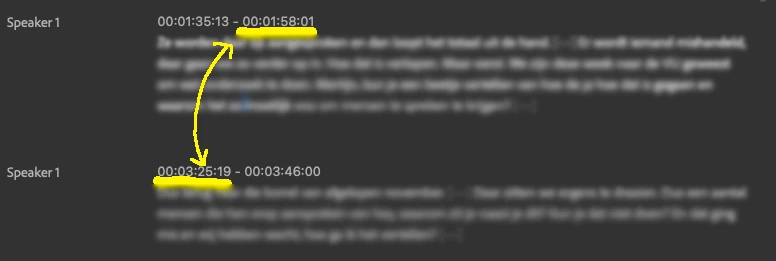
I have transcribed all audio files. I can see them in the Source Monitor, just not in the Program Monitor.
On top of that: I can’t seem to even SWITCH between the different clips in the Program Monitor. The Program Monitor really seems to be stuck on just the first clip I’ve transcribed. How is this possible? Am I missing something here? It seems like it should be a very basic feature in text-based editing.
 AdChoices