


Question
Text-based editing not working even though all of its buttons are visible (Premiere 25.2.3)
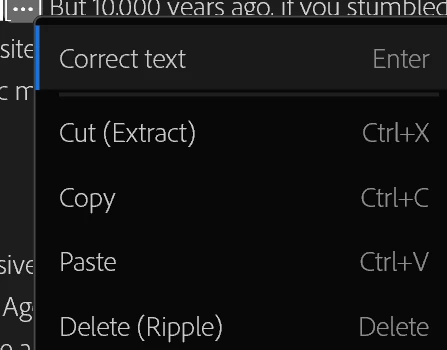
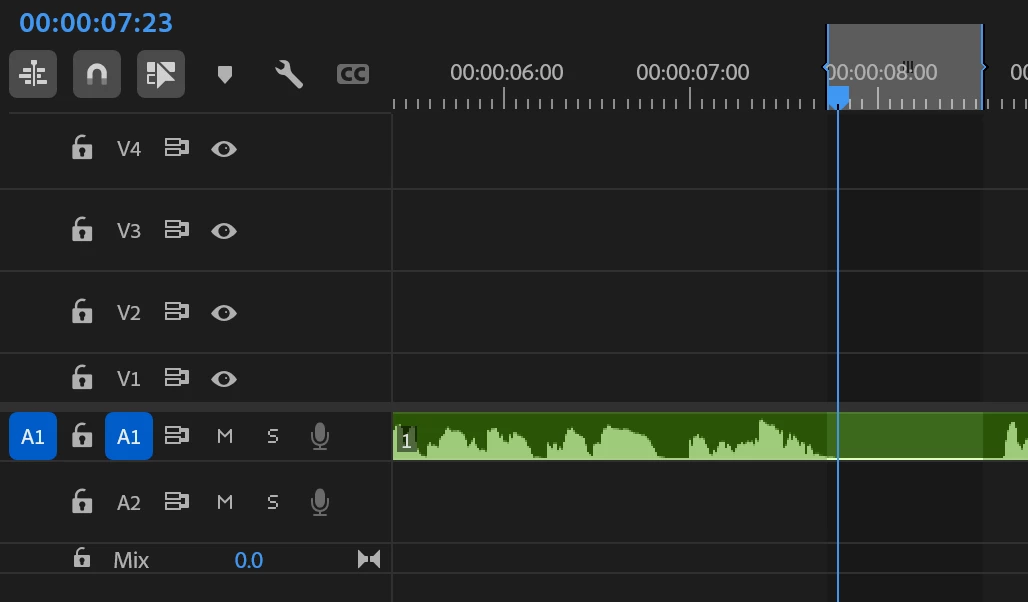
I´ve read all the questions regarding this matter and tried them all to no avail. After I don´t know which update, my text based editing stopped working. I have auto select in-out enabled, it´s text based editing, toggle sync lock is set to normal, the audio track is highlighted and I´ve tried everything I could but I still can´t delete, ripple delete, etc. when text-based editing. I´m on Premiere 25.2.3 due to work but it should be working normally. I´ll add screenshots. As oyu can see, even though it´s only audio (it had graphics before which I removed just in case), it´s still not working, neither the keyboard "delete" shortcut nor the right click - delete. Any ideas would help a LOT. Thanks!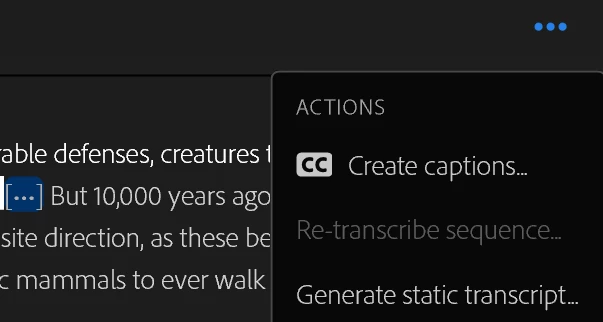
 AdChoices