


Text-based editing stopped working
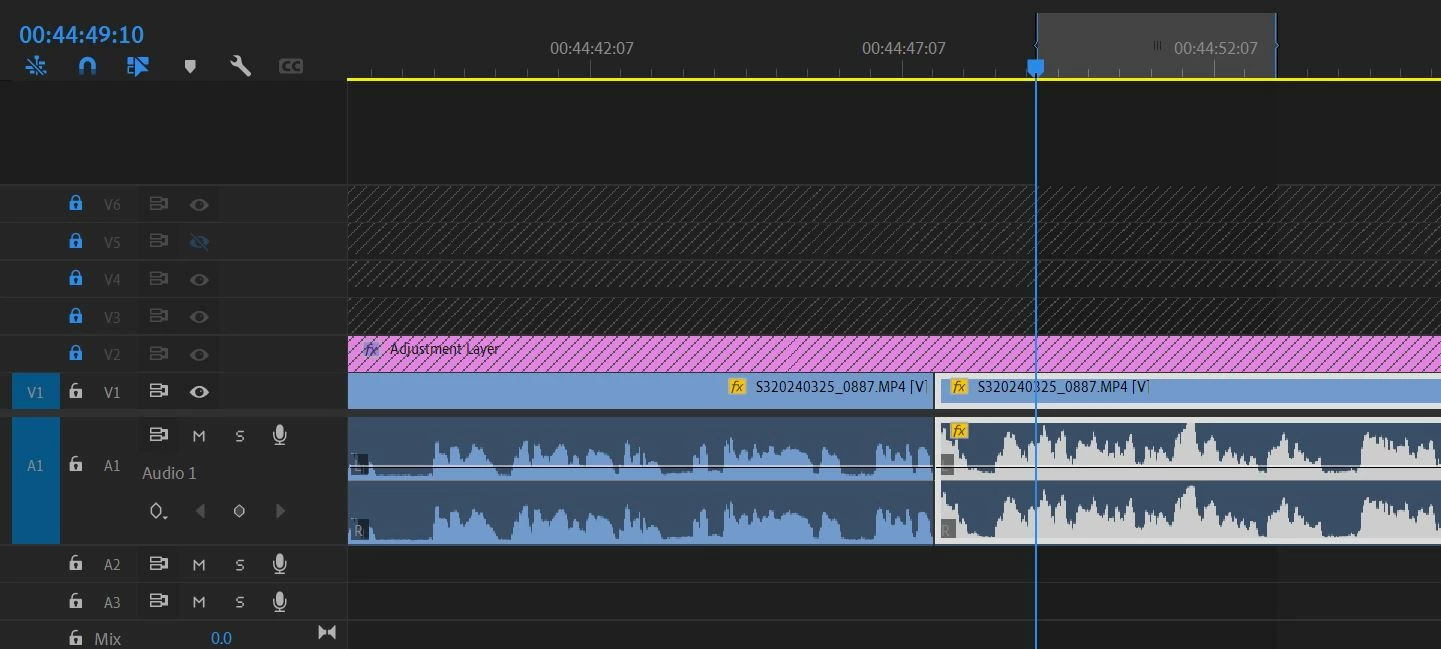
I've been using text-based editing for a while and I love it, but for some reason it has stopped working for me. I am currently using Premiere Pro 24.3.0 (Build 59). I select the text in the transcript and hit the Backspace key, which normally makes an edit in the timeline matching the text I've selected. Now when I select the text, it only sets the In/Out points in the timeline, but hitting Backspace just moves the play head to the In point. No edit is made. This was working in this same project a few days ago, but suddenly it's not.
I read some other posts that suggested turning on the "Automatically set In/Out points" feature, but that is already on for me.
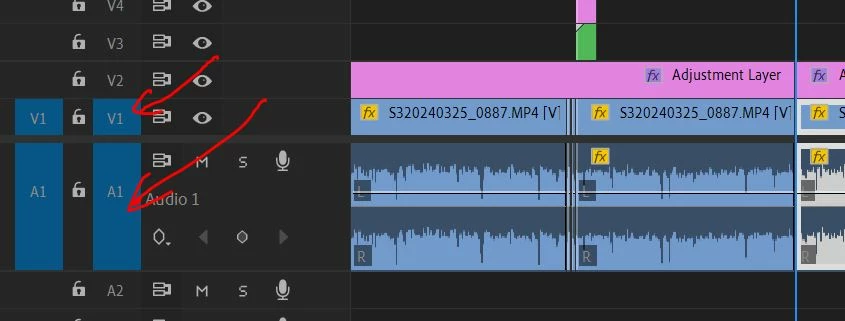
There are other tracks in my sequence. I've tried locking them and unlocking them. It doesn't make a difference.
In this screenshot, I've selected the part I want to delete.
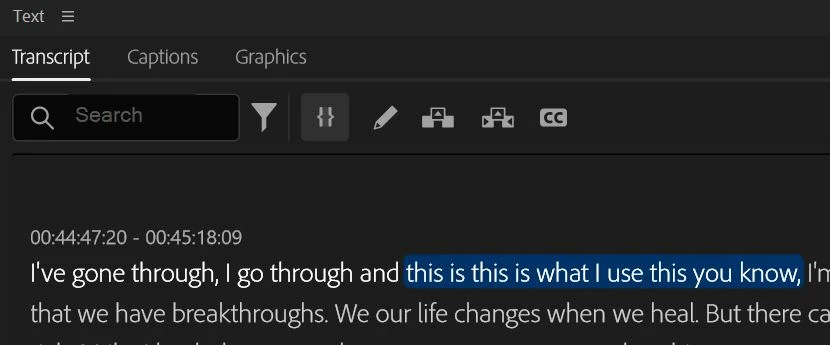
This screenshot shows what it looks like after I hit backspace. It should have deleted the section between In and Out but it just moved the playhead to the In point.
Can anyone suggest a solution?
 AdChoices