Inspiring
March 15, 2022
Question

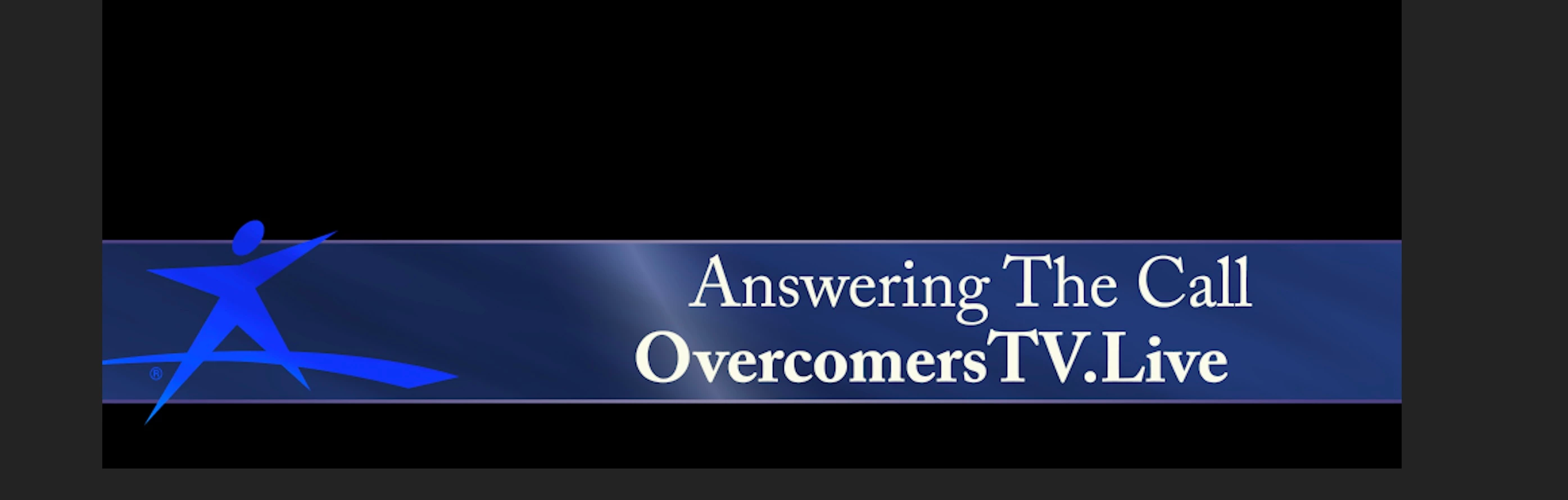
Text is aligned different in adobe link.

  • March 15, 2022
  • 3 replies
  • 442 views

I have an after-effects comp that is dynamically linked to a sequence in premiere pro. 

The problem is when I place the AE project into the premiere the text is offset more to the right of the screen. 

What can I check to make sure that the designed text is showing as it should in premier? 

 

This topic has been closed for replies.

3 replies

Community Expert
March 17, 2022

Are you sure thay are the same clip. The 'tv' is uppercase in one and lower in the other.

Inspiring
March 18, 2022

Thank you all for your prompt reply, it was a glitch in the matrix as I needed to restart the computer and empty the temp files and delete the cache from Premiere pro menus. 

Joëlle Bh
Community Expert
Community Expert
March 17, 2022

As kevin said, the best workaround is to render the comp in after effects and import it to premiere.

Kevin J. Monahan Jr.
Legend
March 15, 2022

Hi, openskies,

How weird is that? Sorry! I have not seen an issue like this before. Is it possible to share your project file from After Effects? I can do a sanity check for you if you like.


I am not sure what to suggest other than a workaround. I would be exporting a file directly from After Effects and importing it into Premiere Pro, and seeing if that might work for now. I'll discuss this with the team and see what they say.


Thanks,
Kevin

Kevin Monahan - Sr. Community and Engagement Strategist – Adobe Pro Video and Audio