Participant
December 6, 2019
Question

Text is shaking

  • December 6, 2019
  • 1 reply
  • 2400 views

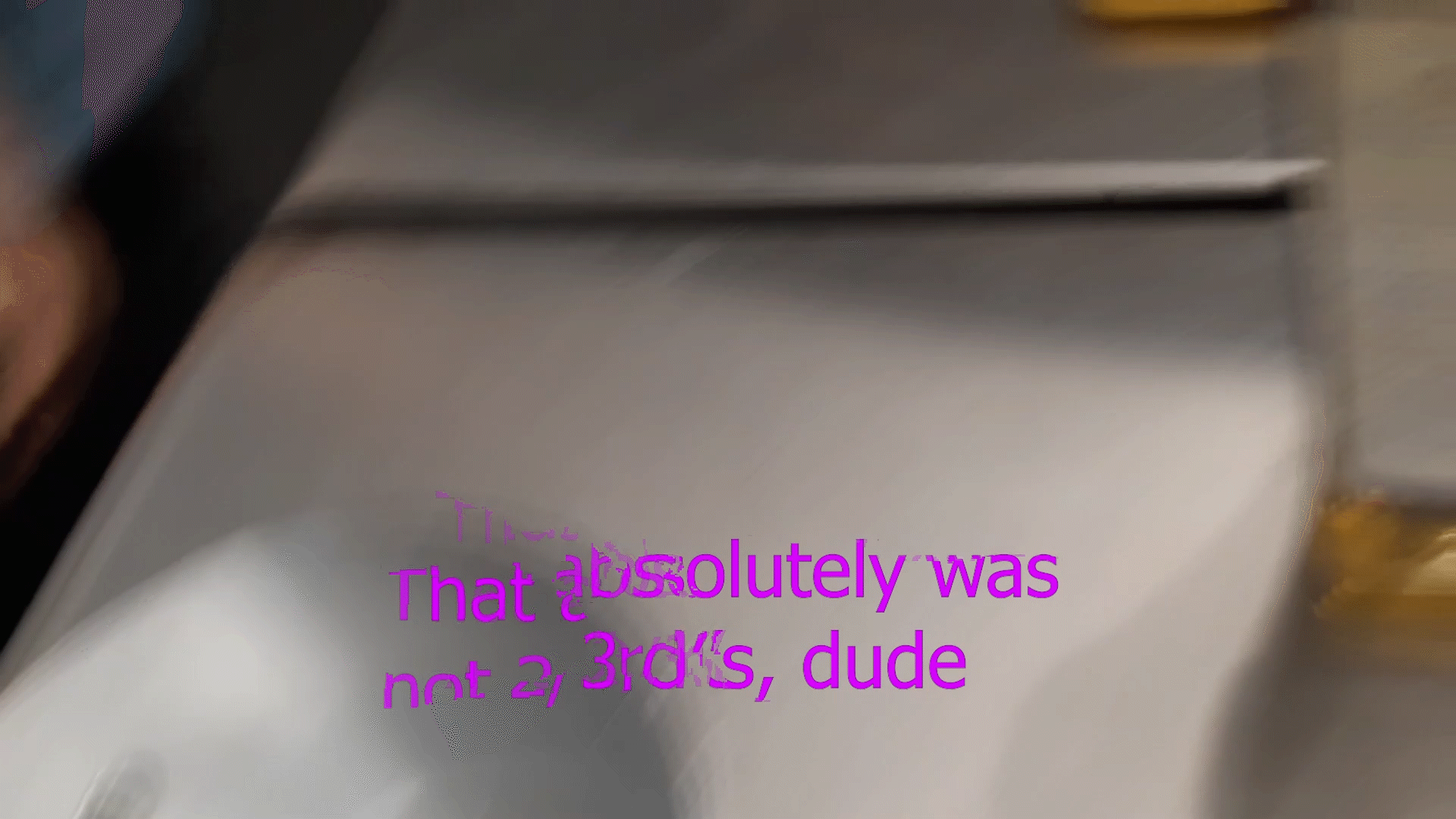
I have exported a video with text for subtitles and such, but the text is very messed up. It seems like the text is getting stuck to things, as any object moving will cause the text to move like jello, the same as you see when a video doesnt load new textures and the old ones try to create the new frame, but whenever I try to look up the problem, its always just tutorials on how to make shaky or jittery text, not fixing it.
This topic has been closed for replies.

1 reply

Peru Bob
Community Expert
Community Expert
December 7, 2019

Try resetting the preferences:
https://community.adobe.com/t5/Premiere-Pro/FAQ-How-to-reset-trash-preferences-in-Premiere-Pro/td-p/8236158

If that doesn't work, try resetting the Workspaces:
Reset a workspace
Reset the current workspace to return to its original, saved layout of panels.
1. Do one of the following:
• Click the Workspace menu icon and select Reset to Saved Layout.
• Choose Window > Workspace > Reset to Saved Layout.
from here:
https://helpx.adobe.com/premiere-pro/using/workspaces.html

If that doesn’t work, try updating or rolling back your graphics driver directly from the video card manufacturer’s site.