

Participant
March 21, 2021
Answered

Text not sharp, how do i fix it?

  • March 21, 2021
  • 3 replies
  • 2515 views

Ive been recently working on a school project and for some reason, the text is extremely blurry on premier pro, what do i do to fix this.
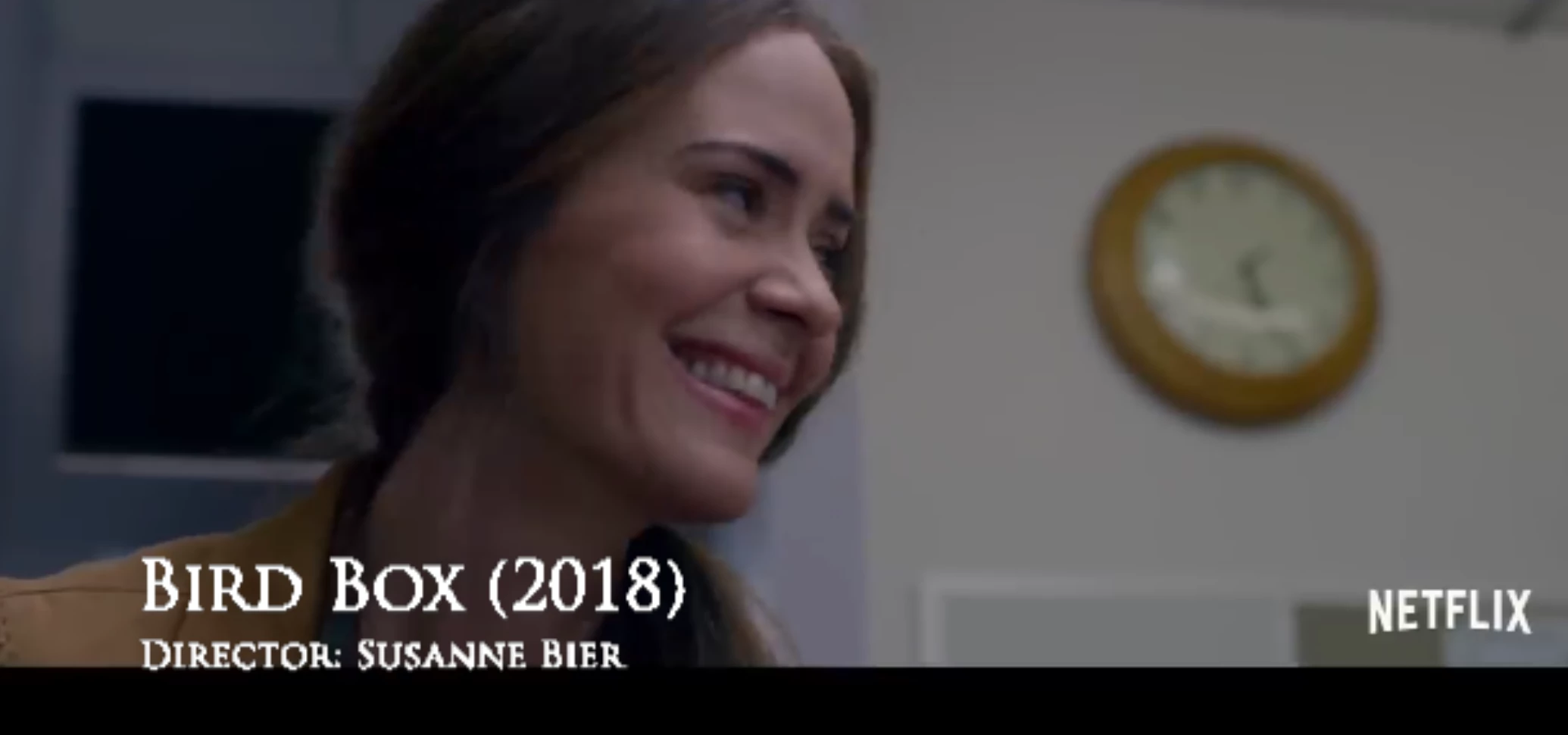

 

This topic has been closed for replies.
Correct answer Andy 1968

If that screenshot is during Premiere Pro's realtime playback you have to enable high quality playback. Adobe is aware that the Essential Graphics titles can look crappy when played back at 1/2 or 1/4 resolution. The Legacy Titles always look crispy and clean. That is why I still use them.

3 replies

Inspiring
March 21, 2021

The screenshot reminds  me this issue: https://community.adobe.com/t5/premiere-pro/random-pixelation-on-my-video-export-even-on-text/m-p/11902735#M335223

The solution was to use CBR encoding mode instead of VBR. Worth to try .

Andy 1968Correct answer
Inspiring
March 21, 2021

If that screenshot is during Premiere Pro's realtime playback you have to enable high quality playback. Adobe is aware that the Essential Graphics titles can look crappy when played back at 1/2 or 1/4 resolution. The Legacy Titles always look crispy and clean. That is why I still use them.

Jett5CF1Author
Participant
March 21, 2021

THANKYOU, I THOUGHT MY END RESULT WAS GOING TO LOOK LIKE THAT!!! 


Community Expert
March 21, 2021

Is that a screen shot from output or from a preview screen?

Jett5CF1Author
Participant
March 21, 2021

preview screen, if that's what it is called - I'm new to this