


Text offsets from text box after copying sequence from another project
Hello !
I wrote and placed some text graphics blocks in a project in multiple sequences which I need to copy into another project. However, when I paste all of them, the text offsets and doesn’t appear inside the text box. You can see it as well as my effect controls and text properties in this picture:
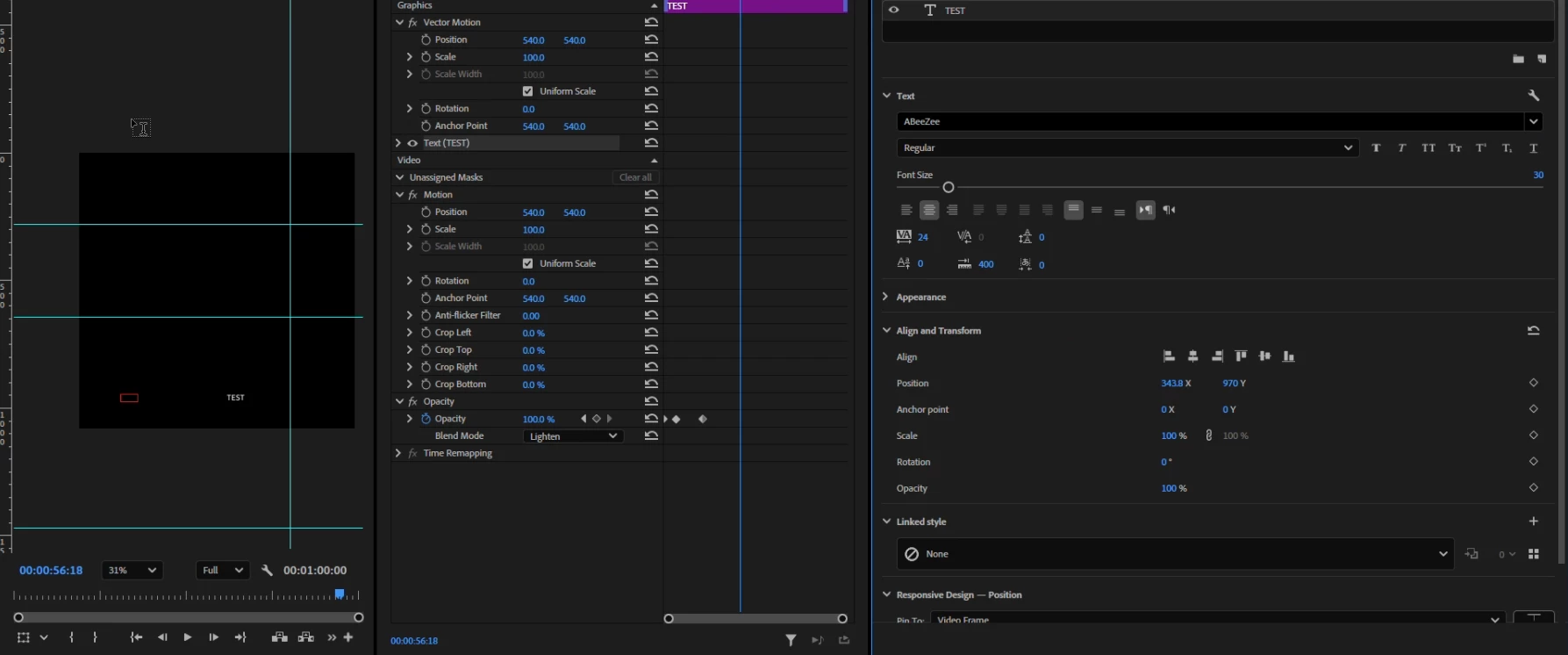
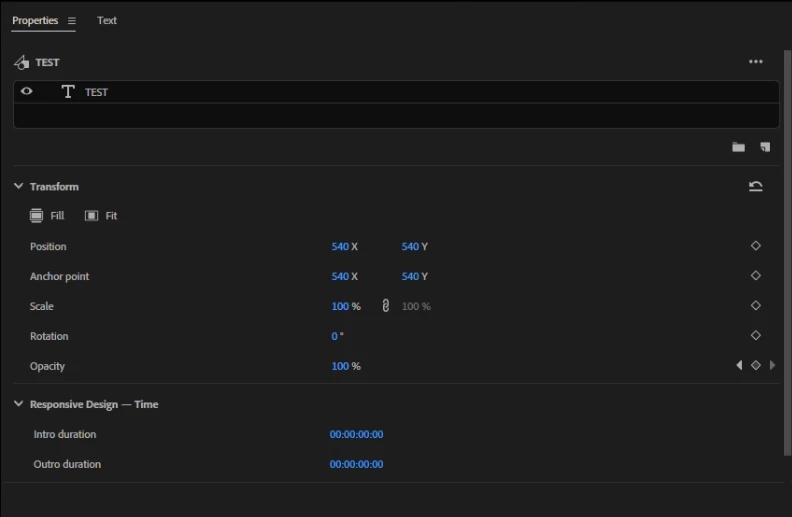
Here are the graphics properties:
And here are the same things for the original sequence in the original project:
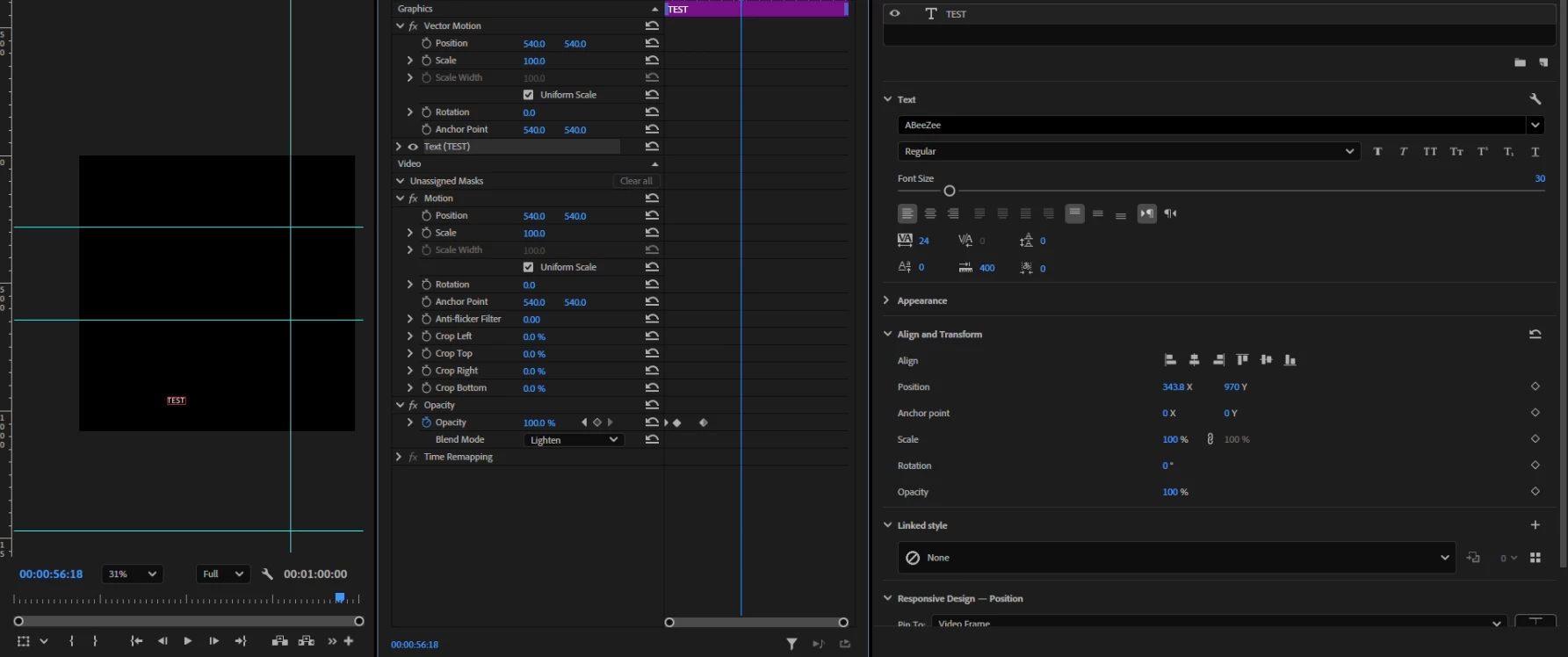
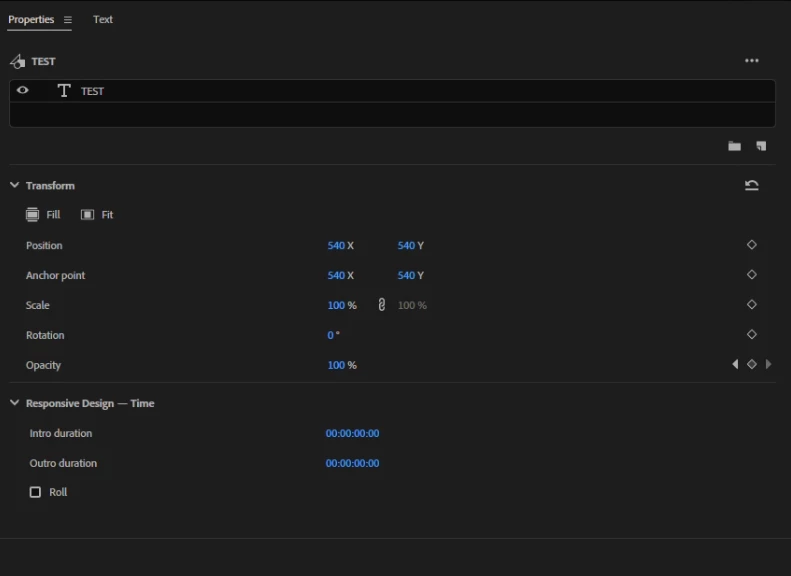
All of the position coordinates and other settings are exactly identical between the original sequence and the pasted one I provided pictures for. Even though they are the same, neither the box nor the text appears in the same spot as on the original sequence, it’s as if this sequence is using an entirely different coordinate system.
Interestingly, this doesn’t happen when pasting sequences one by one, only when bulk copy/pasting multiple sequences into another project.
Has anyone encountered this problem before ? Thanks !!
 AdChoices