Participant
December 12, 2024
Answered

The chopped part of the video is restored during time remapping

  • December 12, 2024
  • 1 reply
  • 315 views

Hi
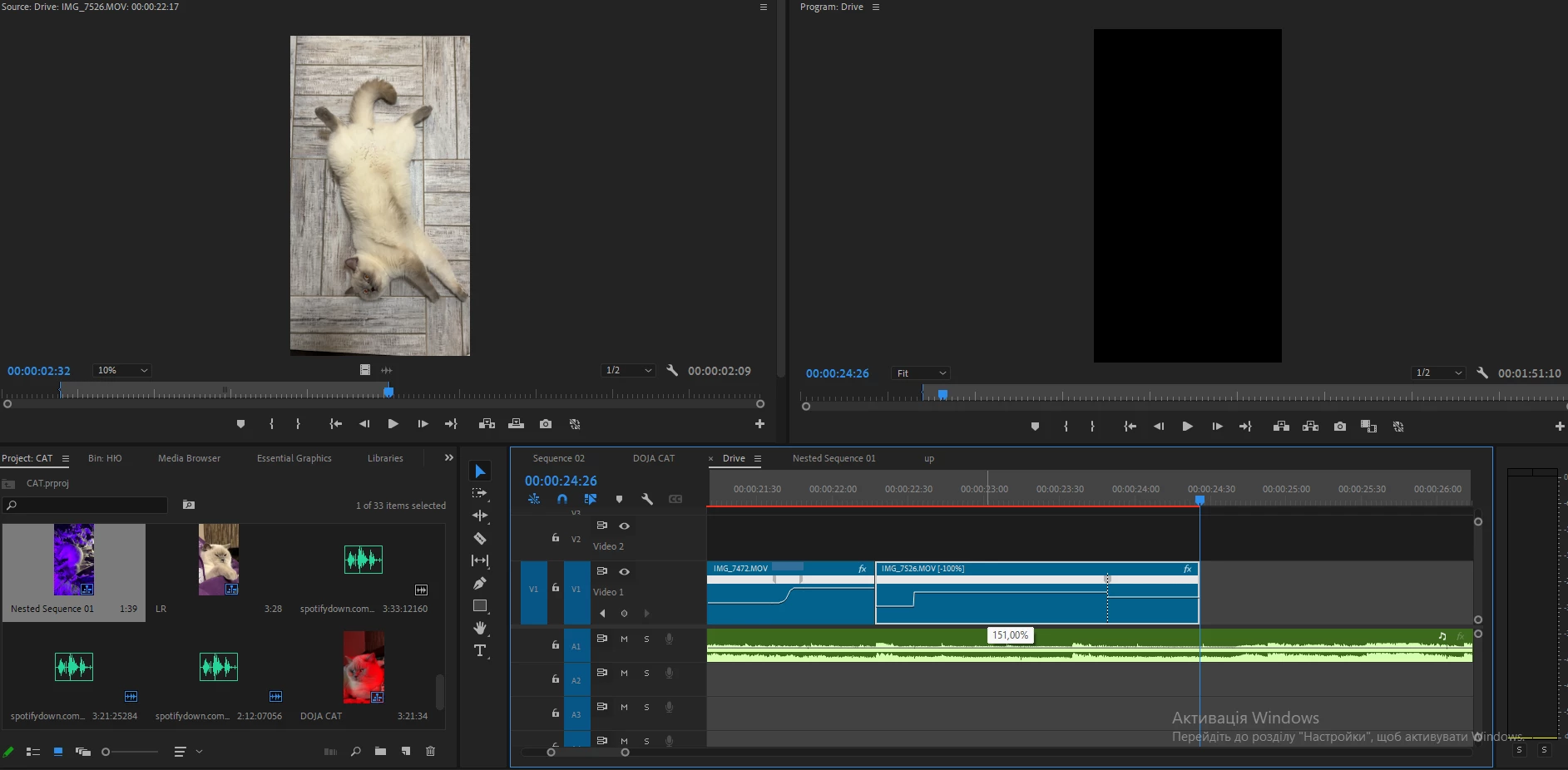
I wanna do some speed ramp and encounter this issue
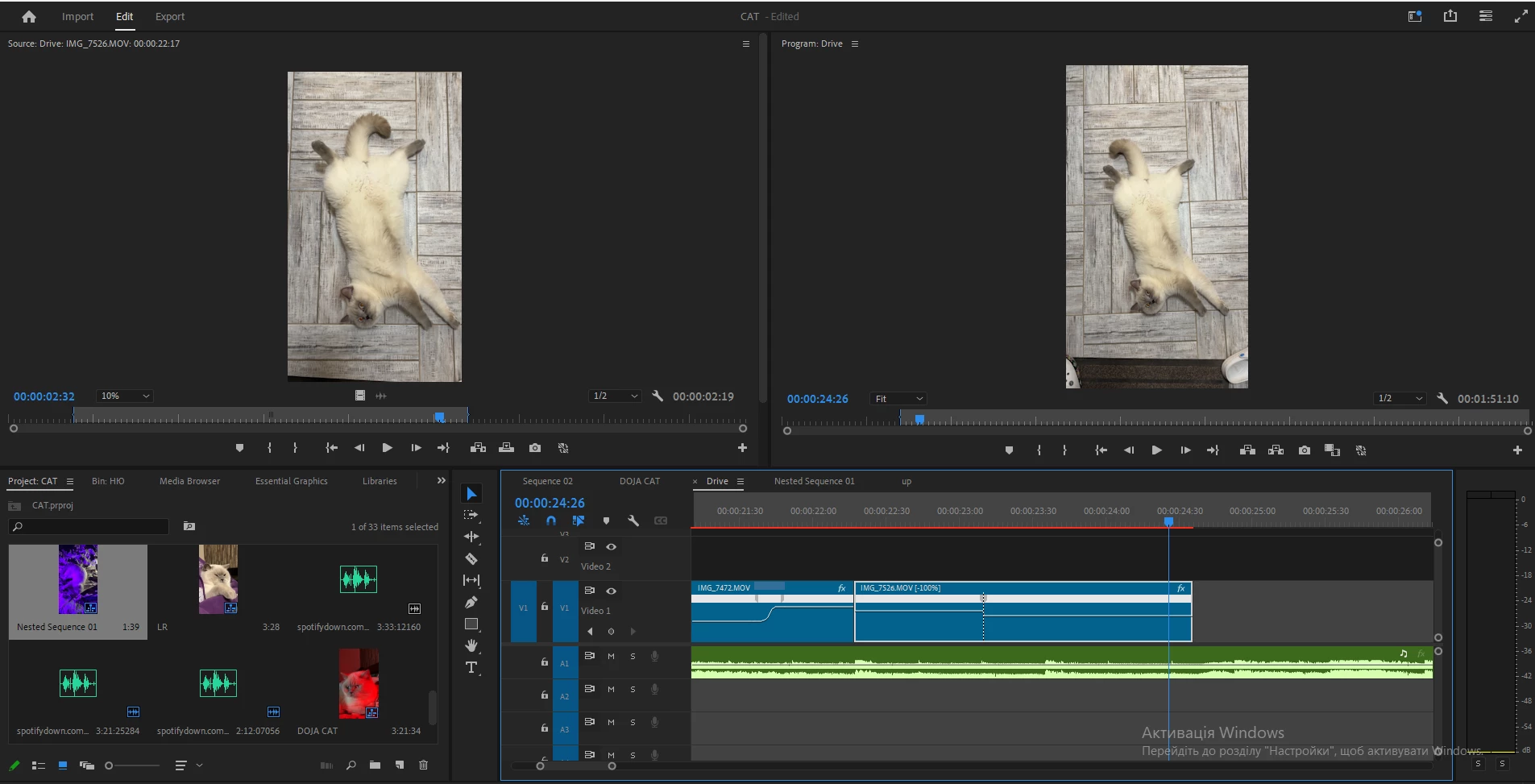
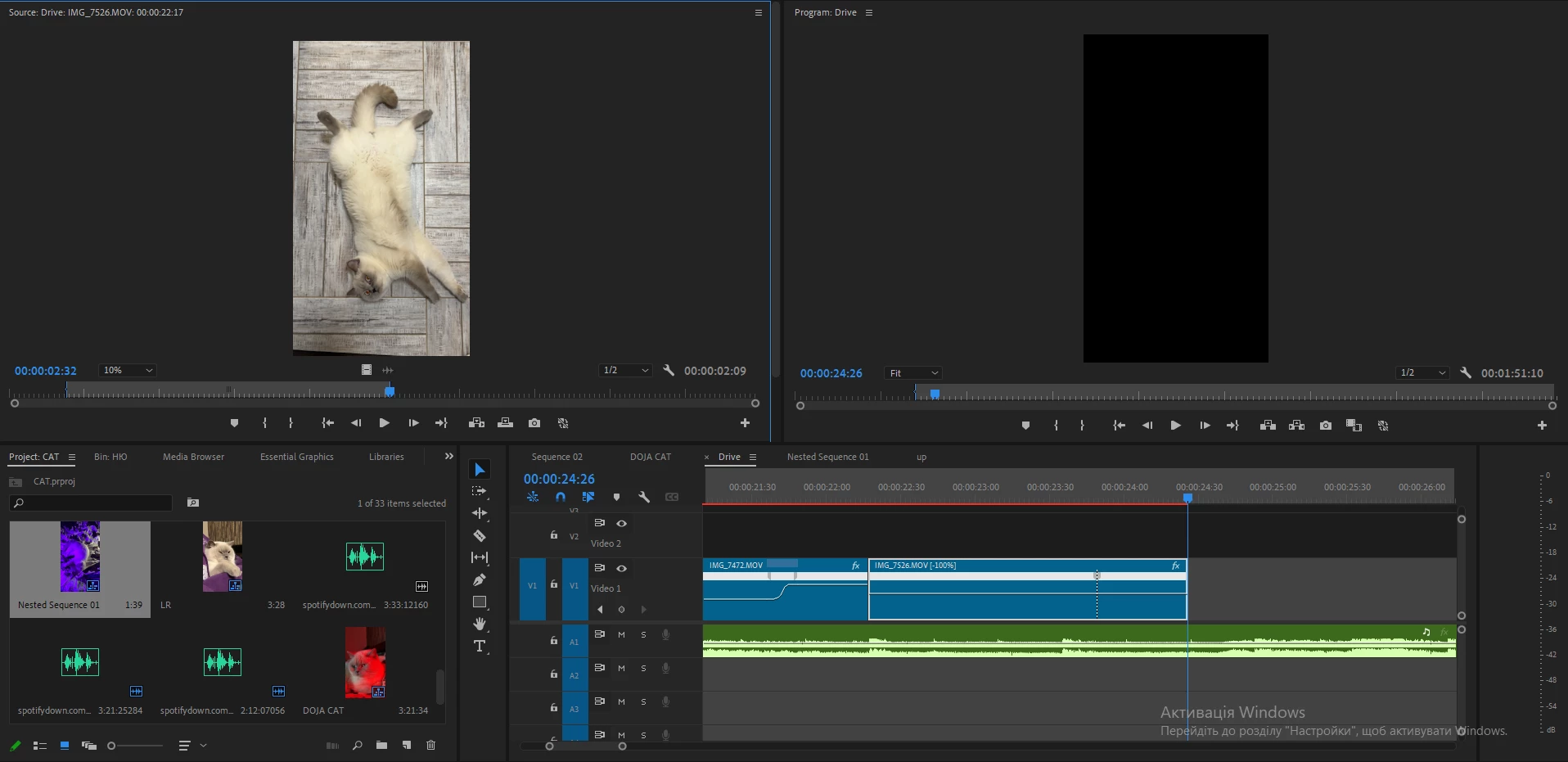
I drag the video to the timeline, use the razor tool to crop the unncesesary part of it, use Reverse Speed>Time Remaping>Put the keyframe on the timeline> speeding up(move upwards) the left part of the line>the deleted part of it restores.
So instead of getting shorter because of speeding up the video is becoming longer due to restoring the deleted part of it
Can anyone assist me with this please? 
 

This topic has been closed for replies.
Correct answer PaulMurphy

This happens because you're using both Time Remapping and Speed/Duration adjustments on the same clip.

To keep the clip duration locked in, you can try one of these methods:

  • Create a subclip: Open the clip in the Source Monitor, set your In and Out points, then go to Clip > Make Subclip.
  • Create a nested sequence: Select the clip on your timeline, then go to Clip > Nest.


Both options should prevent trimmed sections from reappearing during time remapping.

1 reply

PaulMurphyCommunity ExpertCorrect answer
Community Expert
December 12, 2024

This happens because you're using both Time Remapping and Speed/Duration adjustments on the same clip.

To keep the clip duration locked in, you can try one of these methods:

  • Create a subclip: Open the clip in the Source Monitor, set your In and Out points, then go to Clip > Make Subclip.
  • Create a nested sequence: Select the clip on your timeline, then go to Clip > Nest.


Both options should prevent trimmed sections from reappearing during time remapping.

NouslowAuthor
Participant
December 18, 2024

Thanks a lot, buddy. Now it works.
Appreciate your help!