
-20140211-LS5D3-7009-m_1.png)
Question
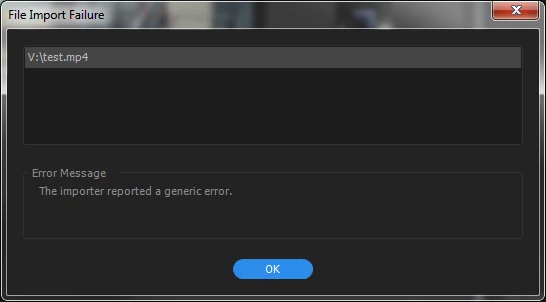
The importer generated a generic error
I have a video file, that I copied from a local television website to edit out the parts on my company to archive this for further reference. The file is a MP4 file. I can play the file using VLC or the windows media player, I can import other mp4 files, but I have no idea where to look for this error:
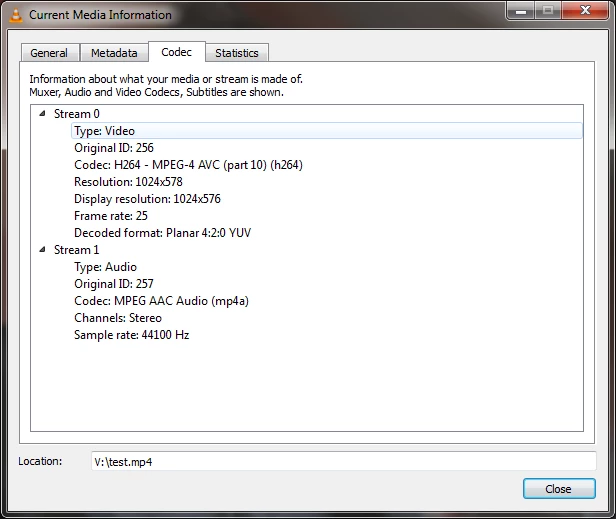
Information on the codec used:
My version of Premiere is: CC 2017 11.0.0 (154) on Windows 7.
I managed to save (convert) the file using VLC to a new MP4 (of lesser quality) and to import that piece into Premiere. So I have a work around, but this implies a new coding and therefore a (noticeable) loss of quality.
Message was edited by: L. S.
 AdChoices