



Doncaedit
Inspiring
September 21, 2026
Question

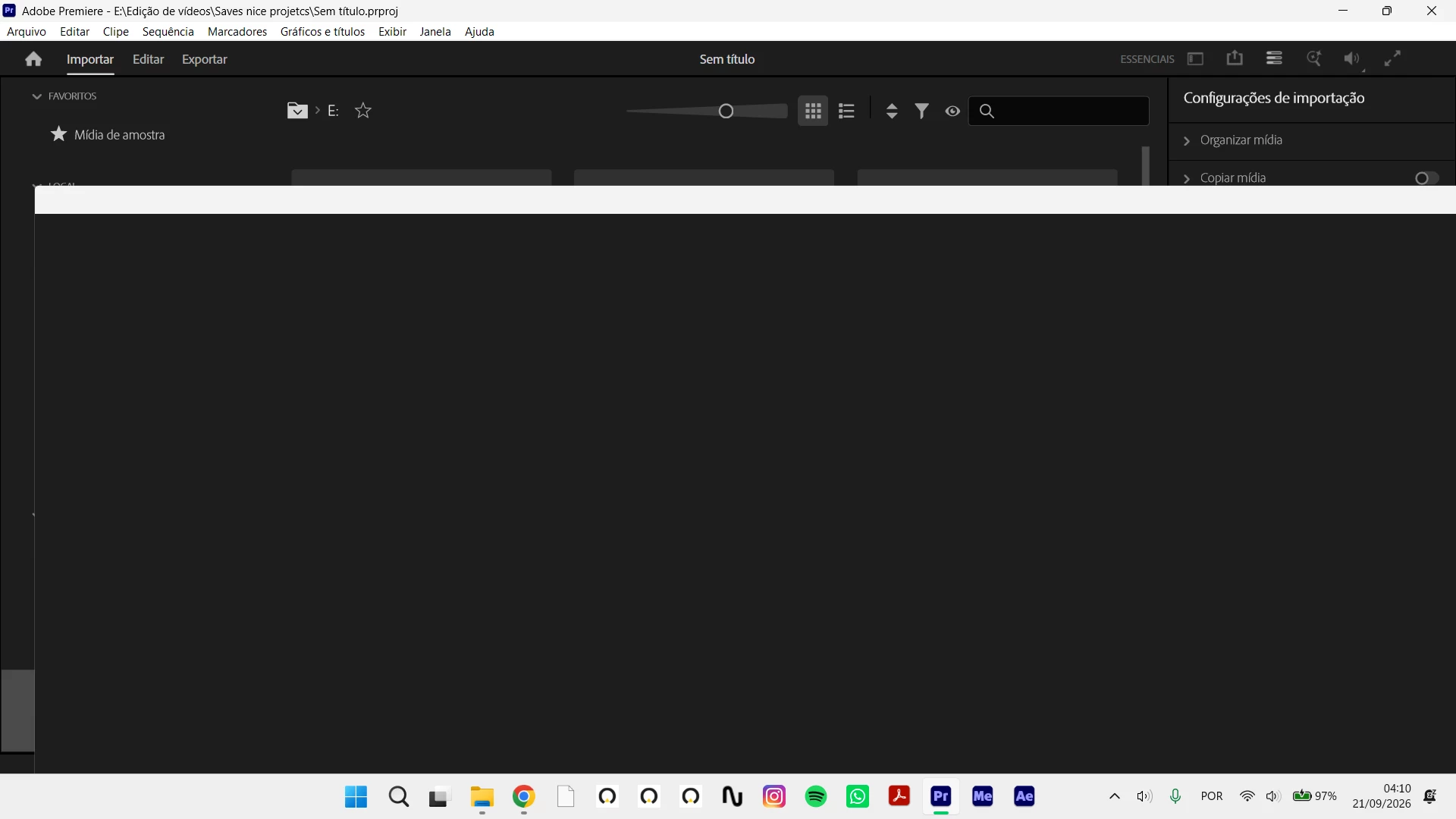
The Premiere Pro startup screen is black.

  • September 21, 2026
  • 2 replies
  • 13 views

Hi, I used CCleaner, and I think it deleted something it shouldn't have.

Now, this is what Premiere Pro looks like when I open it: the startup screen is black, and I can't access the section showing recently used files.

What can I do? I'm thinking about reinstalling Windows.

Thanks for your help.
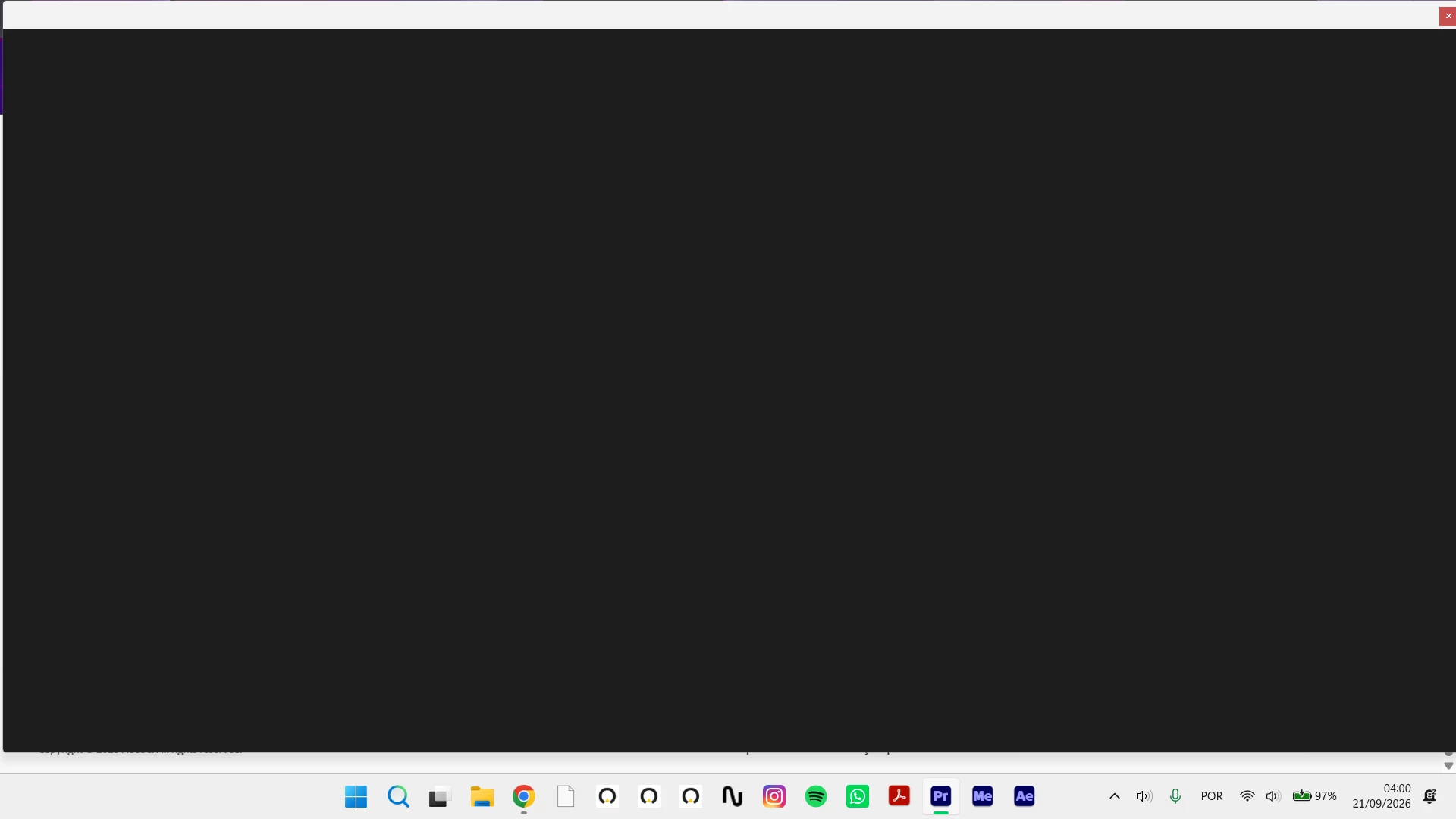
 

When I click the home icon to go to the main screen, the screen goes dark.

Please help.
 

    2 replies

    Peru Bob
    Community Expert
    Community Expert
    September 21, 2026

    Try updating or rolling back your graphics driver directly from the video card manufacturer’s site. If NVIDIA, do a clean installation of the latest Studio Driver (NOT the Game Driver).


    Averdahl
    Community Expert
    Community Expert
    September 21, 2026

    Have you tried to uninstall Premiere and the reinstalling it? I would start there before reinstalling Windows.