Answered
There is no audio while importing a video with audio to the Adobe Premiere Pro timeline.
Hi guys,
I'm sorry if I failed to find the solution. I also watched 40 YouTube videos about this, and they all say the same: please toggle on the "A1" on the timeline on the left. Or some say to highlight it. Or turn off both V1 and A1 and then the audio should appear when adding the video to the timeline.
But NO! All my hours wasted, no luck. I can't toggle the A1! I checked all the Audio Hardware settings, all of them, and still no luck. Please see the attached screenshots...
I have the subscription, just in case someone asks.
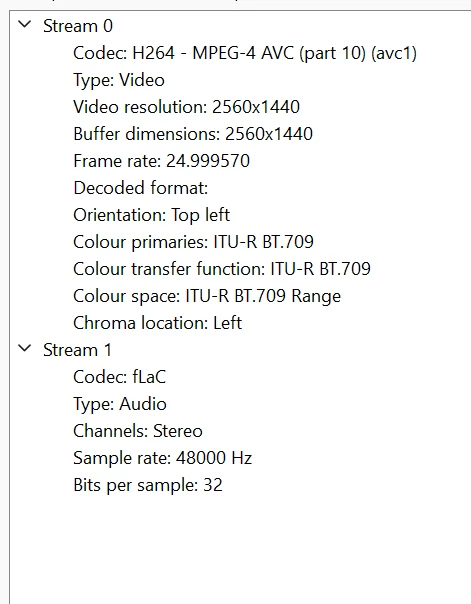
Can anyone help me how to fix this? Obviously, I checked the video file, and there is audio! I used different players, and the audio in this file is OK.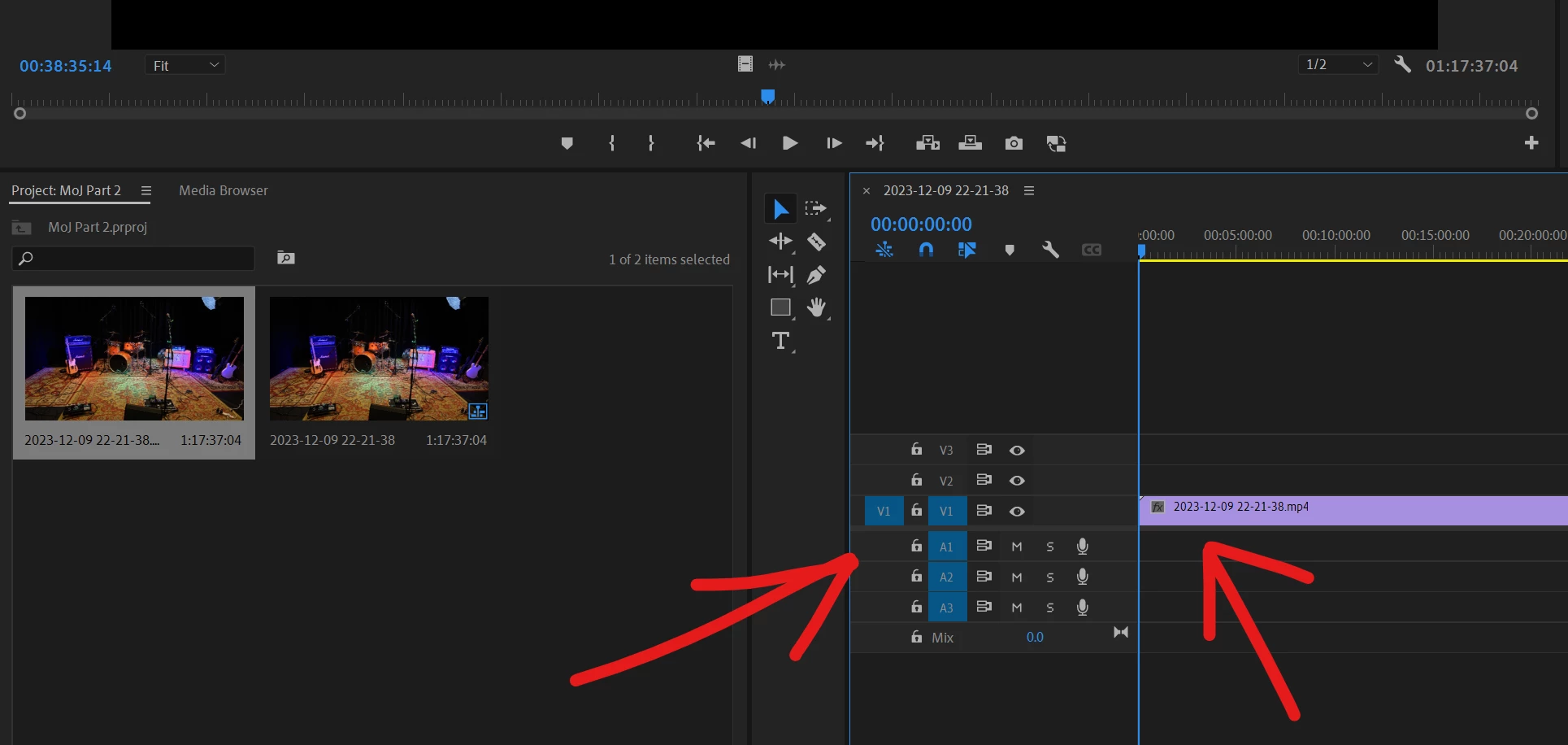

 AdChoices