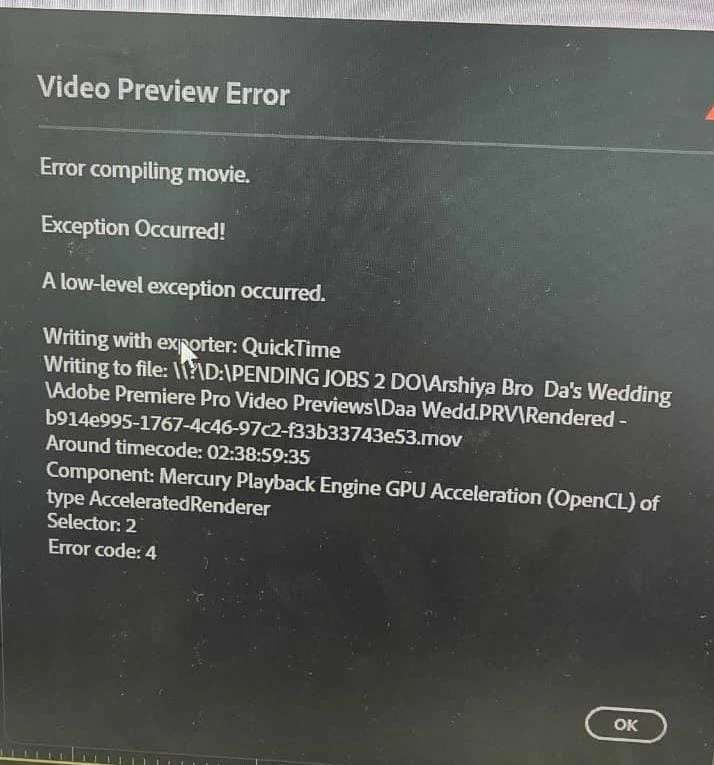
Go to that area of the sequence, and maybe rebuild it. Then try again.
Now ... that is a two and a half hour sequence it looks like ... Premiere does require 4-5 times the final file size in free space in order to do the export. Make sure the drive you are exporting to has enough room.
Also, your system specs are .... adequate ... but not high. If you have any Warp Stabilizer applied to any clips, for this huge a sequence export, do a Render & Replace of those clips to a solid intermediate codec like ProRes422, to burn in the stabilization to a new clip then do the export. It will save a ton of hardware troubles.
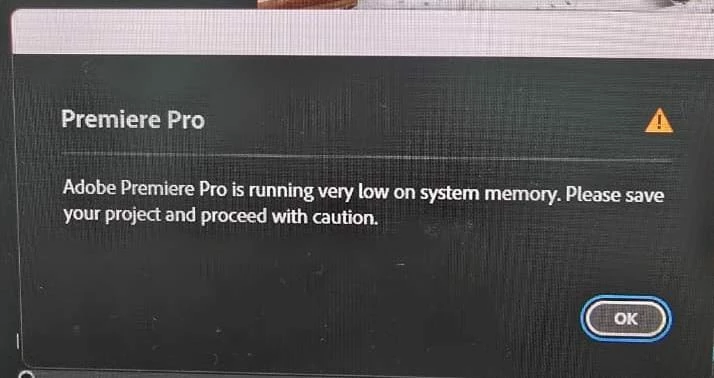



 AdChoices