
Known Participant
January 25, 2023
Question

Timecode format

  • January 25, 2023
  • 1 reply
  • 432 views

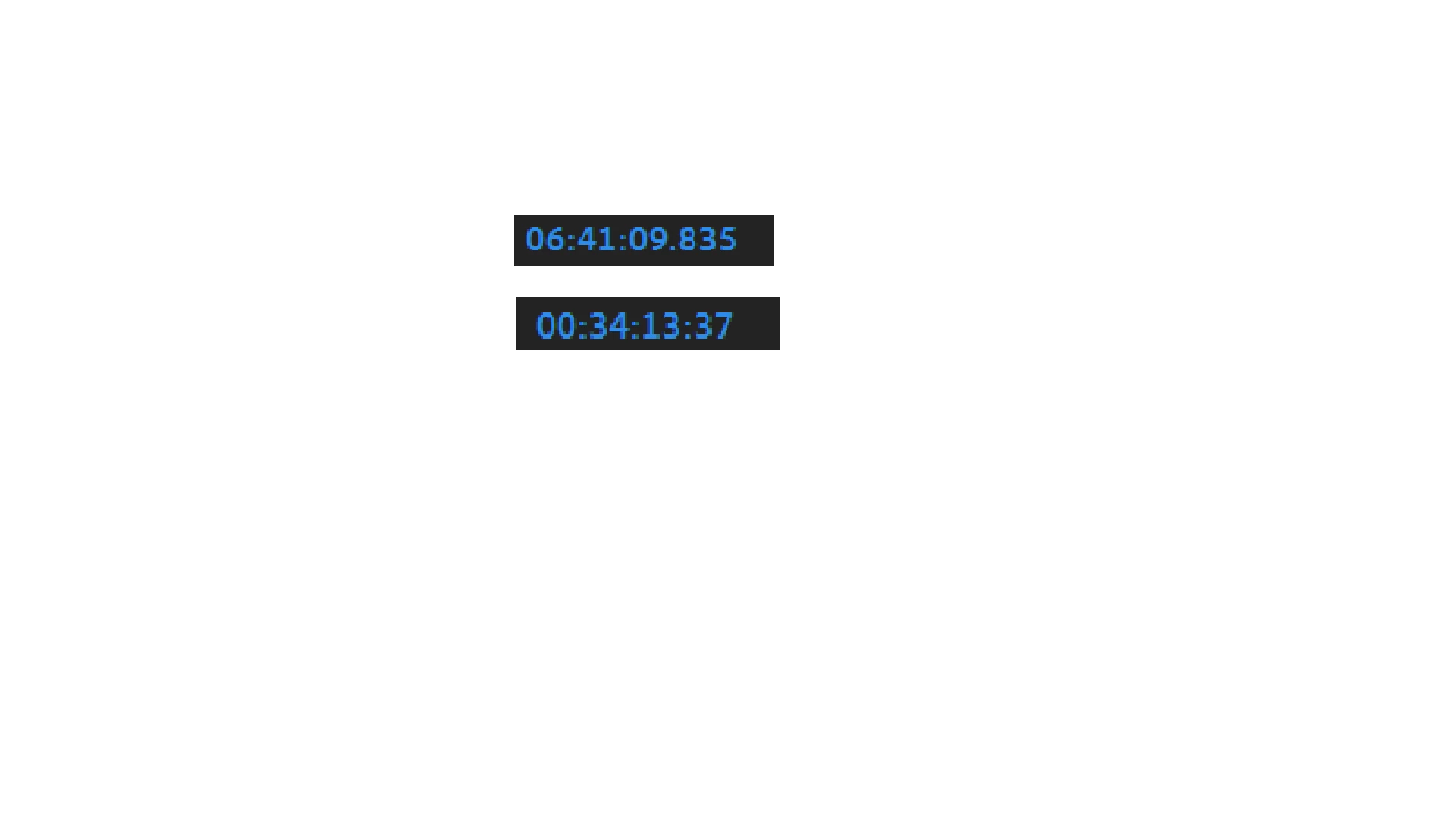
For some reason I don't know, my main project timecode all of a sudden went from 8 digits to 9, which makes quick editing really annoying for me. How do I change it back to 8 digits? The image shows what I mean, the top one being what I don't want, and the one under it being what I do want:
This topic has been closed for replies.

1 reply

Stan Jones
Community Expert
Community Expert
January 25, 2023

Oliver,


So you understand what is going on, first, right-click the timecode in the timeline. You have "milliseconds" selected. Or you could pick Audio Samples. You see this because you have accidentally set the time to "Audio" time  units.


To fix it, in the top of the timeline, left-click the hamburger menu (3 lines) for the sequence you have selected. Uncheck "Show Audio Time Units."


Easy to do accidentally; almost impossible to figure out what happened!


Stan


Known Participant
January 25, 2023

thank you very much, it worked. Is there a keyboard shortcut that I might have accidentally pressed that would have selected it? I'm sure I didn't select that option on purpose

Stan Jones
Community Expert
Community Expert
January 25, 2023

Oliver,


There is a shortcut available, but it is not assigned by default. So the most likely "accident" would involve clicking.


Stan