

Question
Timeline label colors shifted!
I have a very serious but at the same time funny problem on premiere pro. When I import my media files into a timeline, the labels for audio and video tracks are separate. Usually by default it should be Iris for videos with sound and Caribbean just for the audio files, right? Well check out the screenshot below. I have tried troubleshooting with the wrench tool (Display settings), restaring the software and the computer etc, but nothing helped. How can I fix this? I want the display to become default like how it should be.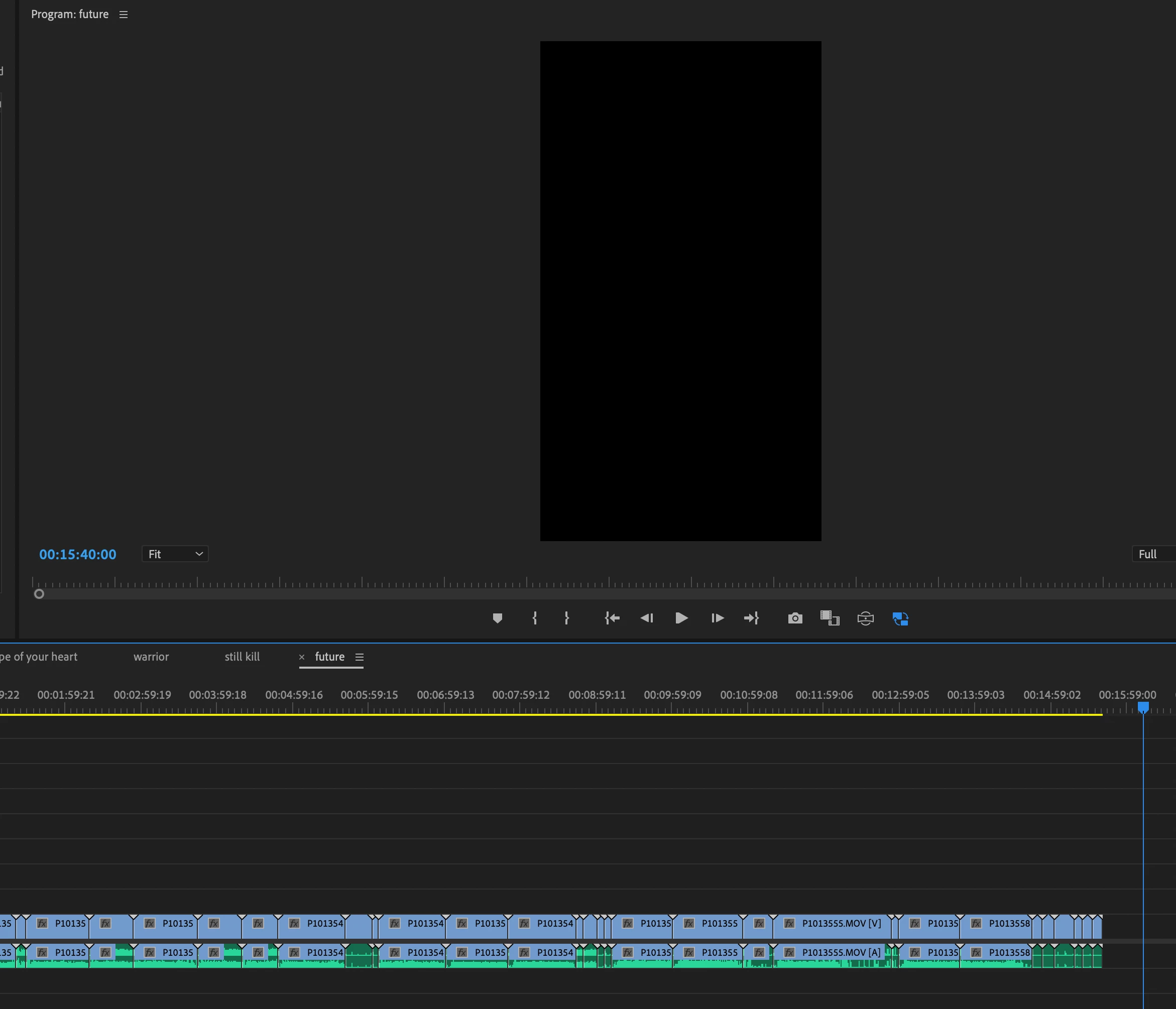


 AdChoices