
Answered
Timeline stops responding actively after dragging two video clips in
Whenever I drag more than one video file (mp4) into a project, or even create a project WITH more than one video file, the timeline stops responding like it should. It only updates whenever I move the scroll bar. It's specifically after I drag in a second video file when the timeline just stops working entirely. I've tried to force restart the app, create new projects, etc.
Any help with this? Or is it just a computer issue? My computer is rather low end, it's just a run of the mill laptop running windows 10, nothing special or anything. This is Premiere Pro 2024, if that matters.
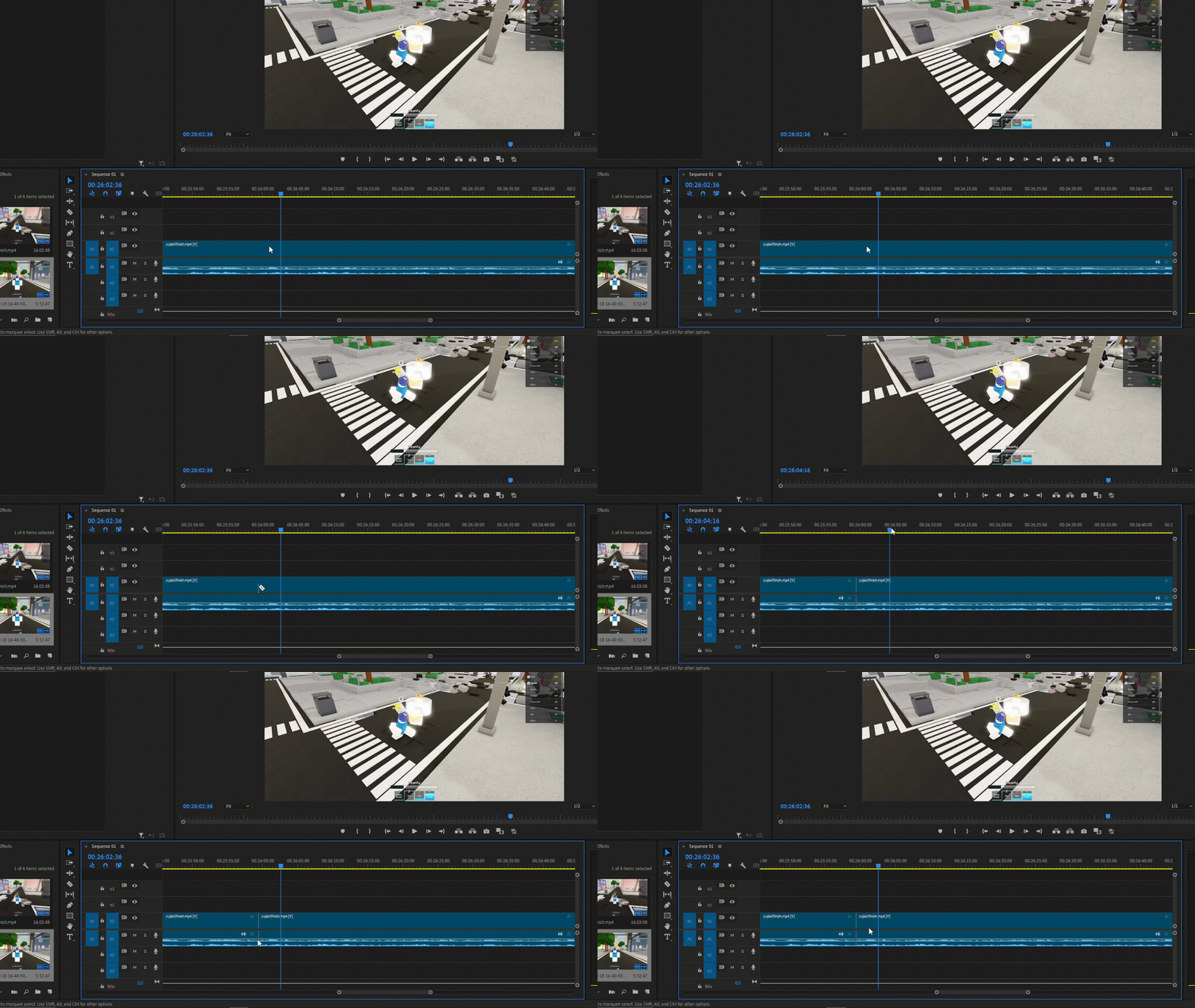
(Had to downgrade the footage to a .gif to be able to post this)


 AdChoices