
Question
Top of Window Off-Screen, Unable to Reposition (Mac, Multiple Monitors, Premiere Pro)
The application window of Premiere Pro is just over the screen edge that the traffic light buttons are gone from view and unable to be clicked.
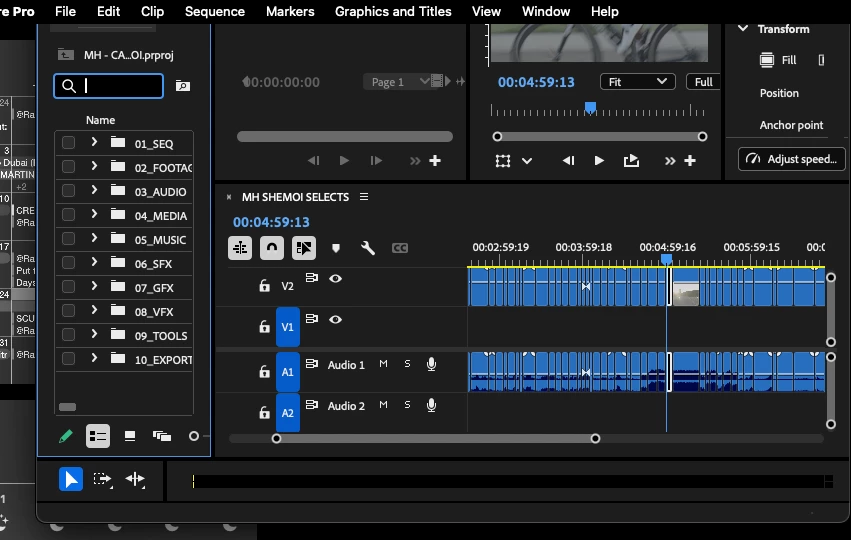
There is no possible way to make this app function at this time because of this limitation.
Most available apps have a settings dropdown in the Top Menu Bar -> Window -> Resize and Move, but Adobe products do not. Why?
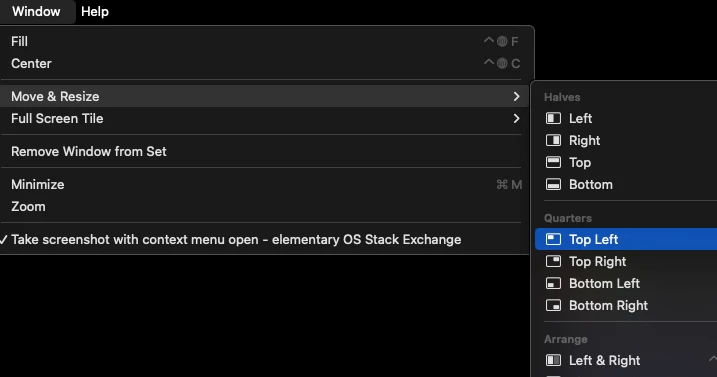 vs
vs
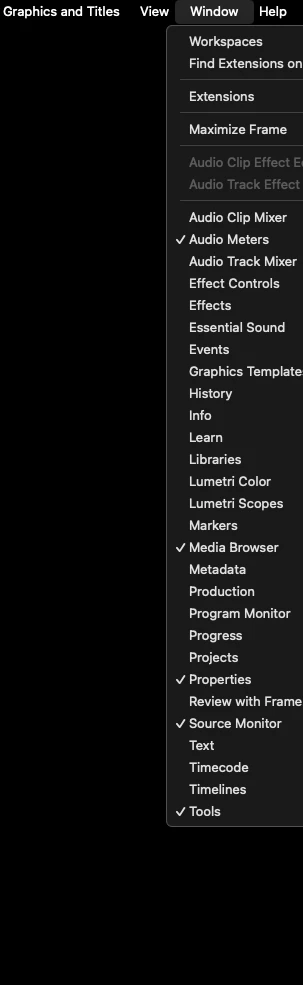
F3 does not work.
Resolution changes do not work.
Unplugging/turning off the 2nd display does not work.
What's the move?


 AdChoices