edit58989569
Inspiring
Jul 6, 2023 6:57 PM UTC
Question

Track, Matte, Key - Changing Graphic/Shape Position

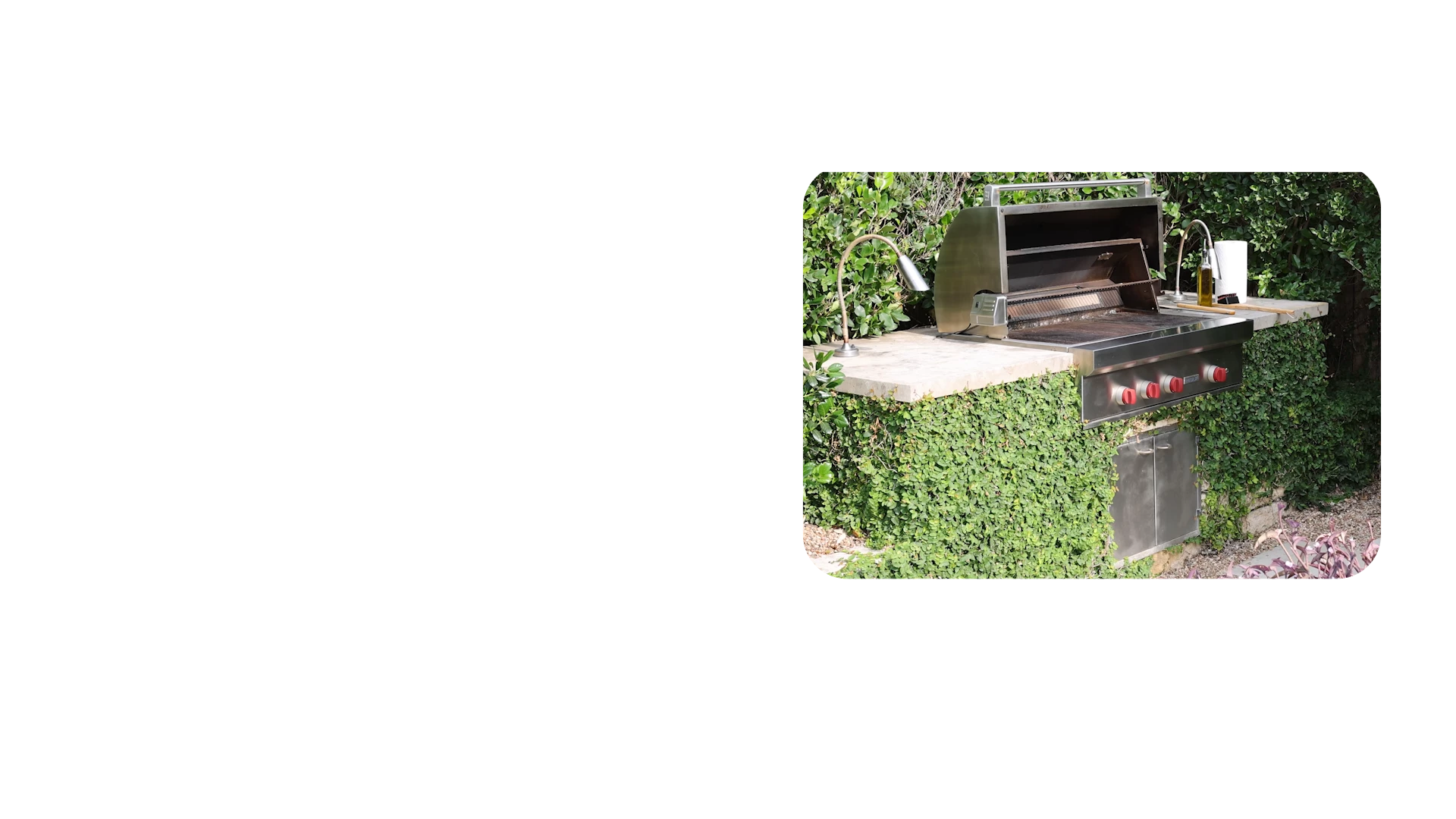
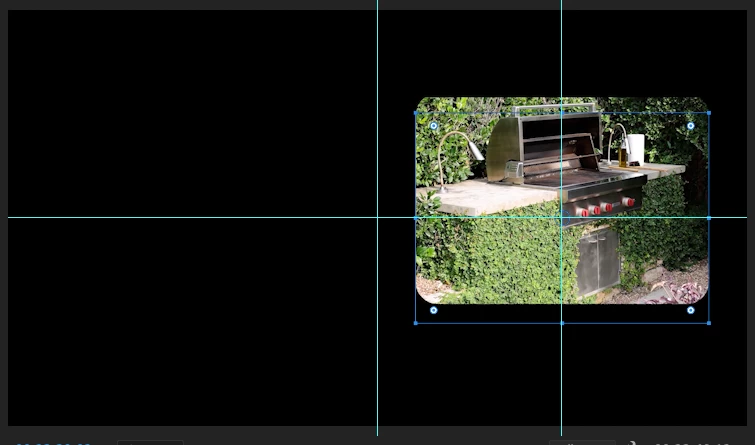
I created a shape/graphic and centered it. I nested my clip, then applied the track matte key to my clip with the shape/graphic layer as the matte. When the matte is applied, the image moves up and is no longer centered. How do I keep matte centered? 
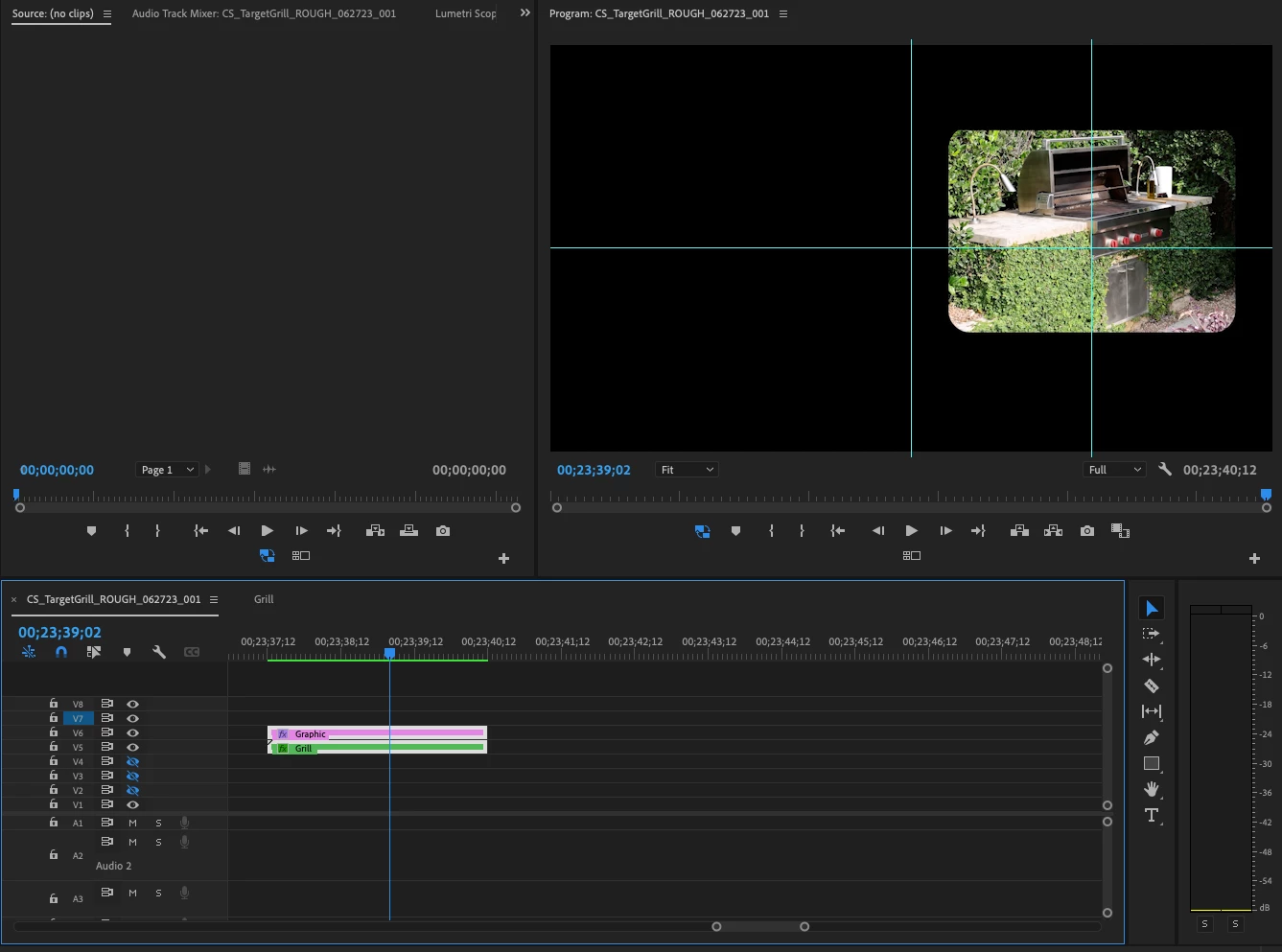


You can see the shape/graphic layer outline and the video above it here: 
 

This topic is closed to new replies. Start a new post to keep the conversation going.

14 replies

R Neil Haugen
Legend
Jul 9, 2023 7:06 PM UTC

As Ann's pic shows, and I mis-wrote ... sorry! ... you can use the clip in the graphic then mask with shape above the clip in the EGP layer stack.


Exactly as Ann's pic shows.


Neil

Translate
Everyone's mileage always varies ...
edit58989569
Inspiring
Jul 9, 2023 7:15 PM UTC

Ahhh I see. How do you get the clip in the essential graphics panel?

Translate
R Neil Haugen
Legend
Jul 9, 2023 7:27 PM UTC

At the lower right of the Layers part of the EGP is the "new item" icon.


From that you select text, shape, or importing images which can also be video clips.

Translate
Everyone's mileage always varies ...
Ann Bens
Community Expert
Community Expert
Jul 7, 2023 10:21 AM UTC

There is no information on sequence settings graphics settings!!

Your images are off centre to begin with (even the screenshots in the forum are off centre)

Open image in Ps and center.

make the bbq image without any background.

I hardly use track matte anymore instead I use the EGP.

Draw shape in EGP.

Add image.

Check mask with shape.

Both shape and image are independently keyframeable.


Translate
edit58989569
Inspiring
Jul 8, 2023 11:11 PM UTC

What did you mean by "There is no information on sequence settings graphics settings!!" @Ann Bens 


The image is meant to be centered on the right 50% of the screen. My issue was the shape/graphic was the postion upward even with the clip nested and then track/matte/key applied. 


How do you mask a video clip with a essential graphic/Shape layer? 

Translate
R Neil Haugen
Legend
Jul 8, 2023 11:19 PM UTC

Using the Graphics workspace, put a shape from the EGP Edit tab on the track above, position, and use "mask with shape".

Translate
Everyone's mileage always varies ...
edit58989569
Inspiring
Jul 6, 2023 10:26 PM UTC

@Ann Bens 

Translate