Micah Snacks
Inspiring
February 14, 2024
Answered

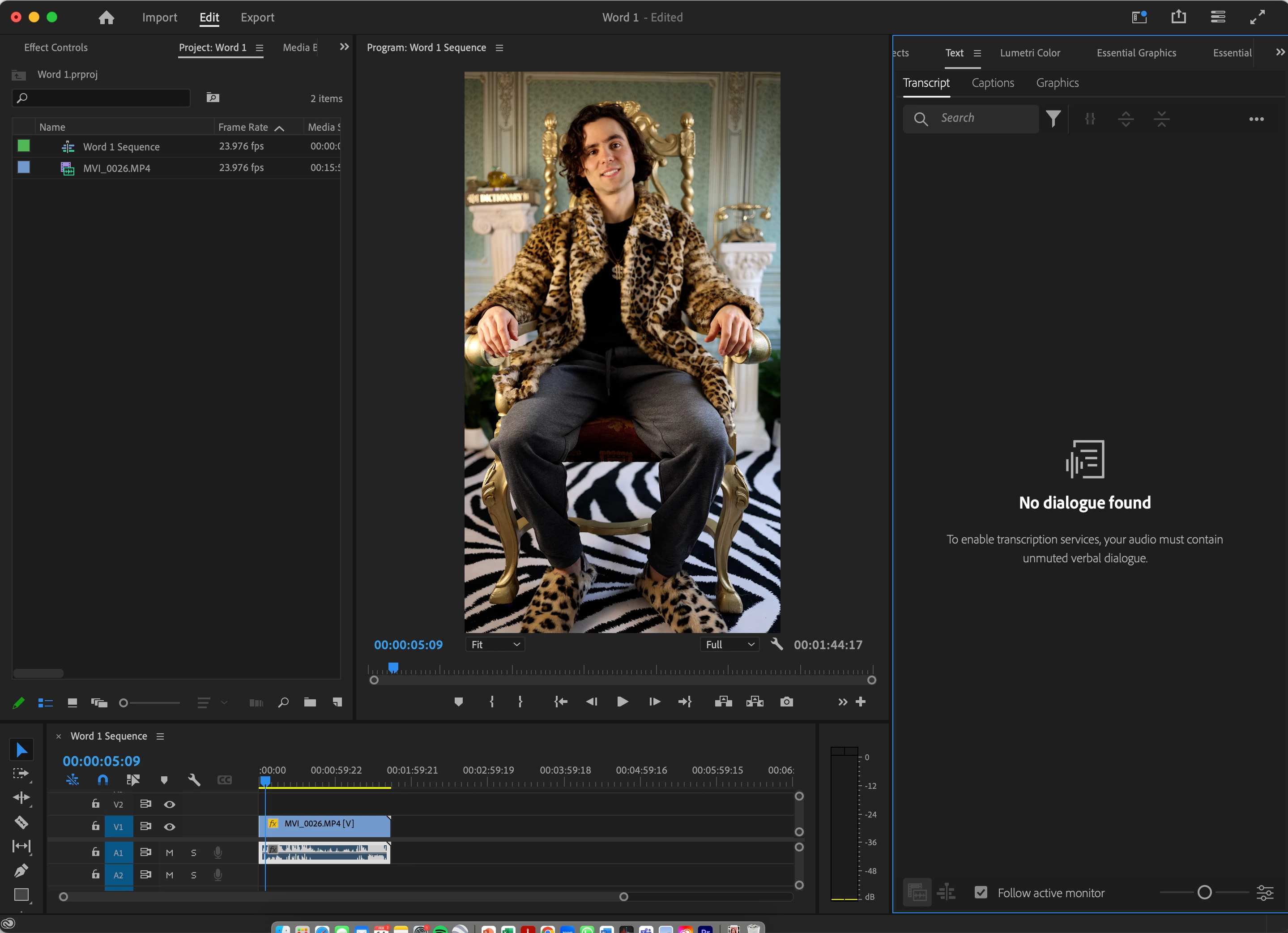
Transcript not working!! Keep getting "No dialogue found" message in the "Transcript" tab of Text

  • February 14, 2024
  • 12 replies
  • 5552 views
Please help 
 
 
To report a bug, please provide:
  1. Version of the app: Premiere 24.1.0
  2. Platform and OS version: Apple Ventura 13.6
  3. Basic steps to reproduce the problem: Adobe Premiere says "No dialogue found" for simple talking head shot and will not auto-transcribe
  4. Expected result and actual result: Expected auto-transcribe but get "No dialogue found" (see screenshot)

* Optional: Test file, screenshot, video or gif file capturing the issue
 

Correct answer Micah Snacks

Thanks so much. The workaround I am using as of an hour ago is converting the audio from stereo to mono. When I do this, there is no issue with auto-transcript. This workaround should be easier to find (I only found it by going deep into reddit and there was a single post which suggested this workaround), or better yet the underlying issue should be investigated and solved, as you suggested.


To answer your questions:


You have several empty subtitle tracks. Where did those come from? These are from trying transcription for other clips, I believe. I have tried many iterations of different clips from the shoot, a couple different Text settings, and a few older versions of Premiere. None of it worked.


The clip is called "copy," is it a subclip or created how? I made a copy in my file folder so that Premiere would try to transcribe again from scratch, rather than recognize the clip and just say No Diologue Found.

12 replies

Micah Snacks
Inspiring
February 15, 2024

Thanks so much for the suggestion however that did not work. I clicked on the program timeline and then clicked on "Transcribe sequence" but I am still seeing "No dialogue found" . . .  see screenshot below of highlighted program timeline before hitting" Transcribe sequence". Also tried "Generate static script" and again saw "No dialogue found" 


Any other ideas? I really do not want to switch to Final Cut Pro but I need auto-transcript.  


Stan Jones
Community Expert
Community Expert
February 15, 2024

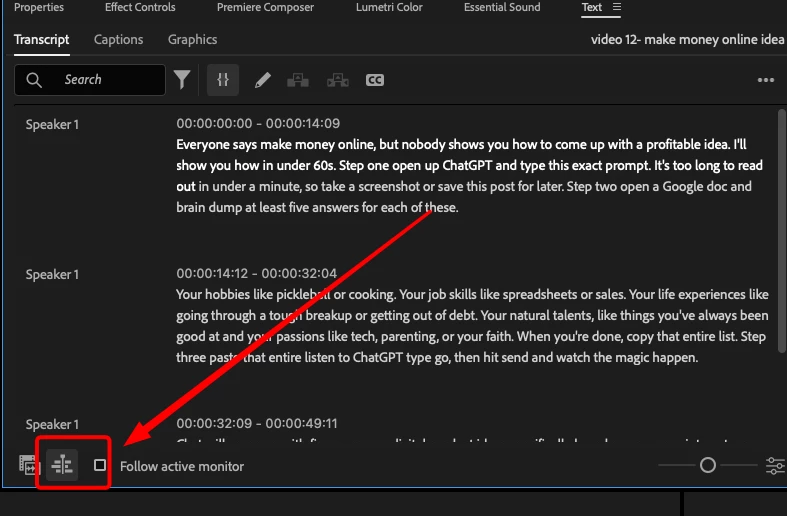
The Transcript tab, bottom left, shows that you are in Source view. Even though we see the Program Monitor/timeline, you must have clicked on an empty Source monitor panel before clicking in the text panel.


Just click in the program monitor/timeline and see if the transcript tab now shows correctly.


Stan


Participant
July 9, 2025

Thank you! This is the solution please highlight mods 🙂