satisfied_reporter6C15
Participant
May 20, 2022
Question

Transcription not working on Premiere Pro 22.4.0 (Build 57)?

  • May 20, 2022
  • 2 replies
  • 1654 views

Hey community


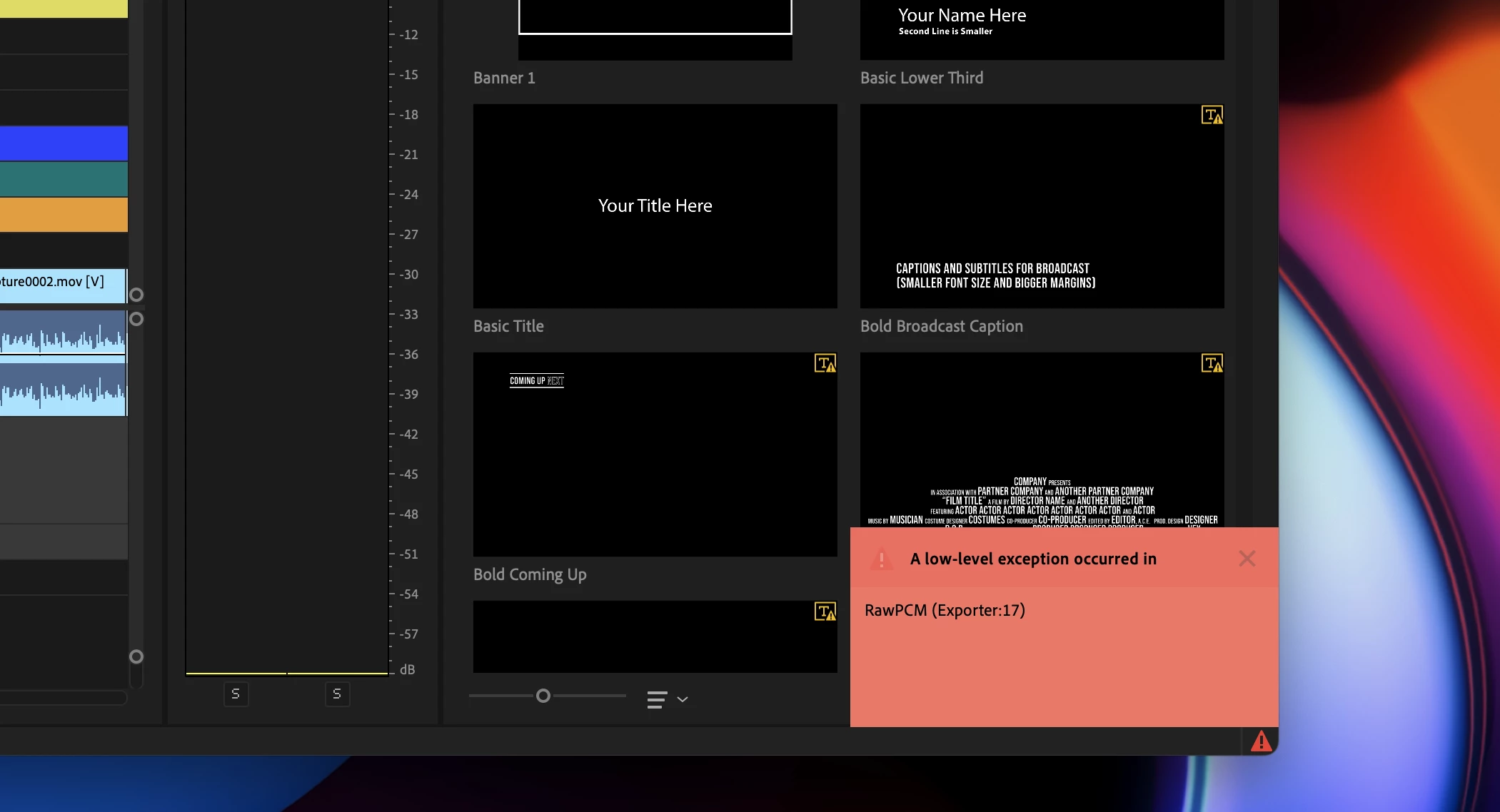
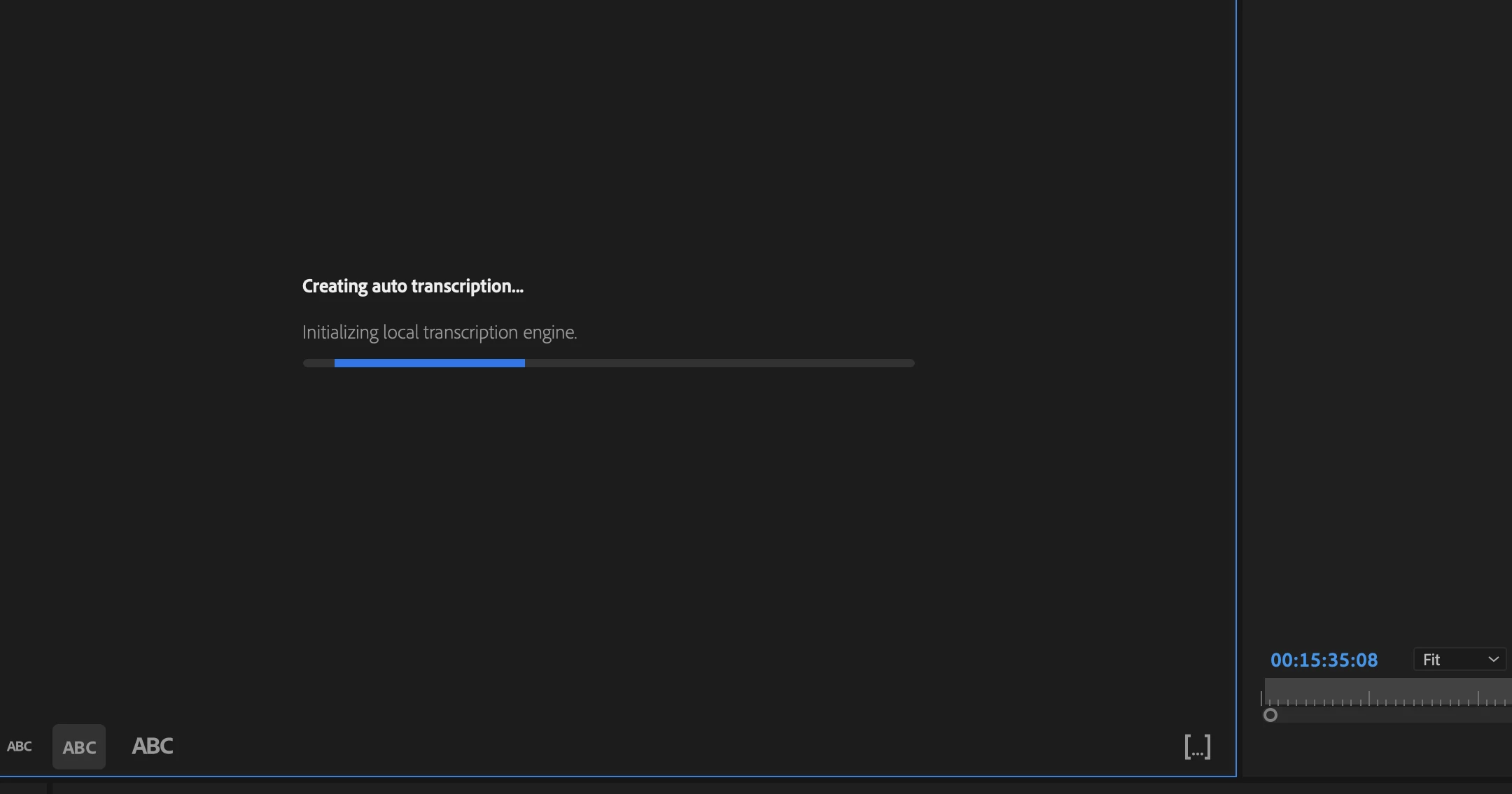
I'm running the latest version of PP (22.4.0/Build 57) on my shiny new M1 Mac Studio (OS Monterey 12.3.1 / M1 Max / 64GB RAM) and for some reason when I click on Create Transcription/Transcribe, PP attempts to 'Initialize Local Transcription Engine' but then freezes for a second and throws up a 'Low Level Exception' error in the bottom right hand corner of the screen (pics attached).


Any suggestions for a fix greatly appeciated to save me having to manually transcribe a fifteen minute video!


Cheers


Al


This topic has been closed for replies.

2 replies

Participant
March 3, 2023

I'm experiencing the same problem.

Premiere Version: 22.6.4 // on a Mac studio M1 Max. OS Ventura 13.2.1

I can recreate the error by adding a multiband compresser to the audio fx rack in the track mixer. Seems to be audio fx related on my end. As soon as I remove the FX, it works as expected.


Thankfully Adobe has updated this audio track panel so you can copy and past FX! That allowed me to copy my FX and apply them back seamlessly. It would be great if you could save entire colums of FX, but luckily one at a time was ok in this instance. 

Adobe Employee
May 20, 2022

Hi Al,


We're sorry about the poor experience. Is this happening with any specific sequence? Also, have you tried it on any small audio clip to test if it's working or giving the same error? We're here to help, just need more info.


Thanks,
Sumeet

satisfied_reporter6C15
Participant
May 20, 2022

Hello Sumeet many thanks for taking the time to reply.


I've actually managed to resolve the issue by creating a new sequence and transcribing the video in that which worked as it usually does.  Might it have been an issue working in a sequence created in a previous version of PP? 


Worth remembering in case anyone has a similar problem in the future.


Regards


Al

g7sharp9
Known Participant
June 20, 2022

I had the same exact problem. Created a new sequence, copied over everything, and now it works. It could very well be the old sequence with the new version. Also, this was an otherwise completed sequence so I had to make all my audio effect adjustments which was a little pain.


Thanks,

Will