
Answered
"Trim blocked on Video 1"
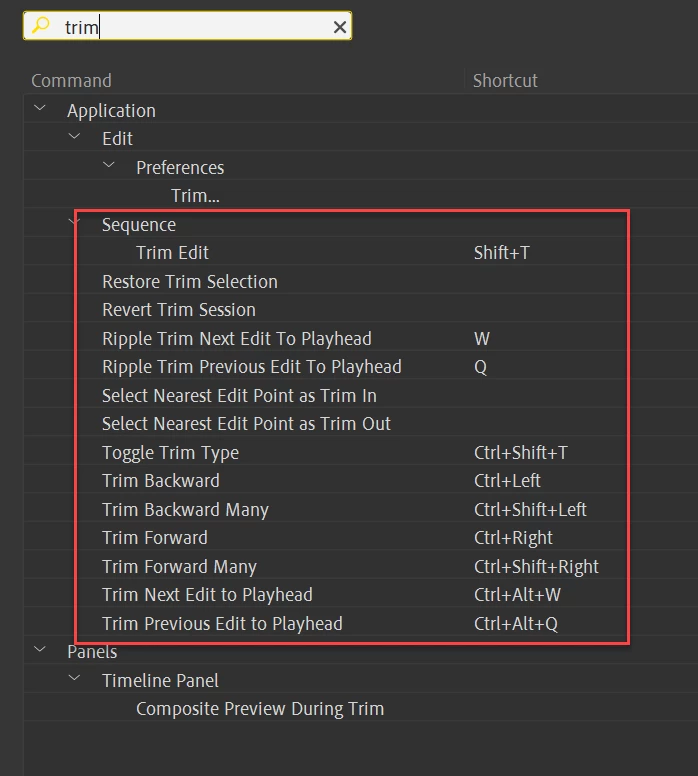
So the issue seems to be the default behaviour, when I can't move the edge of one clip on top of the next one, unless it's ripple edit tool or holding down Ctrl while trimming. So the question is, is there a way to set it so I can trim or extend the edge of one clip on top of another by default without the need of using ripple edit tool or modifier keys? Like, let's say we have 2 clips going one after another and I want to trim the end of the first one without rippling the following one, but when I want to extend it, it would move the following one further
 AdChoices